



A digitally signed adware tool has deployed payloads running with SYSTEM privileges that disabled antivirus protections on thousands of endpoints, some in the educational, utilities, government, and healthcare sectors.
In a single day, researchers observed more than 23,500 infected hosts in 124 countries trying to connect to the operator’s infrastructure, with hundreds of infected endpoints present in high-value networks.
More than just adware
Security researchers at managed security company Huntress discovered the campaign on March 22, when signed executables viewed as potentially unwanted programs (PUPs) triggered alerts in multiple managed environments.

PUPs, or adware, are regarded more as a nuissance than malicious, as their role is typically to generate revenue for the developer by showing advertisement pop-ups, banners, or through browser redirects.
Huntress researchers say that the software was signed by a company called Dragon Boss Solutions LLC, involved in “search monetization research” activity and promoting various tools (e.g., Chromstera Browser, Chromnius, WorldWideWeb, Web Genius, Artificius Browser) labeled as browsers but detected as PUPs by multiple security solutions.
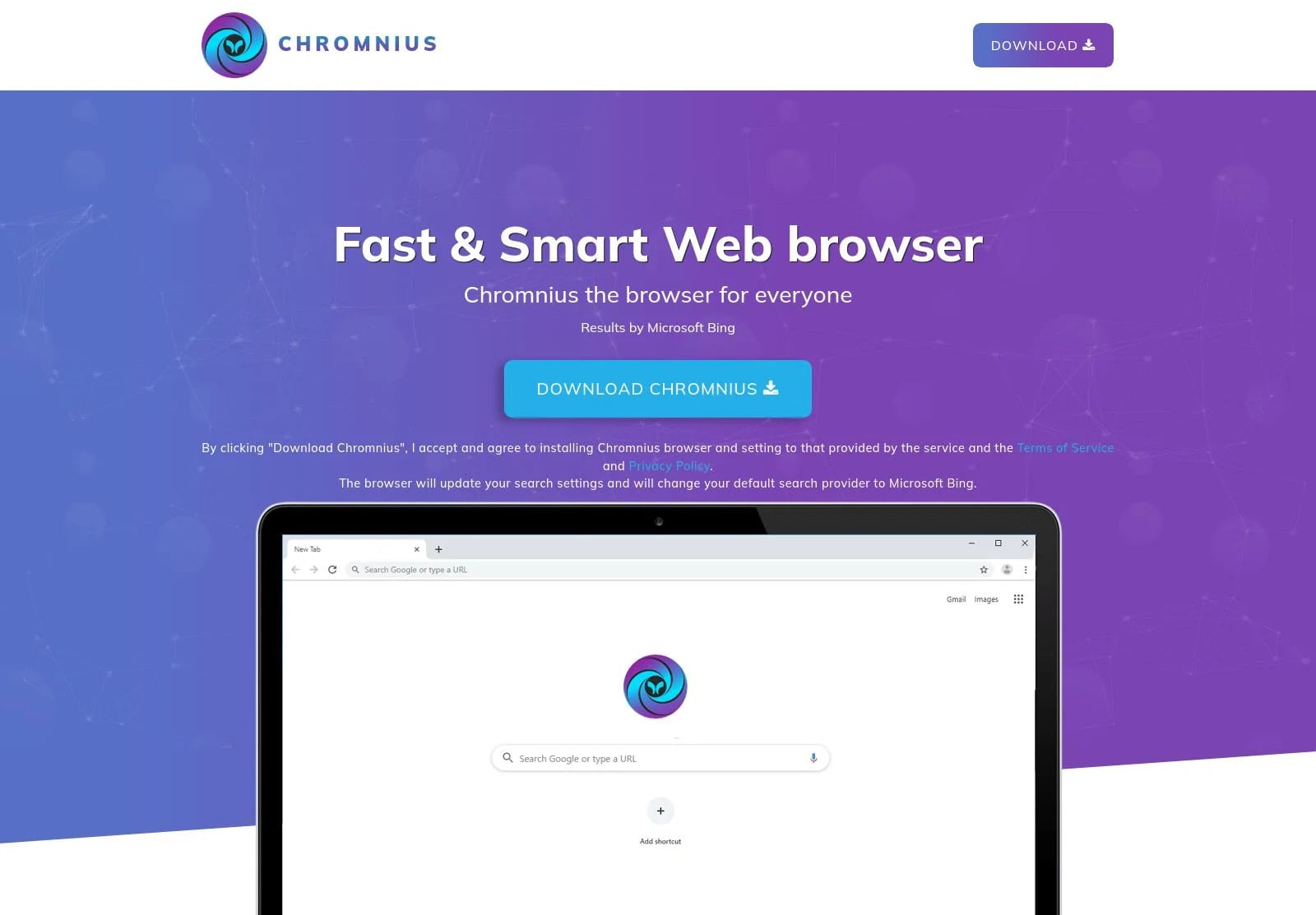
Source: Huntress
Beyond annoying users with ads and redirects, Huntress researchers say the browsers from Dragon Boss Solutions also feature an advanced update mechanism that deploys an antivirus killer.
Deactivating security
Huntress researchers discovered that the operation relied on the update mechanism from the commercial Advanced Installer authoring tool to deploy MSI and PowerShell payloads.
Analyzing the configuration file for the update process revealed several flags that made the operation completely silent and with no user interaction. It also installed the payloads with elevated privileges (SYSTEM), prevented users from disabling automatic updates, and checked frequently for new updates.
According to the researchers, the update process retrieves an MSI payload (Setup.msi) disguised as a GIF image, which is currently flagged as malicious on VirusTotal by only five security vendors.
The MSI payload includes several legitimate DLLs that Advanced Installer uses for specific tasks, such as executing PowerShell scripts, looking for specific software on the system, or other custom actions defined in a separate file named ‘!_StringData‘ that includes instructions for the installer.
Huntress says that before deploying the main payload, the MSI installer conducts reconnaissance by checking the admin status, detecting virtual machines, verifying internet connectivity, and querying the registry for installed antivirus (AV) products from Malwarebytes, Kaspersky, McAfee, and ESET.
The security products are disabled using a PowerShell script named ClockRemoval.ps1, which is placed in two locations. The researchers say that installers for the Opera, Chrome, Firefox, and Edge browsers are also targeted, likely to avoid potential interference with the adware’s browser hijacking.
.jpg)
Source: Huntress
The ClockRemoval.ps1 script also executes a routine when the system boots, at logon, and every 30 minutes, to make sure that AV products are no longer present on the system by stopping services, killing processes, deleting installation directories and registry entries, silently running vendors’ uninstallers, and forcefully deleting files when uninstallers fail.
It also ensures that the security products cannot be reinstalled or updated by blocking the vendor’s domains through modifying the hosts file and null-routing them (redirecting to 0.0.0.0).
During the analysis, Huntress found that the operator did not register the main update domain (chromsterabrowser[.]com) or the fallback one (worldwidewebframework3[.]com) used in the campaign, presenting them with the opportunity to sinkhole the connection from all infected hosts.
As such, they registered the main update domain and watched “tens of thousands of compromised endpoints reach out looking for instructions that, in the wrong hands, could have been anything.”
Based on the IP addresses, the researchers identified 324 infected hosts in high-value networks:
- 221 academic institutions in North America, Europe, and Asia
-
41 Operational Technology networks in the energy and transport sectors, and at critical infrastructure providers
-
35 municipal governments, state agencies, and public utilities
-
24 primary and secondary educational institutions
-
3 healthcare organizations (hospital systems and healthcare providers)
-
networks of multiple Fortune 500 companies
BleepingComputer tried to reach out to Dragon Boss Solutions but could not find contact infor as their site is no longer operational.
Huntress warns that, while the malicious tool currently uses an AV killer, the mechanism to introduce far more dangerous payloads onto infected systems is in place, and could be leveraged at any time to escalate the attacks.
Additionally, since the main update domain was not registered, anyone could claim it and push arbitrary payloads to thousands of already infected machines with no security solutions protecting them, and through an already established infrastructure.
Huntress recommends that system administrators look for WMI event subscriptions containing “MbRemoval” or “MbSetup,” scheduled tasks referencing “WMILoad” or “ClockRemoval,” and processes signed by Dragon Boss Solutions LLC.
Additionally, review the hosts file for entries blocking AV vendor domains and check Microsoft Defender exclusions for suspicious paths such as “DGoogle,” “EMicrosoft,” or “DDapps.”

Automated pentesting proves the path exists. BAS proves whether your controls stop it. Most teams run one without the other.
This whitepaper maps six validation surfaces, shows where coverage ends, and provides practitioners with three diagnostic questions for any tool evaluation.
