

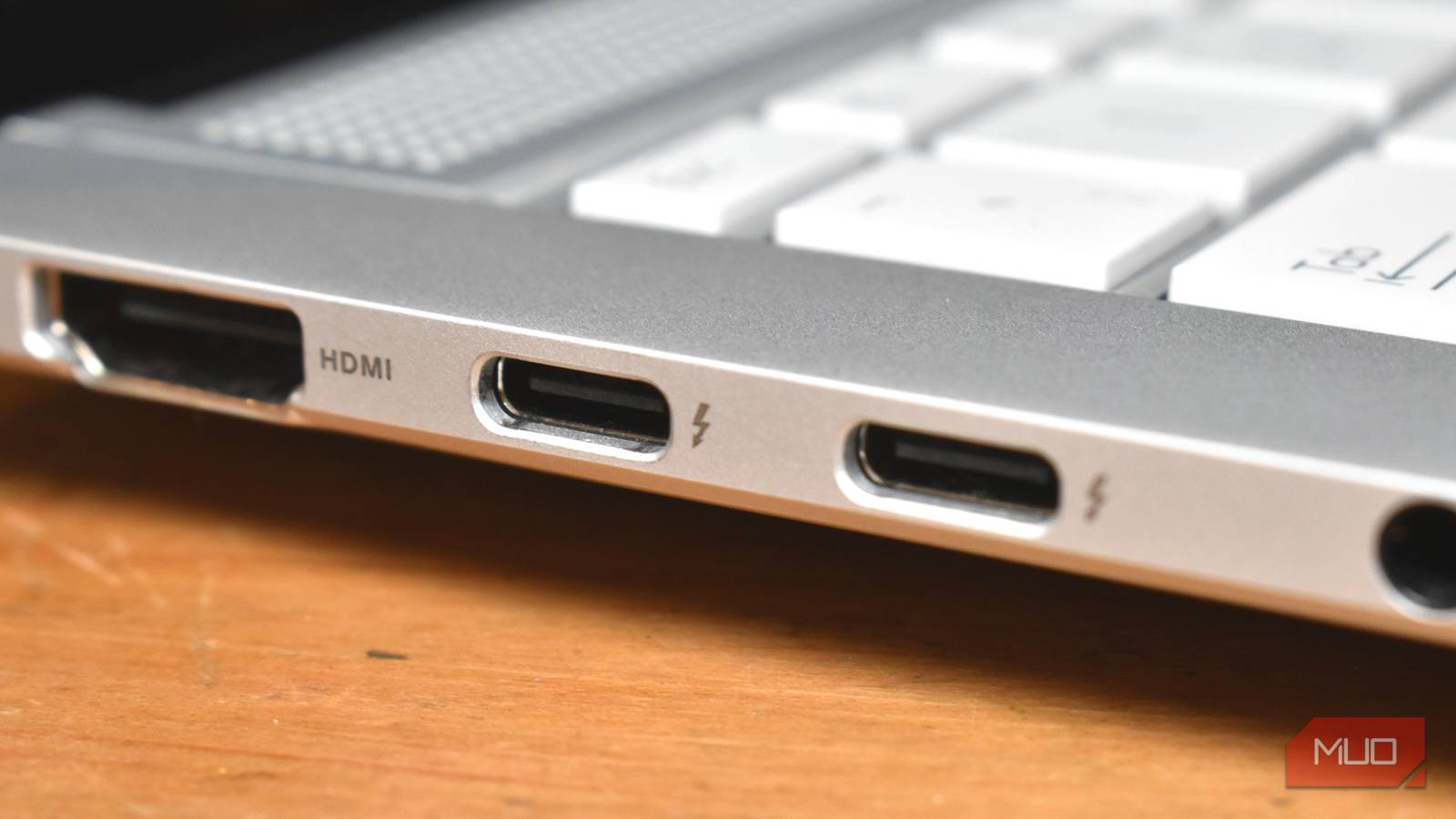
For the longest time, connecting a screen to a device has meant one thing: reaching for an HDMI cable. That familiar, trapezoidal connector has been the undisputed king of the living room and the office alike. It is simple, it carries audio and video, and it is everywhere.
But it won’t be long until the HDMI cable is gone, consigned to history like so many display cables before it. The process is already underway, if you hadn’t already spotted it. Many modern laptops don’t even include an HDMI port anymore, and monitors increasingly advertise USB-C instead of HDMI or DisplayPort.
The writing is on the wall for HDMI. Having a single cable that delivers data, power, and video is not just convenient; it’s what we’ve been waiting to use for decades.
DisplayPort Alt Mode is taking over
Why use a separate HDMI cable when you probably already carry a USB-C cable?
USB-C isn’t just about charging. These days, USB-C is used for just about everything because, at its core, the USB-C connector can be morphed into just about anything. One of those important USB-C features is DisplayPort Alt Mode, which enables a USB-C cable to carry a DisplayPort signal.
Basically, DisplayPort Alt Mode can use the USB-C cable’s high-speed lanes to provide video over the same cable. A USB-C cable has four “lanes” that provide high-speed data, and, depending on the cable, DisplayPort Alt Mode can use two or four. If all four lanes are dedicated to video, the connection behaves much like a standard DisplayPort cable, supporting high resolutions and refresh rates. If only two lanes are used, the remaining lanes are reserved for USB data, which reduces maximum display bandwidth.
This difference is why you see some USB-C monitors offering a maximum resolution and refresh rate of 4K 60Hz while others deliver 4K 144Hz. The host device is often a larger limitation than the cable or monitor, as the external display negotiates with the host for the correct display specs.
Either way, DisplayPort Alt Mode is one of the main reasons HDMI isn’t long for this world. One cable for every situation is the Holy Grail, and we can actually achieve it.

How USB-C reversibility actually works
Reversible doesn’t mean identical.
Thunderbolt 4 and 5 also have something to say
That lightning symbol on your laptop or PC is telling you so much

Now, further pushing HDMI to the edge is Thunderbolt 4 and 5. While a Thunderbolt port looks exactly the same as a USB-C port, Thunderbolt’s lightning symbol shows that the port is capable of much more. Furthermore, Thunderbolt is really important for one reason: it enforces minimum display standards. That’s a good part of what sets it apart from USB-C on its own.
|
Feature |
Thunderbolt 4 |
Thunderbolt 5 |
HDMI 2.1 |
|---|---|---|---|
|
Connector |
USB-C |
USB-C |
HDMI Type-A |
|
Max raw bandwidth |
40 Gbps (bidirectional) |
80 Gbps bidirectional / up to 120 Gbps one-way |
48 Gbps (fixed, one-way) |
|
Bandwidth allocation |
Fixed |
Dynamic (display-prioritised) |
Fixed |
|
Display transport |
DisplayPort 1.4 (tunneled) |
DisplayPort 2.1 (tunneled) |
Native HDMI 2.1 |
|
Typical max display support |
2× 4K @ 60Hz or 1× 8K @ 60Hz |
Multiple high-refresh 4K, 5K/6K, improved 8K |
4K @ 120Hz, 8K @ 60Hz |
|
Multi-monitor over one cable |
Yes |
Yes |
No |
|
Power delivery |
Yes (USB-PD) |
Yes (USB-PD) |
No |
|
Data + peripherals over same cable |
Yes |
Yes |
No |
|
External GPU support |
Yes |
Yes (higher headroom) |
No |
|
Cable intelligence (e-marker / active) |
Required at higher speeds |
Required |
Not required |
Thunderbolt 5 is the latest version, but Thunderbolt 4 is still very much relevant, albeit with slightly scaled-back specs.
Here’s the thing: Thunderbolt 4 is roughly on par with HDMI 2.1, the latest widely used HDMI standard. (More on HDMI 2.2 in a moment). But Thunderbolt 5 runs straight past it and into the distance.
But we could talk about the impressive specs of Thunderbolt 5 versus HDMI 2.1 all day, but that misses the point: as long as Thunderbolt continues to tunnel DisplayPort data, it’ll always have the upper hand over HDMI because it uses USB-C.
So, what about HDMI 2.2?
|
Feature |
Thunderbolt 5 |
HDMI 2.2 (proposed / next-gen) |
|---|---|---|
|
Connector |
USB-C |
HDMI Type-A |
|
Max bandwidth |
80 Gbps bidirectionalUp to 120 Gbps one-way (display-prioritised) |
~96 Gbps (expected, display-only) |
|
Bandwidth direction |
Dynamic, asymmetric |
Fixed, one-way |
|
Display transport |
DisplayPort 2.1 (tunneled) |
Native HDMI |
|
Target resolutions |
Multi-4K high refresh, 6K, 8K+ |
8K+ and future high-refresh formats |
Remember, it’s all about the connector, and USB-C has that locked down, but it’d be rude not to consider the HDMI 2.2 specs alongside the rest.
The key points are that HDMI 2.2 receives a huge bandwidth upgrade from HDMI 2.1, jumping to 96Gbps. It’s theoretically enough for 16K, but given barely anyone is using 8K, it’s an enormous stretch to think anyone will be using it (at least, certainly not consumers).
Another key consideration, though, is the timeline of HDMI launches and how that may come into play. HDMI 2.0, launched in 2013, is still found on some new devices, while HDMI 2.1, launched in 2017, is the go-to standard, even though HDMI 2.2 launched in 2025. HDMI standards last a long time.
Oh, and there is one more thing: to use HDMI 2.2, you’ll need to upgrade every cable you want to use with the new protocol. The new HDMI 2.2 cables are named Ultra96 HDMI (because they can handle 96Gbps), and are a requirement of any HDMI 2.2 device configuration.
Again, doesn’t USB-C just sound better by the minute?

Please stop using old HDMI cables
That old cable is limiting what you can do with your modern display.
Will USB-C actually fully replace HDMI and DisplayPort?
Mostly yes, but also some no
I know I’ve been slamming HDMI a little in this article and saying that it’s not long for this world, but the reality is that HDMI will be around for a long time. That’s because while USB-C is replacing HDMI, there are still heaps of applications where HDMI is the de facto standard, such as home theaters and so on.
However, for laptops, monitors, docking stations, smartphones, and more, USB-C is already the default. Many folks now go years without touching a traditional video cable, and while HDMI and DisplayPort exist, the universality of USB-C makes them feel like background noise rather than a connector you use daily.
In that, the next time you head out to buy a new video cable, you might just come back with a USB-C that does the job better instead.
