

I don’t use Gemini AI assistant as much as I use NotebookLM. I never tracked my AI usage, but if I did, NotebookLM would certainly top the list, with Gemini and ChatGPT acquiring distant second and third positions, respectively.
I use NotebookLM for a variety of purposes, from learning to watching phone reviews. Of all these, I use NotebookLM’s Gemini AI models the most for learning.
It’s no surprise that it behaves like a learning tool since Google officially calls it a “virtual research assistant.” In reality, NotebookLM does way more than help you with research.
I often use it as a podcast app. The Audio Overviews feature works so well that it’s difficult to tell that the entire podcast is generated by AI. This isn’t even the most interesting part.
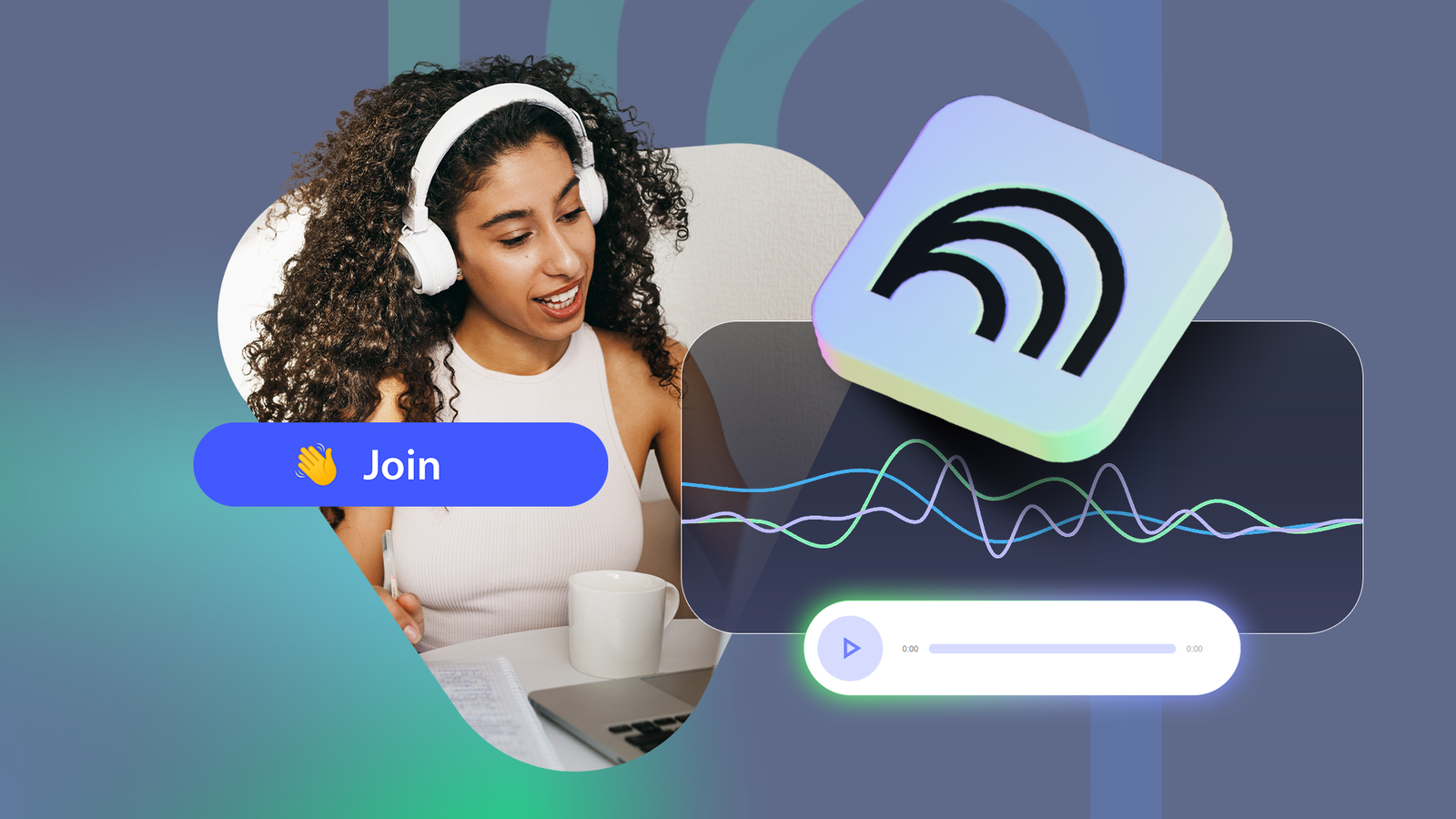
What truly stands out in Audio Overview in NotebookLM is its Interactive Audio feature, which makes it feel like you are joining a real podcast and can steer topics in real time.
For learners like me, it makes me feel like I have a private tutor.

I can’t stop thinking about how much easier college would’ve been with NotebookLM
NotebookLM is the best study partner you could have
What’s NotebookLM’s Interactive Audio?

Interactive Audio is part of Audio Overviews in NotebookLM and is available only after the audio generation is complete.
After the audio is generated based on the sources you added to NotebookLM, you’ll see a play button and a waving hand icon. Click or tap the waving hand option to enter Interactive mode in NotebookLM.
This will start playing the podcast-style audio it generated, with an option to join the conversation and ask AI hosts more questions or explain a concept more deeply.
It will listen to you attentively and respond directly by pulling information from the sources you added. NotebookLM’s Interaction audio is available both on the web and mobile.
The feature makes more sense on mobile devices than on desktops, simply because all mobile phones have microphones, unlike PCs.
I recently turned YouTube videos on house painting planning into an audio podcast using NotebookLM. I joined the conversation several times to ask questions, and it blew my mind.
It actually felt like I was heard and taken seriously.
NotebookLM’s Interactive Audio feels like a tutor who doesn’t judge you


There is a famous saying that no question is stupid, but I’m sure many of us are already familiar with how tutors sometimes react when we ask one.
Don’t get me wrong. This is in no way a dig at teachers, who are human beings with imperfections and emotions. AI models also have flaws, but no emotion. This works in NotebookLM’s favor.
No matter how stupid your question is, you’ll never hear a taunt from the hosts. I haven’t heard a single one despite intentionally asking multiple “stupid questions” to check how it responds.
It just goes to show that NotebookLM’s Interactive Audio is for everyone.
It’s equally useful for anyone who wants to ask what they may label as “thoughtful questions” to better understand something complex.
While listening to NotebookLM’s audio podcast on planning house painting, one of the AI hosts explained how room size and exposure to sunlight play a decisive role in deciding which color option to avoid for painting interior walls.
I was well aware of the science behind it that the hosts were explaining, but I had never looked at house painting through that lens.
I was so immersed in the audio that I didn’t miss the opportunity to ask the hosts to define what size qualifies as a small room.
It answered the question, which I double-checked with Google Search, and seamlessly switched to the main discussion.
The transition was so good that I didn’t even realize that it had happened. It felt like I was talking to professional podcasters with incredible teaching skills.
Interactive Audio isn’t perfect, but I’ll keep using it
It’s difficult to choose one feature as my favorite in NotebookLM, but the Interactive Audio capability is a serious contender. That’s not to say that it’s perfect — far from it.
I particularly don’t like how Interactive Audio is a “mode” that you need to enter before NotebookLM plays the audio.
So, if you click or tap the play button in the AI-generated audio, you won’t be able to ask any questions.
You’ll have to go back, click the waving hand button, wait for 5 to 10 seconds for the audio to play, go to the timestamp that discusses the topic, and then ask the question.
I also don’t like that it doesn’t let me download the interactive audio with answers to my questions. After using the functionality for several weeks, these are the only two genuine weaknesses that I felt were holding it back.
However, none of this is bad enough to stop me from using Interactive mode in NotebookLM. It takes me to a mythical world where I feel like a student who can ask anything, without the fear of being rebuked.
