

NotebookLM is one of the few consistently useful AI-powered tools out there. It leverages AI’s ability to (nearly) summarize complex documents to assist with your research or studies.
What I love about it is that, unlike AI tools that promise to do all the work for you, you have to do plenty of legwork yourself to make NotebookLM work.
The result is a research process that takes less time without removing the critical analysis necessary for these tasks.
On the other hand, I’ve never managed to make the Gemini chatbot work for me. I still can’t rely on it for accurate answers, so when NotebookLM feels like overkill, I turn to good old-fashioned manual research.
But a recent Gemini update added the tools I need to use Gemini effectively. And it’s all thanks to NotebookLM.

I paired NotebookLM with Gemini and finally unlocked its full potential
I could finally reference multiple notebooks with this trick
Gemini catches up to competitors and adds powerful NotebookLM integration
Sync your notebooks between each app

The first part of Gemini’s recent update, notebooks, has been a source of complaints from its users for months.
Claude launched folders in January 2026, and ChatGPT has offered a similar feature since December 2024.
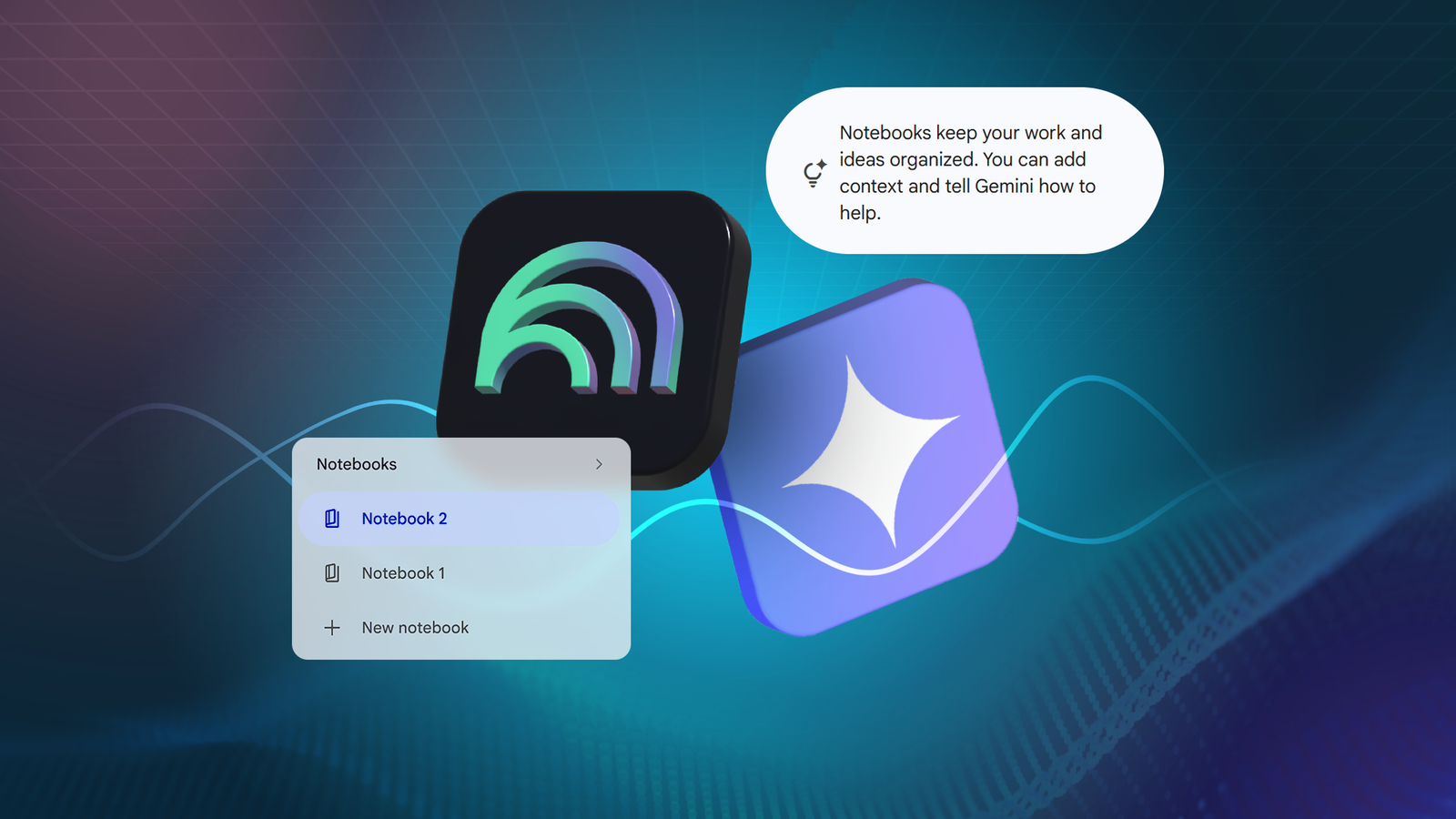
Gemini has finally been updated with the Notebooks feature, which lets users organize related chats into folders and add custom instructions and files relating to that project.
Notebooks not only provide a convenient way to organize project-related files and chats, but also let you ask Gemini questions like “Pick up where we left off” to resume your work quickly.
However, these are all existing features that we’re accustomed to on other chatbots. What makes this update important is the NotebookLM integration.
Every notebook you create in Gemini will appear in NotebookLM and vice versa. It’s a simple touch, but one that elevates Gemini’s Notebooks feature far above its competitors’ projects and folders.
Sometimes I don’t need the power of NotebookLM

I like NotebookLM, but sometimes it feels a little much. Like how I don’t open Google Docs to jot down quick notes, I don’t use NotebookLM to ask quick questions about a project when I’m on my phone. Sure, it’s possible, but it’s a bother.
Gemini is much more convenient for simple questions, but it takes a lot of work to get it to focus on the exact documents I want.
Adding NotebookLM integration lets Gemini draw on the projects I’ve meticulously built over the past few weeks to answer simple questions about them. Perfect for when I need to answer a thought that pops into my mind when I’m not actively working on the project.
The vice versa is true. I love NotebookLM’s ability to generate video overviews or study tools, something that Gemini doesn’t offer.
If I have a conversation with Gemini that I want to turn into something easier to digest, I can pop over to NotebookLM and draw directly from it.
Still, there’s a catch. Notebooks in Gemini are rolling out only for Google AI Ultra, Pro, and Plus subscribers on the web. I’m keen to try it on the mobile app, so I’ll have to wait for Google to bring this functionality to the Gemini app.
I’m also sticking with my pledge never to pay a penny towards AI, so I’ll also have to wait for it to expand to free users.
Control is important when it comes to AI tools

I’m always hesitant to praise an AI tool, but NotebookLM has found the perfect niche.
AI works best as an assistant that you have complete control over, and NotebookLM follows that rule while providing the useful tools that take the legwork out of boring tasks like creating flashcards.
Indeed, it’s the one AI tool I wish I had access to in university. The best part is that it keeps getting better.
NotebookLM can watch YouTube videos for you and provide you with questions, summaries, and highlights, relying solely on the video transcript.
It can produce easy-to-read tables that take the work out of organizing information you already know. It can also produce infographics from audio files.
It can do all that and so much more.
The Gemini and NotebookLM integration makes me want to use Gemini again
The most important part of NotebookLM for me is that I have complete control over where it sources information. Hallucinations are still a risk, but it’s so easy to double-check its summaries that it’s not a major problem.
I don’t feel like I have the same amount of control over Gemini, which is why the new Notebooks feature is so important.
While I’ll still have to wait for Notebooks to transition to the mobile, free version of Gemini so I can use it, I’m already excited.
