

Storage and sync are important, especially for someone like me who works across devices. I’ve gone through several cloud storage options: OneDrive, Google Drive, and Dropbox, to name a few. While each serves a purpose, none of them is ideal for me. They offer convenience and tight platform integration, but they fall short on data control, long‑term flexibility, and handling truly massive files.
Pydio Cells is a storage and sync option that gives me back control of my data and is built to handle my large files easily. I self-host it for free, and it is simply more suited to my work than any of the proprietary mainstream options.
My files answer to me, not an account system
Why trust matters more than convenience

If you use mainstream cloud storage platforms long enough, it starts becoming obvious how little control you have. OneDrive and Google Drive, for instance, allow you to store your data on their servers, but as the files become larger, you start to see the limitations. If you store sensitive information, you can’t trust that future policies or product changes won’t affect you. It’s hard to see them as true long‑term storage options.
Pydio Cells removes that dependency, ensuring that access to my data remains unconnected to any company’s service agreement or account. It makes a big difference knowing that my files are there because I put them there, and not because a provider allowed me to. This fact alone is what builds my trust in using Pydio Cells.
Switching to Pydio Cells is more about removing uncertainty than being anti‑cloud. It’s just easier to rely on an infrastructure I understand, especially since my work requires consistent access.
No more paid subscriptions
Repurposing old hardware became my personal drive
One of the things that makes Pydio Cells a better storage choice for me is that I have several old, unused laptops at my disposal. Since Google Drive, OneDrive, and Dropbox quickly pushed me into paid subscriptions, I’ve repurposed one of my old laptops for cloud storage. This way, I’m not paying for convenience or features that I really don’t use. It’s not even the monthly cost that bothers me as much as the lack of meaningful improvements to justify it.
I use the Pydio Cells Community Edition, which means I self-host and don’t pay any fees. But I get upgrades at my own discretion. For instance, if I need more space, I simply allocate more storage, in contrast to upgrading to a higher tier, as is expected with most of the mainstream options.
It means I don’t need to manage space defensively. I didn’t have to prioritize what data was worth keeping just because more space meant a bigger budget. For the first time in a long while, I let my files grow naturally without anxiety.
Large files finally behave like normal files
Where mainstream cloud tools quietly struggle

One of the more significant issues I’ve had with Google Drive and Dropbox is working with large files. If I have to upload or sync a file above 15GB, it becomes a real hassle. Uploads stall; I get sync errors; occasionally files are compressed just so that they go through. With files above 50GB, it sometimes feels nearly impossible. The time and effort it takes to make a single upload succeed just isn’t worth it.
It’s a totally different experience with Pydio Cells. Even when I’m moving multi-gigabyte videos, they move reliably. I’ve transferred my RAW photo library and several virtual machines, and it’s always the same smooth experience. This makes sense because Pydio Cells shifts away from legacy web protocols toward modern object-based architecture. It handles your files with a Go-powered microservices engine that’s designed for concurrency.
By switching to Pydio Cells, I’ve become more productive. I no longer spend time planning around arbitrary constraints or investing in workarounds.
Micro-workspaces that keep projects organized
Why “cells” make collaboration smarter, not messier

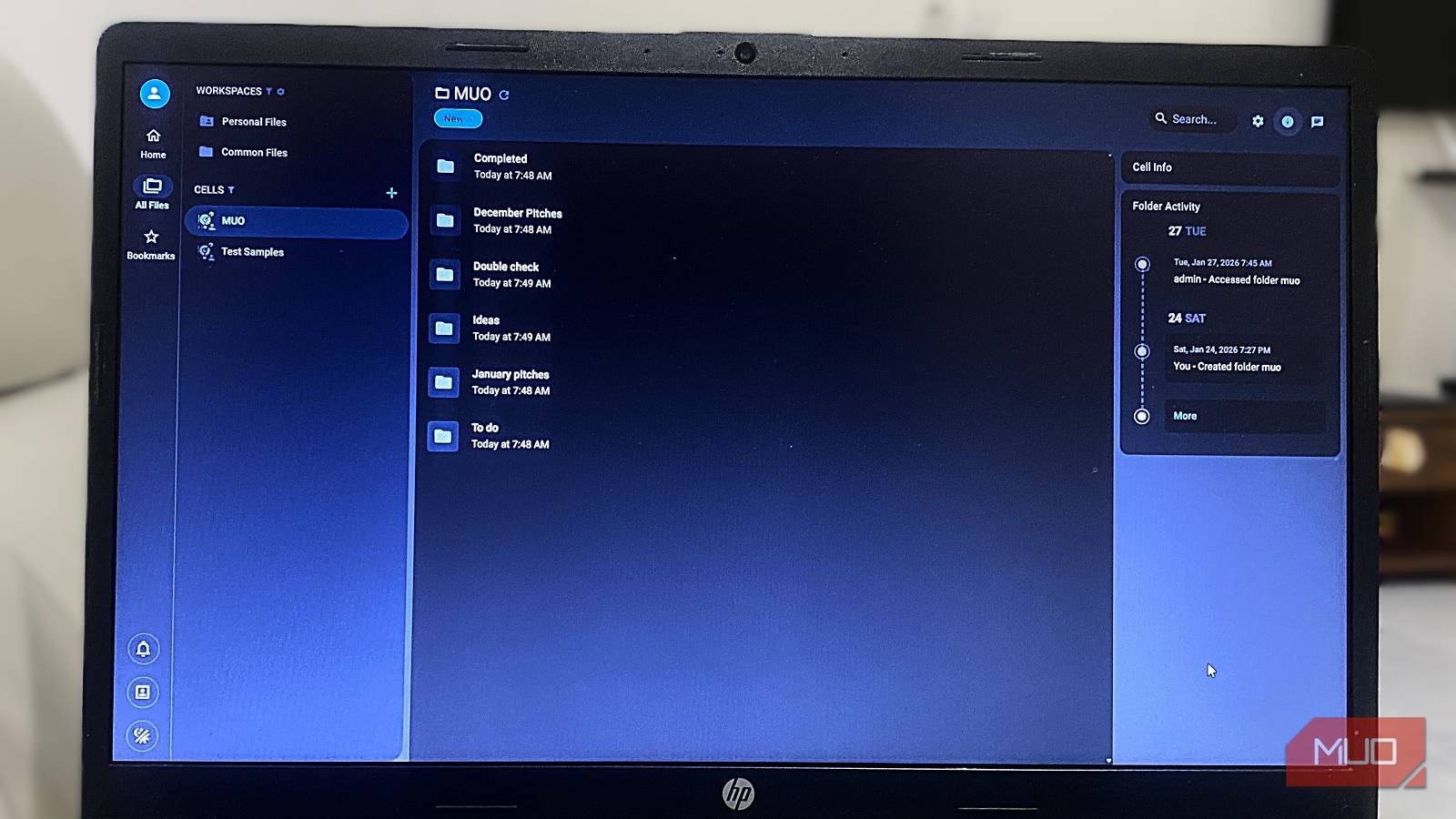
Pydio Cells has a unique way of organizing projects. While most mainstream options use folders, Pydio Cells uses Cells. These are logical workspaces that it uses to pull data from multiple sources. They ensure you don’t have duplicates, and your projects remain neat.
Permissions for Cells are granular. Within the same workspace, you can decide who can view, edit, or upload to a Cell. Pydio Cells uses built-in activity tracking, which makes collaboration possible. You don’t have to juggle email threads or or use any external apps or services to leave notes. Optionally, you can integrate Collabora Online for teams to work without leaving the workspace.
Even though most of the work I do is personal, the setup makes complex projects manageable. In a single structured environment, you can manage multiple people, file types, and devices, without creating clutter.

I replaced Google Drive with a self‑hosted cloud and the freedom is worth it
A self-hosted cloud is very liberating and surprisingly not as hard to set up.
Syncing feels faster because it often never leaves my network
The real issue with cloud sync is that your data travels first to a remote server before reaching your other devices. With very small files, you don’t notice the travel, but with larger files, the delay starts to show. Pydio Cells’ clients ensure that devices on the same network sync without delay by handling files locally first. This is similar to the Syncthing open-source tool. For individual devices, I can set the sync folder and assign bandwidth limits. I also don’t need the internet to access the files.
In the end, what makes Pydio Cells the better option is the fact that it’s predictable and provides a reliable workflow. The initial effort in self-hosting the service is the biggest downside, but with that out of the way, it’s a system I know I can trust.
