

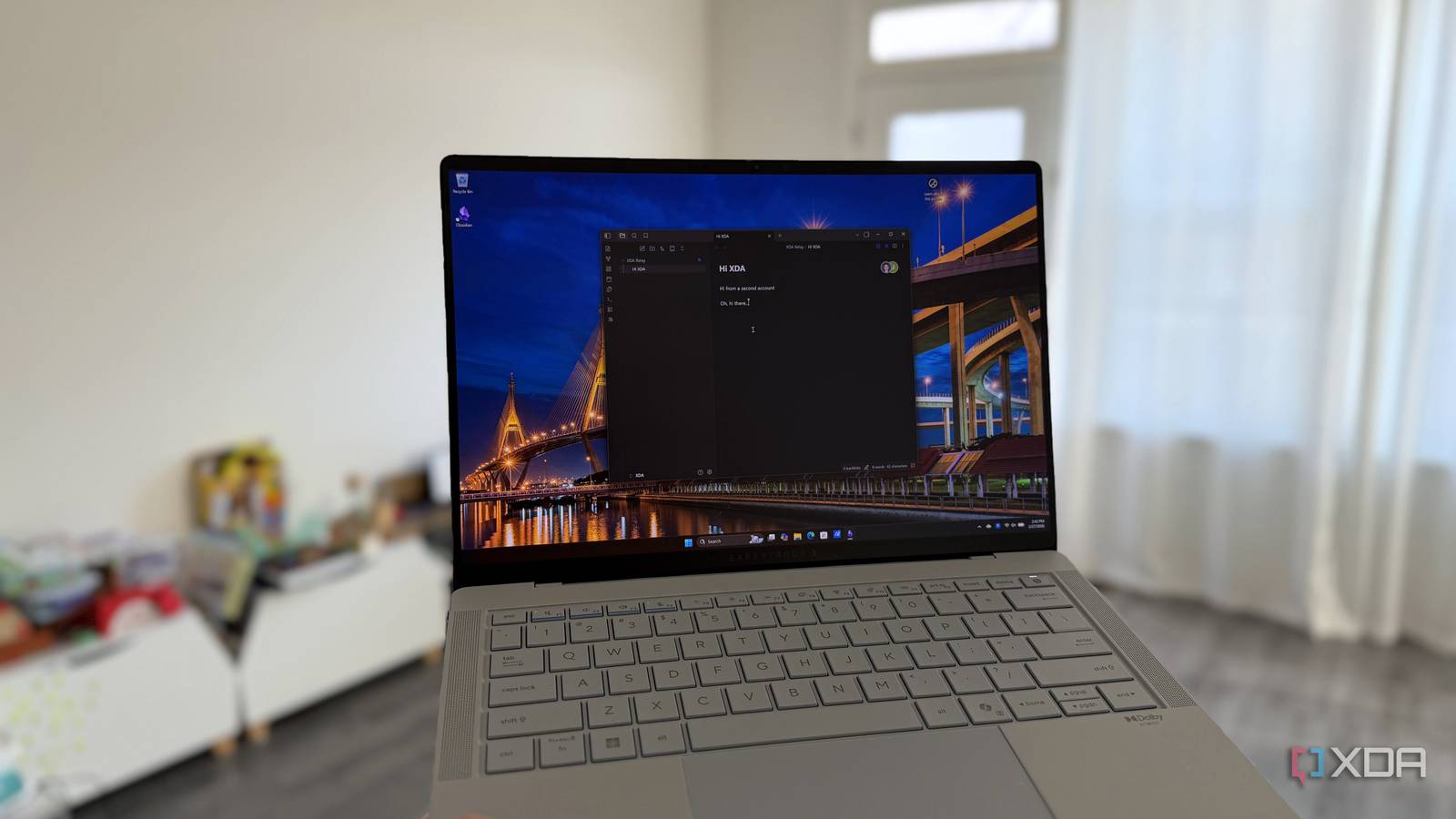
I’m another late convert to using Obsidian for note-taking, and while I haven’t stuffed it full of that many plugins yet, I’ve been enjoying having a place to keep notes that isn’t linked to yet another cloud service I don’t own. I’ve added Claude Code to organize my notes and sketch out content ideas, but there’s only so much talking to an LLM that I can stand, and sometimes I like to have another human talk through my notes.
Something like Google Docs, where I can invite people in to collab, kick them out when I’m done, and see each other’s cursors while editing notes, would be ideal, with the local-first storage of Obsidian. And that’s exactly what Relay is, billed as a “collaboration plugin for Obsidian,” and it really works.

I started using my local LLM with Obsidian and should have done it sooner
Obsidian is already great, but my local LLM makes it better
What is Relay, and why would you use it?
Enable co-working in your personal Obsidian vault

Obsidian is a fantastic tool for taking notes and organizing your personal knowledge repository, But it’s lonely sometimes, and I like to work with others on ideation and refining thoughts in a more permanent, structured environment than Slack provides.
And that’s what Relay enables. It plugs into Obsidian and enables real-time collaboration, showing every keystroke from other collaborators as it happens. You can use it for asynchronous working as well, so you and your team can be productive when the mood strikes.
Relay has a ton of great features for co-working:
- Real-time editing with multiple users
- Fine-grained folder sharing, not vaults
- Shared folders can be per relay, for multiple project management
- Online and offline support, with edits being merged non-destructively
- Local-first design that works on top of Obsidian, not against it
- Keystroke-level sync
Sounds a lot like Google Docs, right? Except your data stays on your device, not in the cloud, where anything could happen to it, or your account. I like that, and I also like that I can turn it off at any time, or remove it entirely from the equation. I can’t do that on any cloud-based collaborative platform to my knowledge.
It’s free (to start)
It’s rare that anything good is free forever, but Relay is free for up to three users to help you get used to it. You can self-host the server infrastructure for collaboration if you want, which removes any storage restrictions but doesn’t lift the user limit. For that you’ll have to pay $5 a month as a hobby user to increase it to six total users, or upgrade to one of the per-user business plans that start at $6 per user, per month.
Shared note-taking is the best
I need some textual healing

I’ve always loved real-time text communication, and adding it to Obsidian is magical. I like being able to store my own thoughts, but they’re often jumbled, and having a study buddy helps. Even if they’re not actively helping, it helps keep me focused, and I often keep Slack or Discord open while I’m working just to maintain some accountability to others.
That sometimes leads to distractions, but when it’s within the document I’m working on, it’s easier to stay on task.
I’d also like to point out that, while Relay’s Control Plane still handles login and permission management, even when you self-host the Relay Server, the company can’t see your document contents because everything is encrypted in transit. That’s pretty much how Tailscale works, or any other service where the control plane is still handled by the company involved, so there are no surprises here.
It slightly differs in that Tailscale sets up peer-to-peer connections, while Relay sends the data through the Relay Server, but that’s to ensure that more than two people can collaborate at once.
But the really cool part is the architecture
Relay uses CRDT (conflict-free replicated data type) for how it handles collaborative typing. This means every keystroke is non-destructive, so you don’t end up with missing parts of documents or any of the usual sync issues. There’s a better explanation in the linked video, but really it boils down to not destroying any replicas of the data while ensuring they’re consistent.
I love this concept, and I want to dive into using it for other things, like my DNS server. I want to know how it differs from how Proxmox clusters sync data, or whether it’s very similar.

I turned Obsidian into an infinite, AI-powered canvas
Artificial intelligence meets spatial thinking.
Relay makes Obsidian into a viable G-Docs alternative
I love Obsidian and how easily I can transfer my notes elsewhere if wanted, but it’s a lonely existence. We’re social animals, and sometimes I like to collab with others, and that’s what Relay enables. I’m honestly surprised at how easy it was to set up, and how fluent it is when used; and it’s staying as one of my permanent plugins.
