

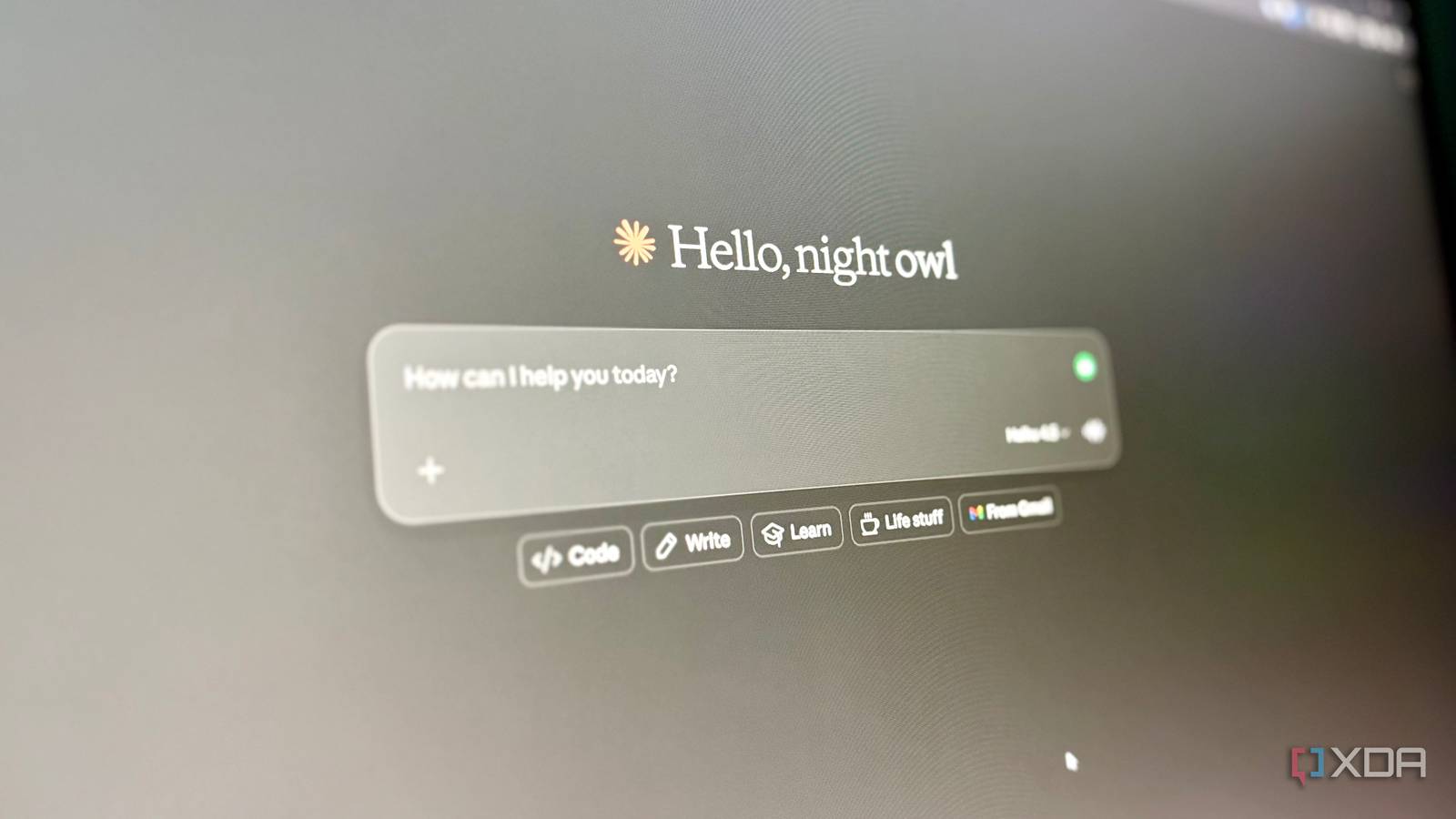
I did something that goes against how LLMs are designed and how people use them. I deliberately slowed down Claude, not its response or reasoning, but its speed of streaming the output.
I heavily use both local and cloud LLMs in my day-to-day work, hobbies, and routine tasks. Claude and ChatGPT are two of my most used chatbots. I use them mainly for speed and accuracy. Most people do the same. I type a query and get an answer almost instantly. I skim the output and move on. The assumption is simple: faster is better.
Then I came across a small Chrome extension called “Slow LLM.” It artificially slows down how Claude and ChatGPT stream responses. I decided to try it out of curiosity. I wasn’t expecting much, but a few minutes in, I observed a shift. Slowing down the stream didn’t actually improve the chatbot, but it changed how I use it.

I tested Claude’s new interactive visuals, and they’re changing how I explain things
Most LLMs suffer with visualisation, Claude doesn’t
The experiment started as a small tweak
A simple change revealed something bigger

Slow LLM is a small experiment from a GitHub user, Sam Lavigne. It artificially slows down (fetch patching) how LLM responses stream in tools like Claude and ChatGPT. The tool can be used either with the Chrome extension or by implementing it network-wide using its free custom DNS server.
Honestly, I didn’t have a problem that I was looking to fix; I stumbled upon the tool while browsing, and it looked absurd. The whole concept of an LLM is speed, and it was promising the opposite. So, out of curiosity, I installed the Chrome extension instantly.
The first run was a little bit annoying. I opened Claude, started a casual conversation, selected the Haiku 4.5 model, and typed, “What are the trending local LLMs for coding?” I usually get a full response in 10–15 seconds. This time it took 2 minutes and 20 seconds for the response. Then I asked a follow-up question, and that’s when I noticed—the lines were coming in slow enough that I could actually read as they appeared. This was the first time I read the whole output. Earlier I would wait for the response and then skim it. Now I was reading it along as it streamed.
There was no change in the LLM’s reasoning or thinking ability, but it changed how I interacted with it.
Slowing down changed how I read Claude
The output was the same. I wasn’t.

The model hadn’t changed, nor had the prompts or answers. The output, reasoning, and accuracy were the same. The extension changed the way I engaged with the LLM. My usual pattern was simple: wait for the wall of text to appear, scroll to the end, check the summary, and move on. For example, if I were troubleshooting a Cloudflare 502 error, I would just scroll to the actual solution, implement it, and move on. It was enough for me. Most people do the same.
But with the extension on, the output streamed much slower. I was forced to read each line as it streamed. I was processing each line and understanding the actual issue behind the error and not just the solution. I started questioning the process more. In one test, the response was around 300 words, and it took more than 2 minutes. Normally, I’d read it in 80–90 seconds, so this was noticeably slower than my natural reading pace. Yet I engaged more. I wasn’t skimming anymore; I was following. The speed wasn’t ideal, but the slowdown broke the passive habit.
The real shift is how you use LLMs
Better inputs, better outcomes
Slow LLM helped me realize how I was engaging with Claude and how that interaction could be improved. The extension was just a trigger, not the actual solution. Without the extension, the fast responses encouraged skimming, which led to shallow understanding. That shallow understanding often led to over-reliance on the first answer and quick fixes. Over time, it created a habit of passively consuming whatever the LLMs gave me. The issue wasn’t with the LLM; it was how I interacted with it.
The tool forces slow streaming, which results in active reading. But active reading is a choice that you can make without using any tool. For example, you could stop the stream midway, read it, and then use the “Continue” prompt to pick up where it left off. Or split your prompts into parts and ask them one by one before moving to the next one.
The extension itself wasn’t always practical. When you’re in a hurry and want an explanation of a code snippet or a one-liner, slowing down the output would be annoying and add more friction. Slowing down the response is more beneficial when the queries are complex and deeper reasoning matters.
The tool was just a gimmick, but the insight it gave wasn’t. It’s about controlling how you consume LLM outputs. And that doesn’t require any tool or extension at all.

I finally found a local LLM I actually want to use for coding
Qwen3-Coder-Next is a great model, and it’s even better with Claude Code as a harness.
The gimmick that changed a real habit
Models are getting faster and better. But the habit of passively consuming their responses is the same. And passive consumption, as I found out, results in shallow understanding. The experiment I started out of curiosity shifted how I use LLMs. The Slow LLM extension isn’t always practical; even its creator would agree. But the forced engagement with the response changed the way I interacted. I paid more attention, questioned more, and understood more.

- OS
-
Windows, macOS
- Individual pricing
-
Free plan available; $17/month Pro plan
- Group pricing
-
$100/month per person for the Max plan
