

Google’s entrance into AI was…interesting. Bard was, well, a mess and clearly a rushed response to ChatGPT. Now, I typically believe first impressions certainly can be the last impressions. I typically live by that in my personal life and it also extends to tech. However, and I don’t say this lightly, Google might be the single biggest exception to that rule.
No, I’m not talking about how the company introduced AI overviews and killed publications and organic search. And no, I’m not referring to Gemini, which ended up being Bard’s replacement, even if it has a few genuinely impressive features. Instead, the truth is that the company is just hiding a lot of its best tools and features where not a lot of people are looking.
It’s the best-kept secret that’s not even trying to be a secret

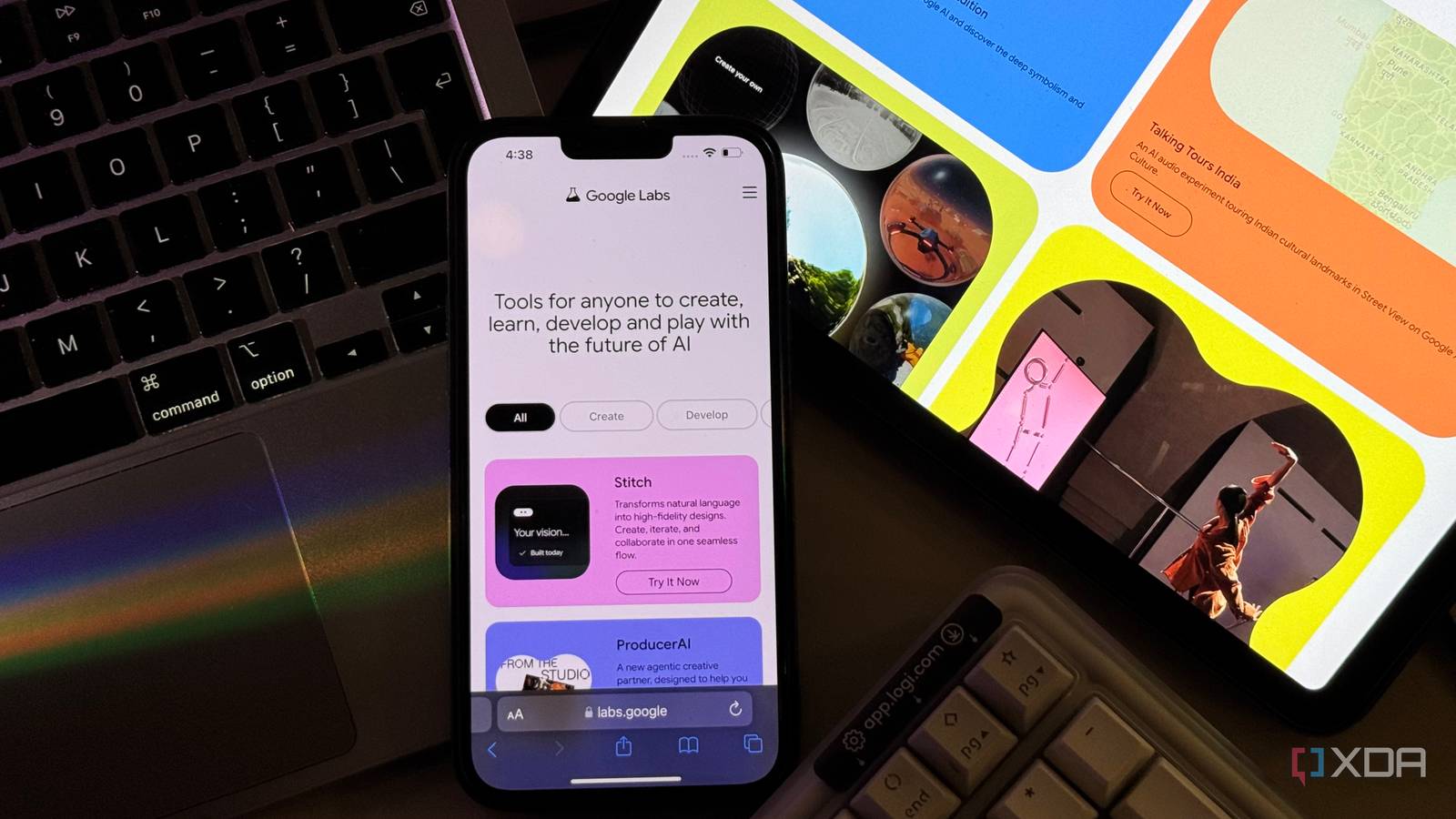
When people think of Google and AI, their mind instantly defaults to Gemini. Understandably so. Google markets it the hardest, and it shows up in every Google service you use. Google Labs, though, is where you should really be looking. Labs is Google’s experimental playground and it’s where features and new tools get quietly tested. So, pretty much every feature that eventually makes it your way started there first.
For example, AI Mode in Google Search. Before it began rolling out to everyone publicly, it lived in Labs and was available to anyone curious enough to test it out. Beyond testing out features within major products like Search and Discover, Labs is also home to a growing collection of standalone tools that a lot of people have never even heard of. Some of these tools make it out of Labs and launch as a standalone product, while many just quietly live there (and eventually disappear too).
That said, these tools aren’t half-baked either. Instead, they’re fully functional tools that have seriously impressive features and are available completely for free (while competitors charge massive subscriptions for similar capabilities).
NotebookLM is a perfect example of what Labs can produce
The tool that made me eat my words about Google and AI
I mentioned above that some experiments end up “graduating” from Google Labs and launching as their own standalone product. NotebookLM is a perfect example, and it’s hands-down the most impressive AI tool I’ve tested. It started as a quiet experiment called Project Tailwind in May 2023. Back then, it had a simple interface that’d allow you to drop in documents and ask questions about them.
The idea was to allow users to use AI to interact with their own information better, rather than build yet another chatbot that pulls information from the wider web and its internal training data. Despite how simple the initial idea might seem now, it got enough traction to convince Google to push it out widely. The company then rebranded it to NotebookLM, and the tool began growing extremely quickly (both in terms of features and number of users).
The feature that truly changed everything was Audio Overviews, which would let you turn all your uploaded sources into a full podcast-style conversation between two AI hosts who actually break down the material in a way that feels natural. It was the kind of feature that made people stop and share it, and suddenly NotebookLM wasn’t just some quiet Labs experiment anymore.
The team then kept updating the tool with even more features like Audio Overviews that would allow users to convert their sources into different outputs to understand their material better. For instance, the company added Mind Maps, Video Overviews, Slide Decks, Infographics, and more. Given that a major chunk of NotebookLM users were students and users who would use it to learn, they kept at introducing features that catered directly to that audience. Flashcards, study guides, quizzes.
Despite all the features the team has added to NotebookLM since May 2023, the best part is that they’ve stuck to their initial goal of making your own information easier to consume. Everything you produce within NotebookLM stays grounded in your sources, and the tool doesn’t go off and make things up.
Honestly, that’s what I’ve always liked about Google’s Labs experiments. They pick a specific problem, build a focused tool around it, and then just keep refining it until it’s genuinely great. There’s no attempt to be everything to everyone. XDA has a ton of articles about NotebookLM, so if you’d like to see how you can get the most out of the tool, I’d recommend checking those out.
Google has four other impressive learning experiments too
The siblings nobody talks about at family dinner
Despite how successful NotebookLM ended up becoming, it’s far from the only learning-focused tool Google has been quietly building. So, while you might have heard of NotebookLM and tried it, you’ve likely only heard of the four other tools it’s working on if you’ve been actively digging through Labs yourself (or you read our articles about them).
Little Language Lessons
First up, we have Little Language Lessons. I like to describe it as Duolingo, but built around how you actually need to use a language rather than how a textbook thinks you should learn it. It’s made up of three mini bite-sized tools. The first is called Tiny Lesson, which lets you pick a language and a specific real-world situation. It then generates the exact vocabulary and phrases you’d need for that moment.

Slang Hang, the next experiment, creates conversations between two speakers packed with slang and colloquial expressions. This experiment is designed to help language learners understand how people actually talk in real life rather than in textbooks. And then there’s Word Cam. It lets you point your camera at anything around you, and identifies objects and labels them in your target language. The experiment is completely free, and it’s just sitting in Labs waiting for people to find it.
Learn Your Way
Learn Your Way is another Google Labs experiment I find super interesting. It lets you upload a static PDF or textbook and it then re-levels the content into a learning experience that matches your understanding and interests. Before generating anything, it asks for your grade level and interests to do that. It then generates slides, audio lessons, mind maps, and quizzes from your material!
So for instance, when I was testing the tool out, it asked me to choose from two options of my grade level and interests: Middle schooler who likes food and High schooler who likes basketball. It then tailored all the outputs to the option I chose! For instance, I had picked the high schooler who likes basketball option and the content I was learning was Data Structures. The experiment linked Data Structures to basketball examples! As someone who learns best using unconventional methods, this kind of personalization is exactly what I wish I had growing up.
Illuminate
Then, we have Illuminate. Unlike the two experiments above, this doesn’t really have something completely different to offer and is more akin to NotebookLM’s Audio Overviews feature. You paste in a URL (a research paper, an article, a blog post), and Illuminate generates a podcast-style audio conversation that breaks it down for you.
The difference is that it’s standalone. You don’t need to create a notebook or upload files. Just drop a link and go. It’s lighter, faster, and honestly perfect for those moments when you come across something interesting but don’t want to commit to reading the whole thing. It also has some other benefits that I broke down in a separate article, so I’d recommend checking that out if you want the full picture.
Learn About
Finally, we have Learn About. This is an experiment I personally find beats all the ones above, and I wrote a separate article about it explaining why. Unlike NotebookLM, which requires you to bring your own sources, Learn About lets you show up with nothing but a question. It’s an AI-powered learning companion that walks you through topics conversationally, but it doesn’t just dump information on you the way ChatGPT or Gemini would.
It teaches. It checks your understanding, adapts to your level, and lets you simplify or go deeper at any point. It then creates a structured, multimedia layout with images, videos, and learning cards. If NotebookLM is the tool I use when I already have material I want to work with, Learn About is the one I turn to when I’m starting from scratch and just want to understand something new.

I focused on learning tools above because that’s what I use most, but Google Labs stretches way beyond education. The creative and developer experiments are just as impressive and in some cases, even more ambitious. On the developer side, Stitch is the one that’s been making headlines lately and is competing directly with Figma! The concept is what Google calls “vibe design,” and it lets you describe what you want the interface to look like and Stitch goes ahead and builds it.
We then have Opal, a no-code tool that lets anyone build AI-powered mini apps using plain English. Jules, on the other hand, is an asynchronous AI coding agent! On the creative side, Flow is an AI filmmaking tool powered by Google’s video model, Veo. Pomelli is a tool that went viral for a fair bit, and it learns your brand identity from your website URL and generates on-brand marketing content for small businesses. These are just a handful of what’s in Labs right now, and the fact that most of them are completely free makes it even harder to ignore.
You’re missing out if you’re only paying attention to Gemini
Gemini’s great, but it’s no secret that it’s the best AI chatbot out there! It’s simply the product everyone knows and associates with Google’s AI efforts. But as I’ve hopefully shown throughut this article, the real magic is happening in Labs.
