

I write for a living, but I do it on my desktop. Well, mostly. I’ll admit that I still draft some parts of my work on Microsoft Word occasionally.
I’m able to do it mostly because Google’s Gboard keyboard app still exists. It’s my default keyboard app on all my Android phones.
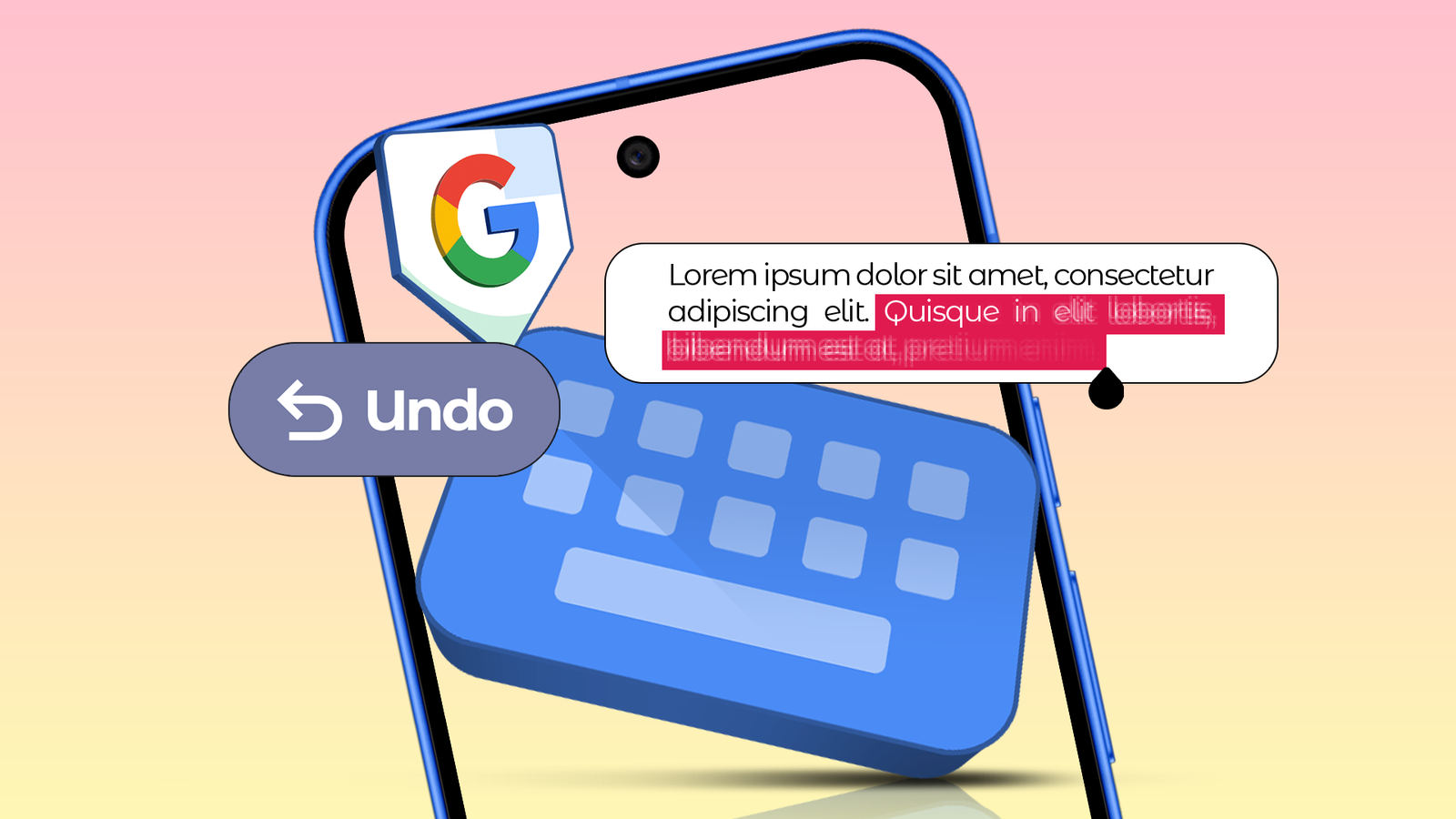
I particularly love how Gboard gives me a second chance when I accidentally delete a line of text. A quick backspace swipe can erase more than what you wanted, but the undo option brings everything back, just like the Ctrl+z keyboard shortcut on my desktop.
The swipe-and-undo setup isn’t perfect, but no other keyboard app does it better than Gboard on Android.
The setup feels like a compromise, with all its quirks, but I keep using it whenever I write something long on my phone. Here is why I’m willing to live with it despite the issues.

I tried a weird 16-key keyboard, and it made me rethink phone typing
26 letters, but only 16 keys?
What does the Gboard’s backspace swipe gesture do, and why do I love it?


It hasn’t been long since I discovered the Gboard’s ability to undo and redo for deleted text. This was one of the major reasons I continued typing on my mobile for work.
I recently found another solid reason to heap praise on Gboard: the backspace swipe gesture. It’s a quicker and more reliable way to delete your text than holding or repeatedly tapping the backspace button.
Tapping the backspace and swiping to the left will select a specific portion of text and will delete that part instantly after you lift your thumb. How much of the text it selects will depend on your swipe.
So, if you want to delete an entire line, you might have to swipe to the Z key. If you swipe to the Shift key, it’ll also select the last word of the previous line for deletion.
That’s how much I can select and delete using the backspace swipe gesture in the Gboard keyboard app. It doesn’t make you type faster, but it does come in handy for fixing mistakes quickly.
The backspace swipe gesture would have been a huge letdown without the Undo button, as there is always a chance of you swiping past more than you intended and lifting your finger before refining the text selection.
It has happened to me a few times, but the Undo button is the one that rescues me every time.
The Achilles heel of the swipe-and-undo setup

The single biggest criticism of the backspace swipe gesture isn’t precision — it’s unpredictability. It doesn’t always select the same amount of text, even for the same swipe.
It’ll depend a lot on punctuation and how the text is structured. The more the punctuation, the less text the swipe will select. I always find myself guessing how much text it’ll capture.
I don’t know if it’s just me, but I keep lifting my finger before I even realize the swipe didn’t select the exact portion I wanted.
Sometimes I get it close to perfection, sometimes I don’t.
If I delete more than I should have, there is no way to bring back only the unintentionally deleted part. The Undo button doesn’t really help here because it restores everything.
I have to use the backspace swipe gesture again — this time, with more precision — and hope to get it right. I usually get it right on my second attempt when it deletes more than it should.
I face a slightly different problem when the backspace swipe text selection falls short of how much I want to delete.
In that case, I have to use the backspace swipe feature again to delete the remaining parts I wanted to delete, or go back to the traditional method of repeatedly tapping the backspace key.
All these issues trace back to the nature of the backspace swipe. Sometimes I wonder if it actually saves me time and whether it’s a smarter way to fix mistakes than repeatedly tapping the backspace key.
Its biggest strength is its biggest weakness because of its unpredictable nature.
I still rely on Gboard’s swipe-and-undo system
I don’t have a better option is one reason. But more than that, what still makes me use the feature is my acceptance of its quirks. I know where it can go wrong and avoid using it in such situations.
For example, when I need to delete a couple of lines or a sentence that uses too many punctuation marks, I avoid the backspace swipe gesture. It was one of the Gboard mistakes that I had made previously, but not any longer.
Instead, I do it the old way: I select the first word by double-tapping it, drag to extend the selection to the last word for a more precise selection, and then tap the backspace key.
The backspace swipe is most effective when I need to delete a couple of words or maybe a few more, because there is less chance that I’ll get the text selection wrong.
I still rely on the Gboard feature every day because I mastered the art of when to say no to it.
