

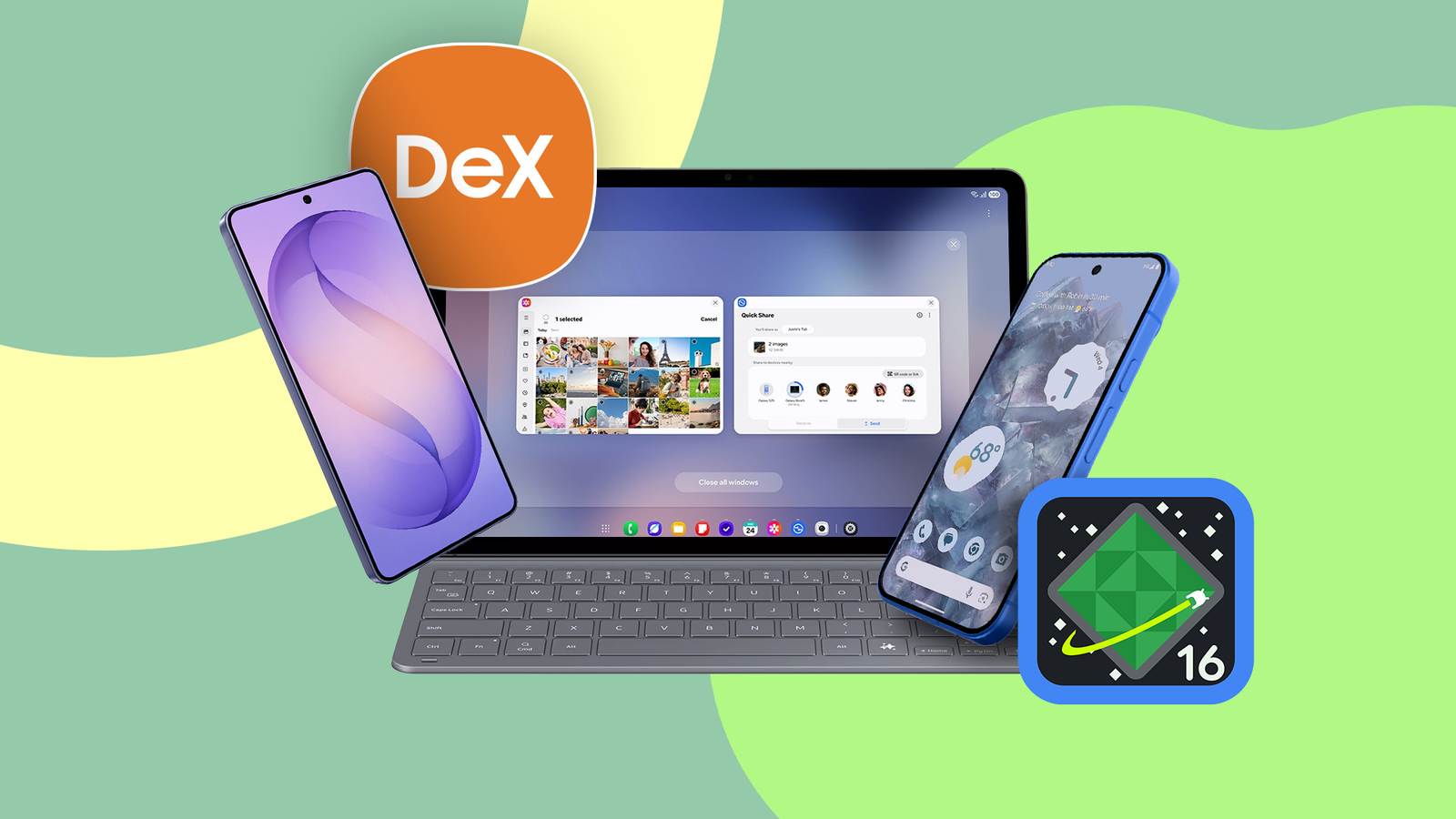
The dream of carrying your entire computer in your pocket just took a big step forward on Android.
Google is officially throwing its hat into the ring, bringing a native Desktop Mode to eligible Google Pixel 8, 9, and 10 devices.
While Google is putting the pieces together, Samsung has been building this out since 2017 with Samsung DeX.
Google’s first attempt looks promising and sets a solid foundation, but is it enough to take the crown?
For now, DeX’s mature features, seamless hardware integration, and quality-of-life touches keep it firmly in the lead.

I tried Android’s Desktop Mode, and I might never use my laptop again
Android’s Desktop Mode surprised me
DeX offers broader device support and easier setup

Android Desktop Mode is more restrictive about what hardware it supports.
The Pixel setup requires DisplayPort Alternate Mode and only works on Pixel 8 series devices or newer, as older models can’t output video.
Meanwhile, Samsung DeX is as close to plug-and-play as it gets. It works the same whether you set up Dex with an HDMI cable, use a dock, or go wireless with Miracast.
Samsung didn’t keep Samsung DeX exclusive. It runs across everything from the Samsung Galaxy Z Fold and Z Flip 7.
It is also baked into every Galaxy S flagship from the 2017 Galaxy S8 up to the S26 series, covering all Base, Plus, Ultra, and FE variants.
Android Desktop Mode lacks the freedom of a real desktop

In terms of user experience, Google’s approach is still very much bound to the phone.
Android Desktop Mode is essentially Android adapted for a larger display, whereas DeX adds a full desktop layer on top of the mobile experience.
Take this, for example: Android Desktop Mode doesn’t let you drop app icons, folders, or widgets onto the desktop.
Everything runs through the bottom taskbar and the app drawer, while the desktop itself is an empty wallpaper, which feels a bit strange.
DeX, on the other hand, is closer to what you’d expect from a traditional PC. You can drag files around, drop app shortcuts, and place widgets directly on the desktop.
DeX handles input, sound, and display better than Google’s solution

DeX is full of thoughtful extras that are missing from Desktop Mode right now. For example, your phone’s screen can turn into a touchpad.
This means you can navigate the entire desktop environment without using external accessories, while Pixel users still have to rely on pairing a mouse.
Another thoughtful addition is that Samsung DeX keeps your monitor active even when your phone screen goes to sleep.
Meanwhile, Google’s Desktop Mode is awkwardly tied to the phone’s display. You can’t turn off your phone’s display and still use the feature.
Audio handling isn’t much better. Connecting to a display automatically sends audio output to the monitor, and if your monitor lacks built-in speakers, your experience is muted.
Each time you plug in, you need to go into the volume settings and switch the output back to the phone.
These small fixes are exactly where DeX shows its maturity, something Android Desktop Mode is still catching up on.
DeX and Pixel both struggle with unoptimized Android apps

Google secures a big win when it comes to web browsing.
Chrome on Pixel runs natively in Desktop Mode, so you can avoid stripped-down mobile sites and enjoy full web apps on a larger monitor.
However, things feel very different when you switch to native Android apps. Open apps like Slack or WhatsApp, and you’re often stuck with a stretched tablet-style UI.
That’s mostly because many developers haven’t optimized for desktop environments yet, so things should improve in future updates.
DeX is also not immune to developers neglecting large-screen optimization. Native Android applications will still render as stretched tablet views within the Samsung environment.
That said, there are workarounds. If you need serious power, both Android Desktop Mode and Samsung DeX can connect to a remote computer in the cloud.
With apps like Windows 365, Citrix Workspace, or Microsoft Remote Desktop, you can bypass mobile limits and pull up a full Windows PC on your monitor.
At that point, your phone is a shell for a full desktop OS. This is currently the most practical way to replace a laptop.
DeX leads today while Google prepares for the future
Android 16’s Desktop Mode does exactly what Google needed, which is building the underlying engine.
Google established a unified baseline for Android by baking in free-form windows, display independence, and peripheral integration at the OS level.
This may be a testing ground for Aluminium OS, a unified Android and Chrome OS platform expected in 2026.
Until Google separates the desktop UI from the phone UI and adds those quality-of-life features, the experience still feels raw.
However, even if Samsung DeX is ahead, I still think serious productivity is best done on a dedicated PC or Mac.
