

Claude has been the AI tool everyone and their mother have been talking about lately. While only developers seemed to talk about it up until a few months ago, hundreds of thousands of everyday users have since flocked to it. There are a lot of factors contributing to this sudden uptick: the Pentagon x OpenAI deal, Anthropic’s stance on AI safety, the fact that Claude keeps getting useful and practical features, Claude Code, and the growing sense among users that Claude simply gets what you’re asking for.
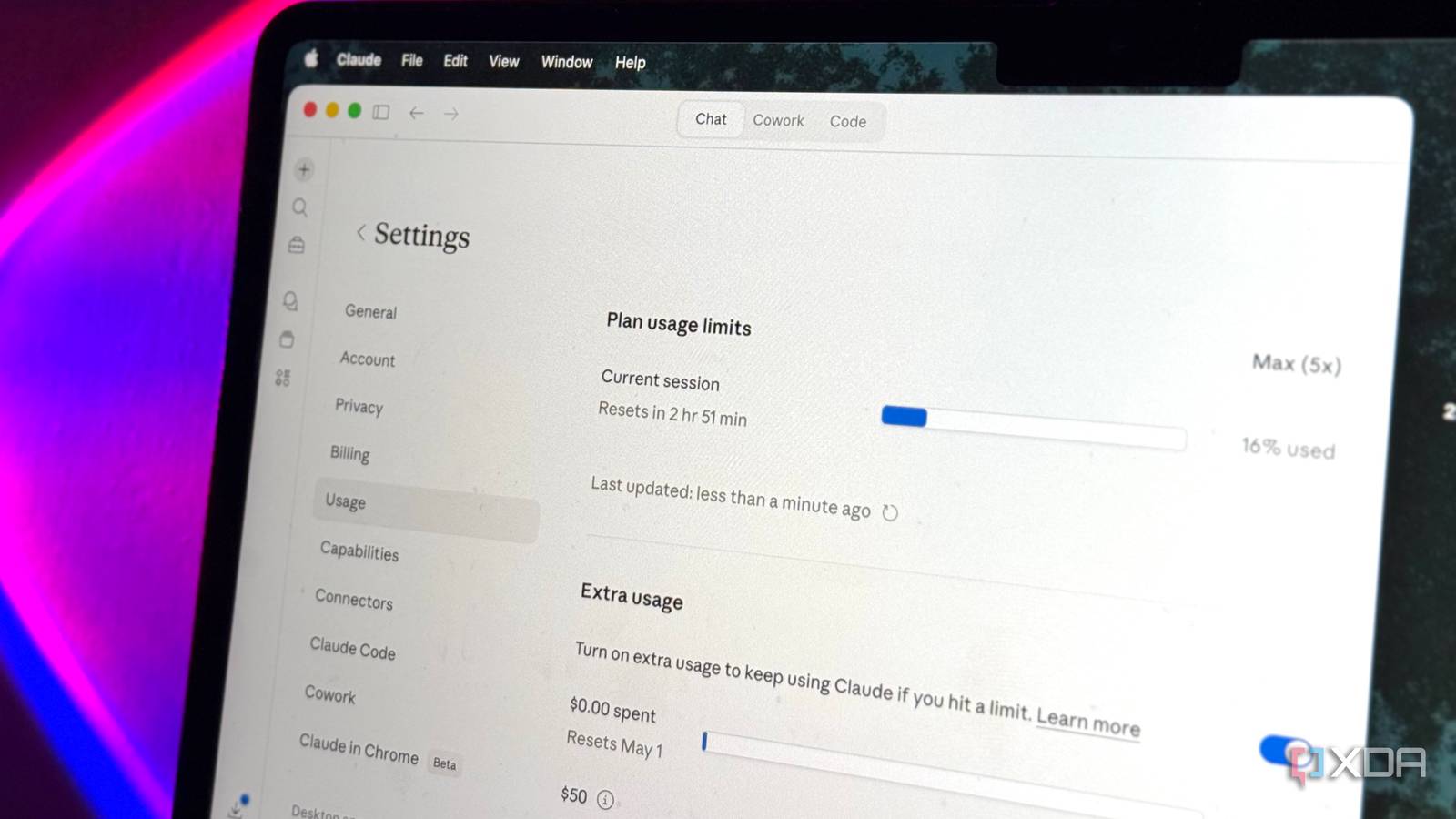
However, all of this growth has come with a major consequence that’s trickled right down to users: tighter limits. And no, it’s not just users making it up. Thariq Shihipar, a member of technical staff at Anthropic, shared on his X account that around 7% of users will hit session limits they wouldn’t have before, particularly those on Pro tiers. I’m on the Max 5x tier, and unfortunately, I’m not immune. However, simply sulking about it doesn’t do any good! Here are a few ways I’ve been stretching my sessions further and managing the brutal limits. And no, I’m not going to advise you to start doing things manually that you’re literally paying $100 a month to have Claude do for you!
Switching to a smaller model for lighter tasks
Haiku for quick answers, Sonnet for real work, Opus for when it actually matters

Regardless of which AI tool we’re talking about, you’ll find that there’s usually a model selector that lets you choose between models. This might sound very obvious, but you’d be surprised at how many people don’t know the difference between them. Different models don’t just have different names. They have different capabilities, speeds, and most importantly, different costs to your usage limits.
When it comes to Claude, you’ll find three models: Opus, Sonnet, and Haiku. Opus is currently Anthropic’s flagship model. It’s the smartest and most capable, but it also chews through your limits the fastest. Haiku is the lightweight option — fast, perfect for quick questions and simple tasks, and cheap on your quota. Sonnet sits right in the middle. If you’ve been running every single prompt through Opus and haven’t been switching models based on what you’re actually doing, that’s probably a big reason your session is dying way before it should.
Saving heavier tasks for off-peak hours
Claude’s cheaper after dark

Anthropic’s been fairly open about the reason why limits have gotten relatively worse lately, and that’s because demand has simply outpaced capacity. Claude’s sudden growth seems to be unprecedented, and more people are using the tool than ever. Unsurprisingly though, the infrastructure hasn’t scaled fast enough to keep up. That’s why sessions burn a lot faster during peak hours. The company has shared that Claude’s peak hours are weekdays between 5 AM and 11 AM PT, which is when most of the world is online and working.
Thariq has shared on his X account that during these peak hours, you now move through your 5-hour session limit a lot faster than before. This applies to Free, Pro, and Max subscriptions. So, if you’ve got a fairly big, token-heavy task like generating a long document or working through a complex coding session, try to schedule it outside that window. The company itself states that shifting token-intensive tasks to off-peak hours will stretch your session limits further, and I’ve noticed it firsthand. In my case, the off-peak hours happen to be my evening hours, so I’ve started batching my heavier tasks for later in the day.
Break your prompts into smaller chunks
One question at a time, people
If you struggle with following to-do lists that you create, you’ve likely heard the advice to break your tasks into smaller, more manageable subtasks. Rather than writing “write the essay” in your to-do list, you break it down into tasks like “outline the intro,” “draft the first section,” “add the data,” “add citations,” and so on. The same principle applies to how you prompt Claude. Instead of throwing one massive prompt at the tool and asking it to do five things in one go, a better way to go about it is to break it into steps, get a response, and then build on it.
A single mega-prompt forces Claude to hold a lot more context, think longer, and generate a much longer response. All of these eat into your session limit faster than you’d think. The tradeoff with doing this though is that you have to do a bit more steering yourself. You’ll need to wait for a response, read through its output, and then follow up with the next step. It’s a lot more hands-on, but along with your sessions lasting longer, you end up getting way more total output from the same session. I’ve also found that the results tend to be a lot better too, which makes sense since you’re giving the tool the room to focus on one thing at a time rather than juggling five.
Front-load context, not follow-ups
One good prompt beats five “no, I meant…”

Now, I know this might sound contradictory of the advice I just gave above (break your prompts into smaller chunks) but hear me out. Something you’ve likely found yourself doing with AI is constantly telling it to fix things after the fact. Stuff like “no, make it shorter,” “no, I wanted one paragraph,” “I meant in Python, not JavaScript,” etc. Every single one of these follow-ups is another message that will further eat into your usage limits.
That’s why I recommend spending an extra minute upfront explaining exactly what you need. This includes every aspect of what you’re expecting — the format, the tone, the length, any constraints, and more. One well-crafted and detailed prompt always costs less than a short prompt followed by multiple corrections.
Start new conversations instead of continuing long ones
Long threads are expensive threads

One tip that’s helped me keep my Claude chats organized and also my limits under control is starting fresh chats constantly. Now, to be completely honest, this was one of the most difficult changes I had to make to my workflow since I have the bad habit of just dumping everything into the same thread for hours.
However, as the conversation gets longer, Claude has to process the entire chat history with every new message you send. That means that your 100th message theoretically costs you way more on your limits than your first. So now, the moment I switch tasks or even shift topics, I open a fresh chat. When I need context from the old chat, I simply ask Claude to reference that particular conversation first or manually copy and paste it into the new chat.
It is what it is
I’m no fan of how brutal the new limits are, but i also see where the company is coming from. So, for now, the best thing we can do is make do with what we have and squeeze every drop of value out of our subscriptions.
