

Smartphone photography has come a long way. Most phones today capture incredibly sharp photos at multiple focal lengths and can even tackle challenging lighting conditions with ease.
I’d say that photos and, specifically, computational photography, have become so good that it is surfacing a whole new problem.
Smartphone photos look too good and too perfect today. The colors are spot on accurate, so is the contrast and the results tend to lack the subtle imperfections that make photographs feel authentic.
It’s funny that the more I use my phone for photography, the more I yearn for the old-school imperfections that were part and parcel of film photography.
That’s why I install VSCO on every phone that I use. The popular photo editing and camera app focuses heavily on film-inspired camera pallets and looks.
The app is known for trying to replicate the tone and color profiles of classic film stock instead of goofy-looking aggressive filters.
Now, you could get away with the free version of the app, but I pay for the VSCO membership that runs me about $30 per year simply because it gives me the full library of presets and editing tools.
VSCO has become my go-to tool for everyday smartphone photography because it helps my smartphone photos feel less like a perfect representation, and more of a creative choice. If you’re interested in photography, you’ll know how important that is.

5 best Pixel Camera app alternatives
Add more controls or make your experience simpler
Smartphone photos look too polished
The downside of computational photography

Modern smartphones rely heavily on computational photography to deliver high-quality output. The camera captures multiple frames for every shot, merges them together, adjusts color, boosts shadows, sharpens edges and, of course, applies noise reduction.
This results in a technically impressive image, but as good as a technically impressive image is, it can also come across as pretty bland. Blue tones, for example, tend to be exaggerated and greens often become neon.
The unfortunate truth is that smartphone photography is optimized for clarity and brightness across the board, which, in turn, means a loss of character. This is where VSCO comes in extremely handy.
The app includes a large library of presets inspired by classic analog film. Some presets emulate the muted contrast of older color films, like say Provia, while others replicate grain patterns from popular film stock.
Instead of dramatically altering the image, the presets represent a different way of looking at images that still looks organic, but more elevated than usual.
As someone who grew up around film cameras, I usually start with one of the Kodak-style color profiles available inside VSCO.
These presets tend to warm up the image slightly while softening highlights and pulling back over saturated colors. The change is subtle, but gives images a more organic look.
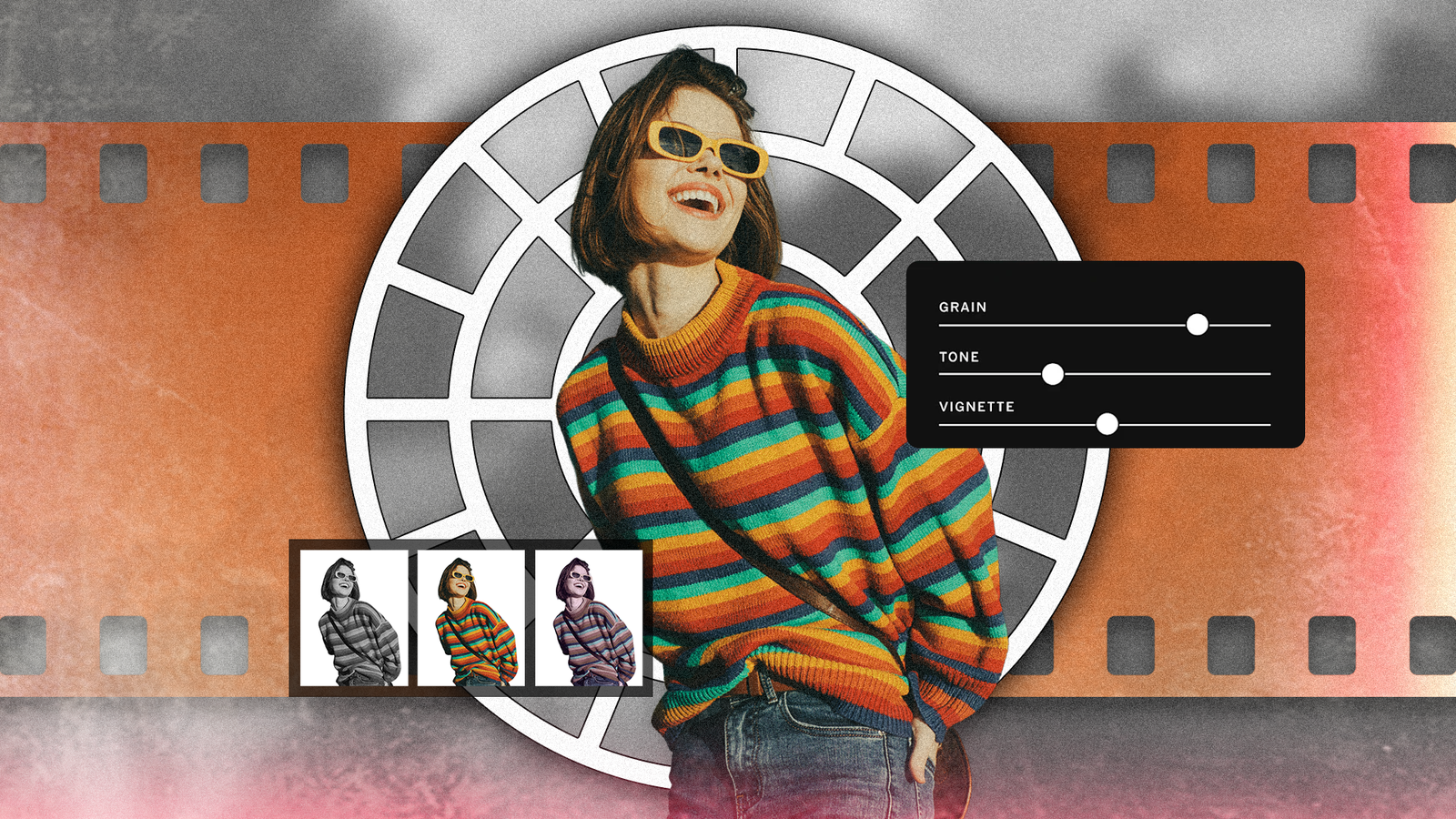
VSCO also includes tools that mimic characteristics usually associated with film. Grain can be added in controlled amounts so that images don’t look overly fake. You’ll also find adjustments for fade, which lifts the shadows and reduces contrast.
What I particularly appreciate about VSCO is that it gives you flexibility to control almost every aspect of the image. You can adjust exposure, temperature, contrast and saturation with fine control.
It’s not an Instagram filter which can only be on or off. You can dial in the look to your heart’s delight till it looks just right.
Using VSCO as part of my editing workflow
Shoot first, edit later

While many would recommend using VSCO as the camera app itself, that’s not how I use it. Most times, I take photos with my phone’s native camera app to leverage all the software and hardware capabilities of the phone.
Moreover, using VSCO’s camera app would mean committing to a look and sticking with it. I prefer to use VSCO in the post-processing phase.
So, when I am traveling or just photographing everyday moments, I usually edit the image into VSCO before sharing it.
Because phones have generally started prioritizing a neutral look, I get an excellent base to work off. The app shows me a range of preset looks that can be previewed with a tap.
When I have a general idea of the direction I want to take, I can tap and edit it further till I can dial in the look specifically for the image.
Low light images are one area where VSCO really helps. With stabilization and post-processing tech as good as it is, images tend to look unnaturally bright. I prefer to add in a bit of grain to the image in VSCO, which helps tone down the artificial look.
When I find a set of settings like grain, contrast and brightness levels that I really like, I can save it as a so-called recipe to easily replicate it.
A balance between simplicity and creative control
I don’t install too many photo editing apps on my phone because most apps tend to focus on single-use filters.
VSCO strikes the perfect balance between being ready to go out of the box and offering just enough customizability to not feel overwhelming.
The presets, in particular, offer an excellent starting point that resembles film photography. But more importantly, it’s helped me gain back some of the creative freedom that I felt with shooting on film.
