

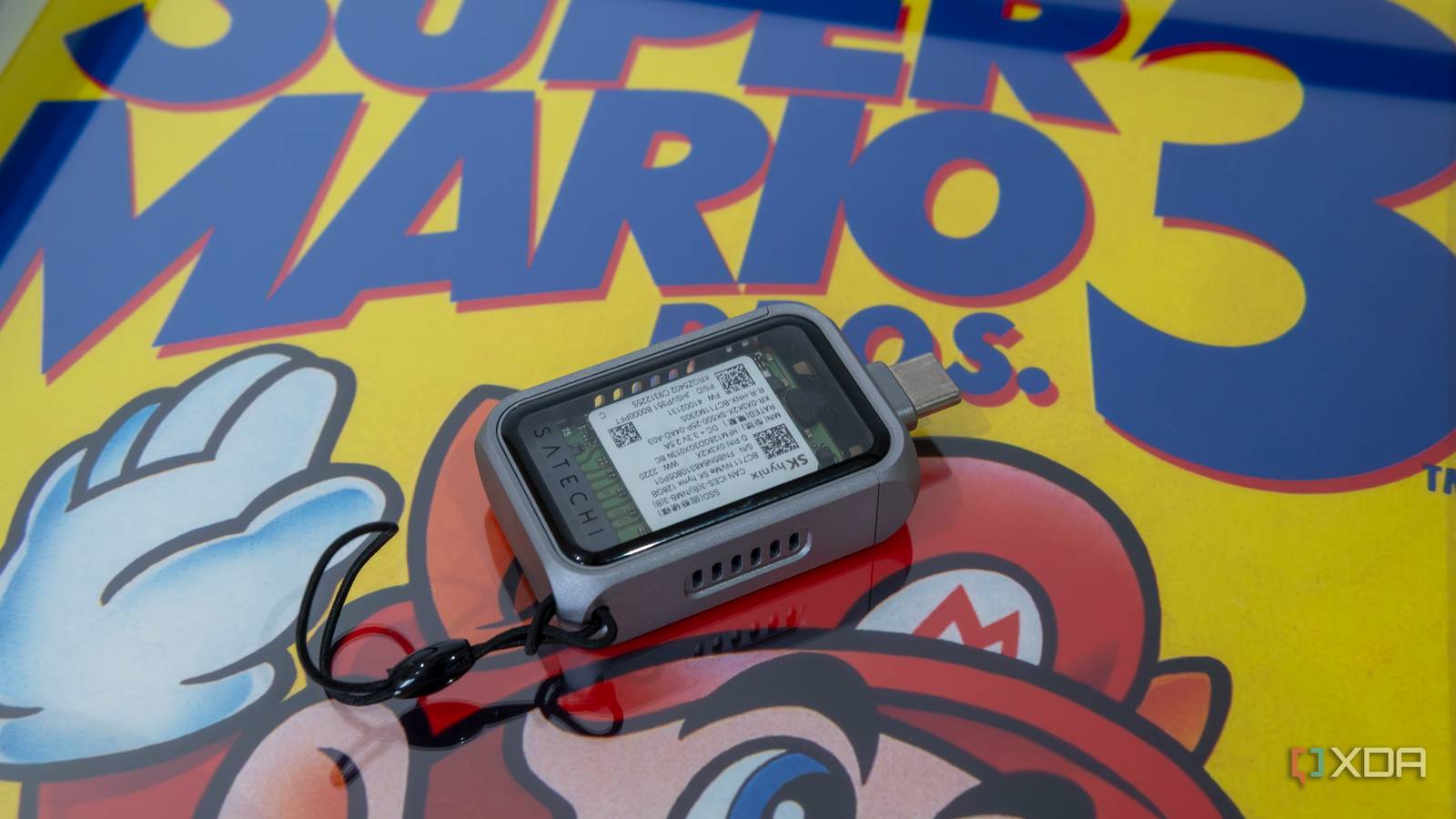
Let’s say you’ve just dropped $200 on a flagship portable SSD from a major brand. It’s sleek, it’s rugged, and the box promises up to 2,000 MB/s, but in the real world, it’s barely hitting half of that speed, and it’s getting burning hot.
The reality here is that most pre-built external SSDs are sealed units designed for the average consumer rather than the enthusiast. They often use DRAM-less drives and cheap bridge chips to keep costs down while charging a markup for a logo. By spending $50 on a high-quality USB 4 or Thunderbolt 5 enclosure and pairing it with a standard internal NVMe drive, you can achieve nearly three times the performance and better thermals for the same price.

An external NVMe in a USB4 enclosure became the best drive I own
While it might get hot, it’s fast enough to run Windows externally
Is your external SSD too slow?
Gen 2×2 isn’t all it was set out to be
When you’re buying an external SSD, you aren’t just buying the drive; you’re actually buying a translator too. That translator is the bridge chip, and it’s the single most important factor in whether your drive hits advertised speeds or chokes under pressure. Most big brand external drives use cheap, low-power bridge chips that act like a narrow funnel. They convert the signal using the bulk-only transfer or UASP protocols, which add significant overhead and latency compared to a direct motherboard connection.
Paired with this, you’ve likely seen drives labeled as USB 3.2 Gen 2 X2, meaning on paper they promise 2000 Mb/s. But there’s a massive catch. If you’re using a Mac, then Apple Silicon Macs (M1-M4) do not support the Gen 2 X2 standard. If you plug a $200 220 GB/s SanDisk or Samsung T9 into a Mac, it will immediately fall back to 10GB/s, cutting your performance in half.
If you’re using a PC, then many Windows motherboards and laptops also skip Gen 2 X2 support in favor of the new USB 4 standard. This makes 20 GB/s drives the awkward middle child of storage. They’re expensive, but they’re rarely able to run at full speed, regardless of what platform you’re using.
The advantage that DIY gives you is that picking up a high-end $50 enclosure gives you true USB 4 controllers. Unlike the cheap bridge chips in pre-built drives, these chips support PCIe tunneling, giving you direct access. Instead of converting PCIe to USB and then back again, USB 4 tunnels the PCIe signal directly into your CPU, similar to a direct motherboard connection.
This allows a DIY enclosure to hit a real-world speed of 3-5GB/s with a 3/4 foundation. These enclosures work at maximum speed on both Macs and PCs. By building your own, you aren’t just getting a faster drive, but you are getting one that actually works at its advertised speed on every device you own.
Don’t risk overheating
Thermal throttling is a common issue among external SSDs

Another issue you will encounter is thermal throttling, which is a silent performance killer. When you are looking for a portable SSD, you will see marketing promoting a sleek, credit-card sized SSD that fits perfectly into your pocket. But in the world of high-performance storage, small and pretty is often the enemy of fast and stable.
Most big-brand external SSDs prioritize being light and small or accident-proof, and to achieve this they wrap the internal components in plastic shells or thick silicone sleeves. Plastic and rubber are excellent insulators; they’re designed to keep the heat out of your hand, but in doing so they trap the heat inside the drive.
Unlike a desktop PC where you can see the fan spinning, a pre-built external SSD is a sealed box; cramming them full of even more insulation only makes this worse. You have no way of knowing that the internal controller is reaching critical temperature until your 100GB file transfer suddenly drops from 2,000 MB/s to the speed of a 2005 thumb drive.
Modern NVMe controllers are incredibly dense and run hot. Most are rated for a maximum operating temperature of 70-80°C. Once that internal sensor hits the limit, the firmware triggers thermal throttling aggressively, cutting back the clock speed to prevent the device from literally melting. This isn’t a subtle dip; you’ll notice a significant performance drop when this happens. This means you’ve spent hundreds of dollars on a portable SSD, but it doesn’t actually give you the advertised speeds because it’s constantly overheating after just a few minutes of consistent use.
Opting for a DIY fix changes the game because high-end enclosures focus on thermodynamics. Quality DIY enclosures are machined from thick, high-grade aluminum. They function as one giant heatsink, often featuring deep fins that significantly increase the surface area for passive cooling. They also include high-performance thermal pads that create a direct physical bridge between the SSD and the metal case. This means the case gets warm to the touch. Whilst that might be a little bit frustrating, it’s exactly what you want because it means heat is leaving the drive.
If you find that it’s a bit too hot for your liking, then you can even pick up DIY enclosures for USB 4 or Thunderbolt 5 which include tiny, low RPM fans. These provide active cooling to ensure that even if you’re editing 8K video directly off the drive for three hours, the temperature should never cross the 55°C mark.
The bottom line is that a DIY setup stays cool which means it stays fast. You get the full speed of your drive from the first GB to the very last.
Take advantage of your full-speed drive
Fast and cool
Whilst pre-built drives might be more convenient for you, DIY enclosures are the only way to achieve the absolute best performance out of your external SSD. Don’t let a $200 price tag fool you into thinking you’re getting pro hardware. Real pros build their own.
