

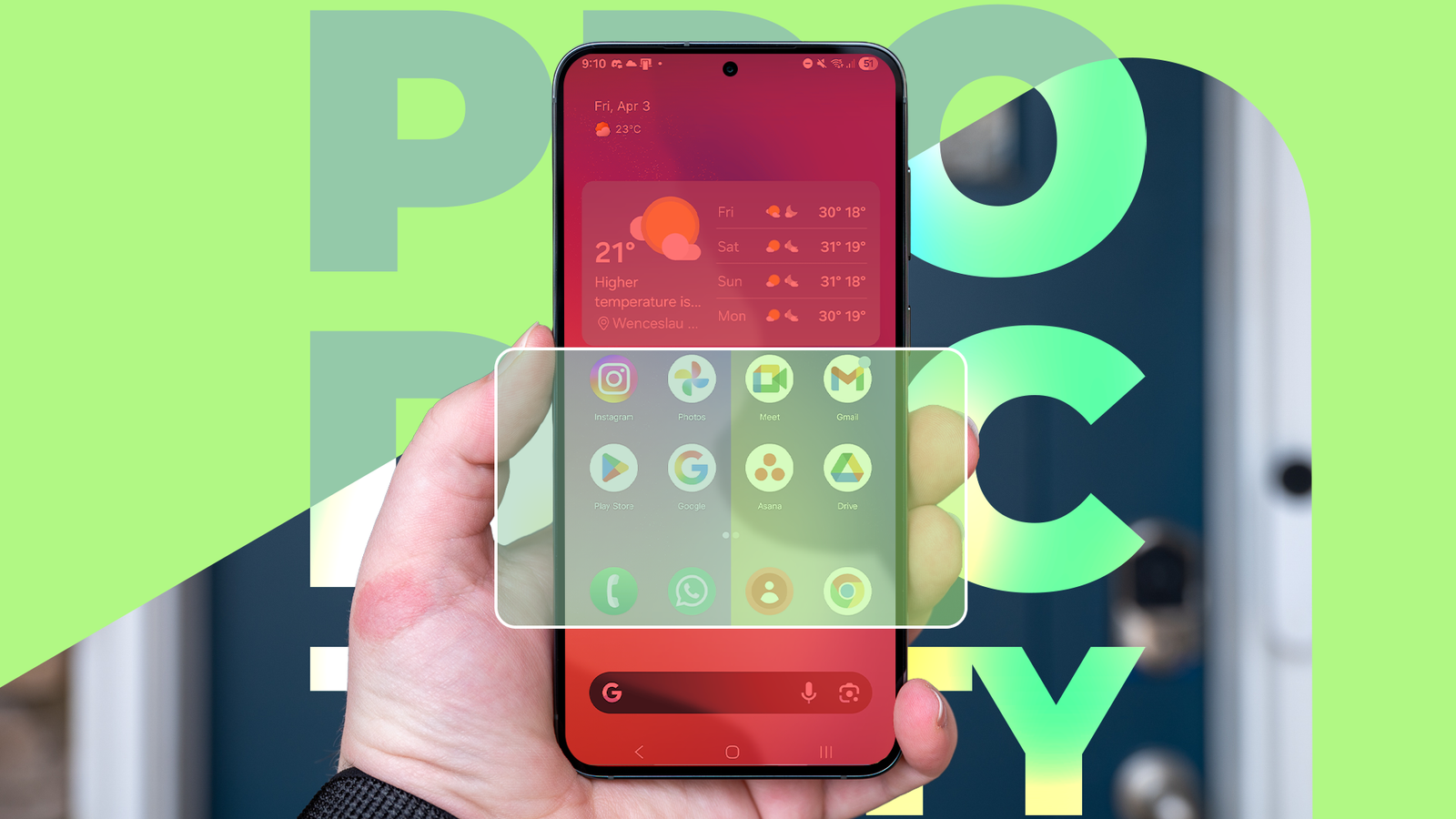
How you organize your Android phone’s home screen is a lot more important than you think.
A tidy home screen can help you find relevant apps and even improve your productivity with the right app placement.
Boring as it may be, spending a few minutes carefully thinking about how your home screen is organized can dramatically improve your Android experience.
It’s why Android’s upcoming “organizer” feature is worth avoiding, as it’s not a task you should delegate.
I’m constantly updating my home screen with new widgets and apps, but I follow basic rules no matter how chaotic things get.
So instead of relying on Google to do it for you, take some time and make your home screen work for you.

I’m finally ‘digitally decluttered,’ and it only took one afternoon
Top tips for cleaning your life in no time at all
Google is planning dramatic changes to your Android phone’s home screen
A new focus on productivity and accessibility
The upcoming “organizer” tool was found in Android 17 Beta 3 alongside a raft of other changes.
Soon you’ll be able to hide names from app icons and bubble apps, which will please minimalists and power users alike. However, it’s the organizer tool that is the most interesting.
While this utility is still in development, we have a good idea of what it will look like, thanks to an APK teardown from Android Authority.
After selecting a home screen, you can choose a category of apps (for example, productivity, travel, games) and a layout. Android will then populate your home screen with apps and widgets.

If you use a lot of apps, I can see this tool being useful as a first pass for organizing your home screen. It’s easy to lose apps, so having Android lay them out for you is helpful.
However, if you really want to organize your home screen to improve your productivity and save time, you’ll need to put in the work yourself.
Focus zones should dictate where your apps go
Don’t rely on categories for everything
Assigning a category to each home screen page is useful, but it’s not the whole story.
Your phone screen is divided into three zones, called focus and productivity zones. These are:
- Focus zone: The top third of your screen is difficult to reach, but it’s where your eye is drawn to first. This is where widgets should live.
- Primary productivity zone: The left side of your phone, where your thumb naturally rests. This is where frequently used apps should live.
- Secondary productivity zone: The right side of your phone is slightly harder to reach. This is where important apps I use infrequently live.
This is what a home screen organized into these zones looks like:


What you’ll immediately notice in these screenshots is that there are apps from multiple categories in each zone.
For example, my music app lives right next to WhatsApp on my phone. I bounce between these two apps multiple times an hour, so I need them accessible at all times. Splitting them across different home screens would increase the amount of time I spend scrolling.
The easiest way to determine which apps should go in which zones is to check the frequency of app usage. Go to the App activity details menu in the Settings app and filter by Times opened.
I can fit six apps (excluding folders) into each productivity zone, so if I am using two home screens, I’ll assign the first twelve apps to the primary zone and the next twelve to the secondary zone.
But which apps should go on which home screen? For that, we’ll need to return to the basic principles of healthy phone habits.
Hide distracting apps and prioritize useful ones
How many apps do you really need on your home screen?

I never have more than two home screens active at any time. While the number of home screens you have may differ, the principles of organizing them remain the same.
All apps on my home screen are ones I use frequently. Everything else lives in the app drawer. Then, I divide my apps into two categories. Apps I need to use, and apps I want to use.
Apps I need to use live on the first screen, and apps I want to use live on the second. Communication and productivity apps are instantly accessible, while entertainment and social media apps require a small amount of work to access.
If you’re trying to reduce your screen time, making distracting apps as inconvenient to access as possible is an easy step.
While I’m dismantling my social media accounts, I still have contacts on Instagram whom I message regularly. Thus, the app lives on my secondary screen as a compromise between productivity and accessibility.
You also have to consider widgets for your home screen. Add widgets you only look at (such as step counters, weather reports, and news feeds) to the focus zone at the top of your screen, and place widgets you use in either productivity zone.
Don’t be afraid to duplicate widgets either; I have two Search widgets on my screen for ease of access.
It doesn’t take long to organize your home screen for the better
At least once a month, I clean my phone of rarely used apps and tidy my home screen. This keeps my zones organized and only takes a few minutes.
But even when I’m setting up a new Android phone, organizing my apps into focus zones takes less than half an hour.
Yes, Android’s upcoming organizer utility will do it quicker, but it likely won’t be in a way that’s half as beneficial to your productivity as doing it yourself.
