

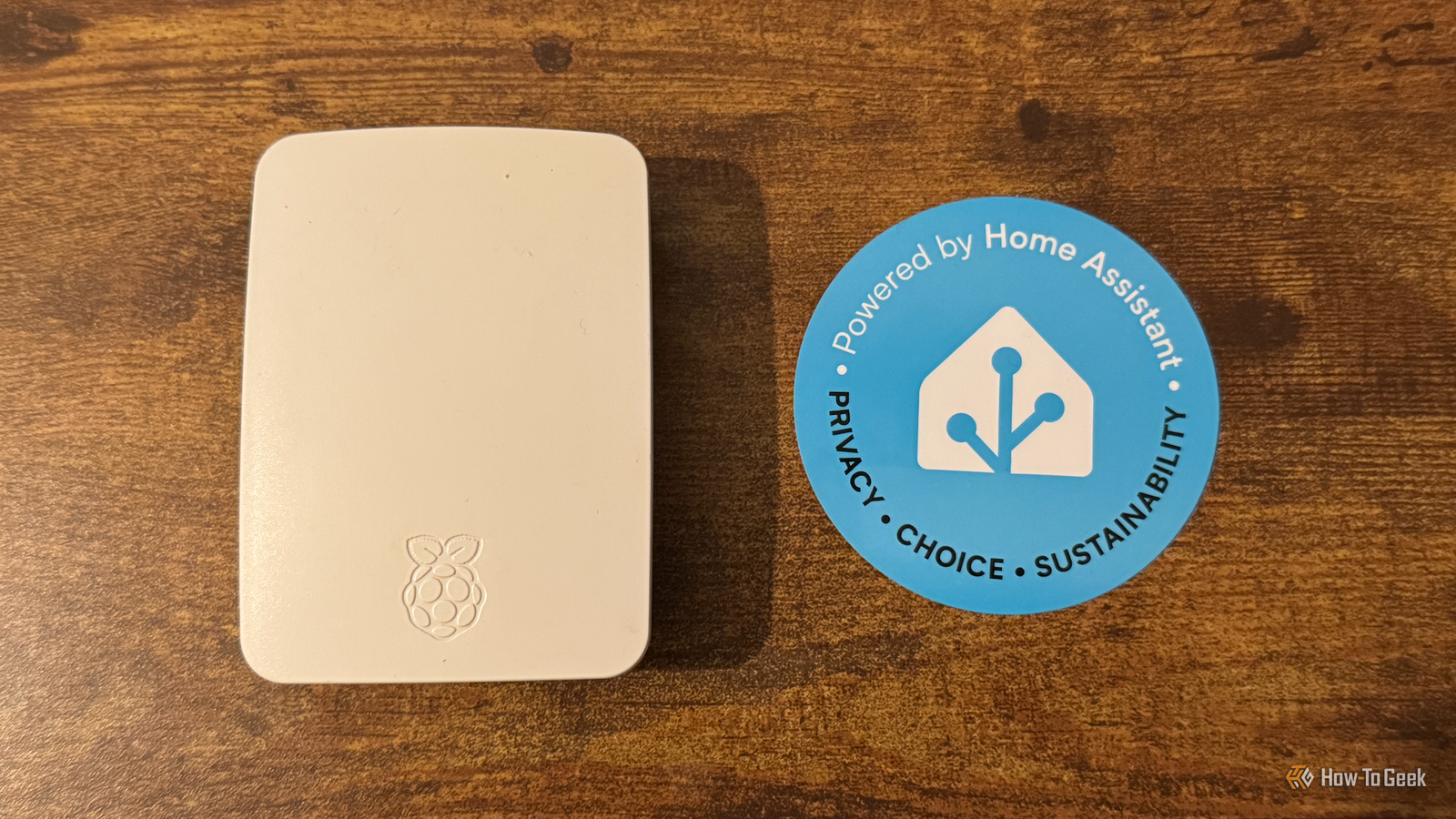
When you make changes to Home Assistant, there’s always a risk that something will go wrong, rendering your entire smart home useless. This shouldn’t stop you from experimenting, however. You just need to try things out in a safe environment that won’t destroy your main Home Assistant instance.
Why “production” Home Assistant is the worst place to experiment
All the fun of Home Assistant comes from tinkering, and if it weren’t fun, we wouldn’t spend hours doing it. Adding new automations or devices to Home Assistant is exciting, but doing it on your live instance is a recipe for disaster.

The trouble is, if something goes wrong, it can be difficult to remember exactly what you need to do to get back to a working state. Even if you’ve meticulously noted down everything you’ve done, undoing everything may take a lot of work and leave you no better off than when you started.
The good news is that testing on your live instance isn’t your only option. You can quickly and easily set up another instance of Home Assistant that you restore from a backup of your current system. This will effectively be a near-identical replica of what you already have.
You can then experiment to your heart’s content, knowing that if you break anything, your live instance won’t be affected. Only once you’ve got everything working as you want it in your sandboxed instance can you make the changes to your live instance, safe in the knowledge that things aren’t going to break.

These Are the 7 Best Ways to Run Home Assistant
Find the best hardware for your smart home hub.
Three easy ways to spin up a sandbox
There are several ways to set up a sandbox for experimenting with Home Assistant. The option you choose will depend on the hardware that you have available.
You can spin up a virtual machine on any suitable device, including your main PC or laptop. Using a VM keeps everything separate so that you have the most realistic clone of your live instance. You can use software such as VirtualBox or Parallels to run a virtual machine on your device and install Home Assistant in that VM from your backups.

Another option is to install Home Assistant on a spare, dedicated device. If you have an old Raspberry Pi lying around, for example, it could be the perfect candidate as a test machine for Home Assistant. Even an old laptop can be put to use as a safe way to install and test Home Assistant.
If you have a homelab, you may already be running Home Assistant in a container or virtual machine. On the same device, you can spin up another virtual machine or container and restore an identical version of Home Assistant from a backup, which is completely independent from your live version.
How to restore a backup to your sandbox
The simplest way to clone your current Home Assistant instance in a sandbox is to take a backup and restore that backup in your sandbox. This will replicate your live instance, which you can use to experiment without worrying about breaking anything.
First, take a backup by going to Settings > System > Backups, and clicking “Backup now”. Select “Manual backup,” select everything you want to include, and click “Next.” Give the backup a name and click “Create backup.”
Once your backup has completed, you’re ready to restore a copy of that backup in your sandbox. If you don’t use Home Assistant cloud backups, you’ll need to copy the backup you’ve made to your sandbox. In the Backup settings, click the “manual backups” section under “My backups.” Click the three-dot icon for your backup and select “Download.” You’ll need the encryption key somewhere safe.
Install Home Assistant in your sandbox of choice. When you reach the Welcome screen, select “Upload backup” to restore from your downloaded backup, or “Home Assistant Cloud” if you backed up to the cloud. Follow the instructions to restore from your chosen backup, and let the system restore. Reboot, and you should have a working clone of your Home Assistant instance that you can safely experiment with.

Where a sandbox can fall down
Using a sandbox to test Home Assistant ensures that you don’t break your main instance, but it’s not perfect. You may encounter some issues.
For example, if you have hardware plugged into your Home Assistant server, such as Zigbee coordinators or other peripherals, in most cases, these won’t be available to your sandboxed instance. If you have things such as reverse proxies, specific DNS, or network shares set up, these may also not work correctly in your sandbox.

Depending on what hardware you’re using, your sandboxed Home Assistant may not run as well as your live version. If you’re running your sandbox on an old Raspberry Pi, for example, it may struggle to perform in the same way as your instance running on a more powerful device.
The idea is not for a perfect replica, however. It’s just a quick and dirty way to try things out without worrying about destroying your perfectly curated setup. You don’t necessarily need to have a Zigbee coordinator connected if you’re testing an automation that doesn’t use any Zigbee devices or entities.
Using a sandbox to test things out in Home Assistant isn’t perfect, and it won’t work in every situation. A lot of the time, however, it can be a useful way to tinker with your smart home without worrying about what you might break. Once you’ve got your sandbox set up, it’s quick and easy to fire it up and start tinkering.
