

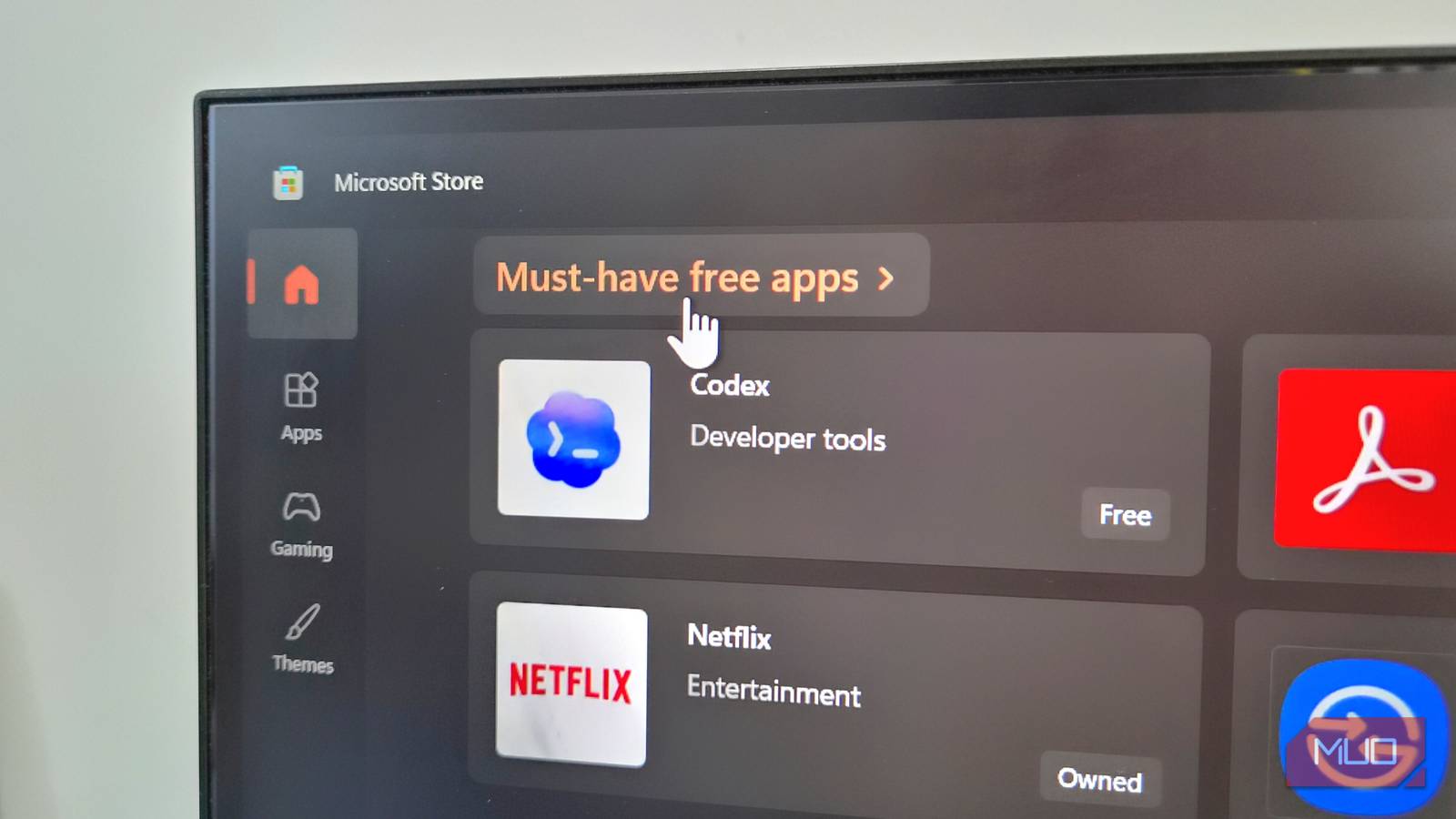
The right apps can make a bigger difference to your Windows PC than any setting tweak. The good thing is you don’t have to look far. The Microsoft Store offers several apps that enhance productivity, improve audio, simplify file transfers, and give you deeper control over Windows.
Out of them, there are five apps I feel deserve your attention. These apps take care of things Windows still struggles with, which is exactly why they deserve a place on every PC. The best part is, they are completely free with no ads or annoyances.
FxSound
The equalizer Windows still doesn’t have

It’s 2026, and somehow Windows still doesn’t have a built-in equalizer. Sure, some apps like Spotify include one, but outside of those, you’re pretty much stuck with whatever your system spits out.
FxSound is a free equalizer app that lets you take full control of how your PC sounds. It works at the system level, meaning it improves audio everywhere, from your games and movies to YouTube videos. It’s also quite easy to use. Right out of the box, you get several presets like Movies, Music, Voice, Bass Boost, Volume Boost, and Classic Processing. Each one to bring out the best in different types of content. Of course, you can also create your own presets and save them.
One of my favorite things about FxSound is hotkeys. You can use your keyboard to turn the equalizer on or off, switch between presets, and even change the playback device.

- OS
-
Windows
- Price model
-
Free
FxSound is a free, system-wide equalizer app that lets you tweak your PC’s sound to your liking.
PDF24
Your all-in-one PDF toolkit
Working with a PDF is something that all of us need to do from time to time. PDF24 is a free, all-in-one tool that lets you do everything from viewing and creating PDFs to even editing and organizing them. And it really means everything.
Once you open it, you’ll see all of its tools laid out. You can compress, merge, lock, compare, convert, sign, crop, and more, all from one place. You can even search for a specific tool or pin your most used ones under the Your Favorites section at the top.
Using PDF24 is as easy as it gets. Select the one you want, open your PDF, and get working. PDF24 is all about simplicity and ease of use. There are no ads popping up, no nagging AI features trying to “help,” and no other distractions. You don’t even need to create any account to get started, and the app works without the internet too.

- OS
-
Windows
- Price model
-
Free
PDF24 is a free, all-in-one tool for viewing, creating, and editing PDFs.
Blip Transfer
Fix cross-device file sharing
Although Windows now supports Quick Share, there’s still no native way to wirelessly transfer files to an iPhone, Mac, or even smart TVs. And if that’s something you need to do often, Blip is a must-have.
Like most file transfer apps, Blip can send and receive files to the devices on the same network. That part isn’t new. What’s interesting is that, when your phone and PC are not on the same network, it can still use the internet to complete the transfer. This means your phone and PC can be miles apart, and you’ll still be able to send your files. And unlike cloud storage, Blip doesn’t wait for the file to be uploaded fully. The transfer begins on the other device almost instantly.
And it gets better. When transferring files to your own devices, there’s no need to open Blip manually on the receiving device and accept the transfer. It happens automatically. Blip is a fast, free, and secure way to end all the file transfer struggles.

- OS
-
Android, iOS, Windows, Mac & Linux
- Price model
-
Free (Business plan available)
Blip is a cross-platform app for sending original-quality photos, videos, and large files between devices. It features no size limits, direct peer-to-peer transfer (no cloud uploads), and end-to-end encryption.
PowerToys
One app, dozens of useful tools

If there’s one app that I refuse to use my PC without, it’s PowerToys. It’s essentially a collection of utilities that add a lot of missing features to your Windows PC. For instance, its Keyboard Manager lets you remap keys and shortcuts. Command Palette is a better version of Windows Search from which you can open apps, run commands, perform calculations, and even install apps using WinGet.
The Workspaces tool lets you open your favorite set of apps in predefined positions with one click. There are even add-ons that bring extra features to File Explorer, like image resizer, spacebar previews, and bulk rename tools.
PowerToys is a Microsoft app and is constantly improving. It’s one app that can easily replace several single-purpose apps on your PC.

- OS
-
Windows 10, 11
- Price model
-
Free
- Services
-
FancyZones, PowerRename, Color Picker
Microsoft’s PowerToys app is a suite of power user features and tools that expand on Windows 10 and Windows 11 functionality. It’s free, and it includes FancyZones, and excellent window manager upgrade for ultrawide monitor users.
Wintoys
A smarter way to tweak Windows
If you’ve ever found yourself jumping between the Settings app, Control Panel, and random system menus to find a specific option, you know how messy it feels at times. Wintoys is a free tool that brings all those key system settings and tools into one, clean interface.
It shows you everything from your PC’s hardware info to installed apps and even running services. What makes it useful, though, is how it groups relevant settings under one section. For instance, head to Tweaks > Ads, and you’ll be able to turn off suggested notifications, lockscreen tips, and even the Windows welcome experience. Its Privacy section lets you manage all the privacy-related settings.
Wintoys’ Health tab gives you access to useful settings like fast startup, hibernation, and storage sense. You can even run repair commands, like SFC, DISM, and CHKDSK from here. And then there are options to manage driver updates, enable the ultimate performance power plan, and even generate a battery report. Once you start using it, you’ll barely find yourself opening the Settings app.

- OS
-
Windows
- Price model
-
Free
Wintoys is a free Windows app that lets you optimize, debloat, repair, and customize your PC from one clean interface — no registry digging or technical know-how required.
The Microsoft Store doesn’t always get the attention it deserves, but it’s home to some genuinely useful apps that can transform your experience. The above list is just the tip of the iceberg. You can check out the Microsoft Store yourself, and you’ll find plenty of free, useful apps.
