

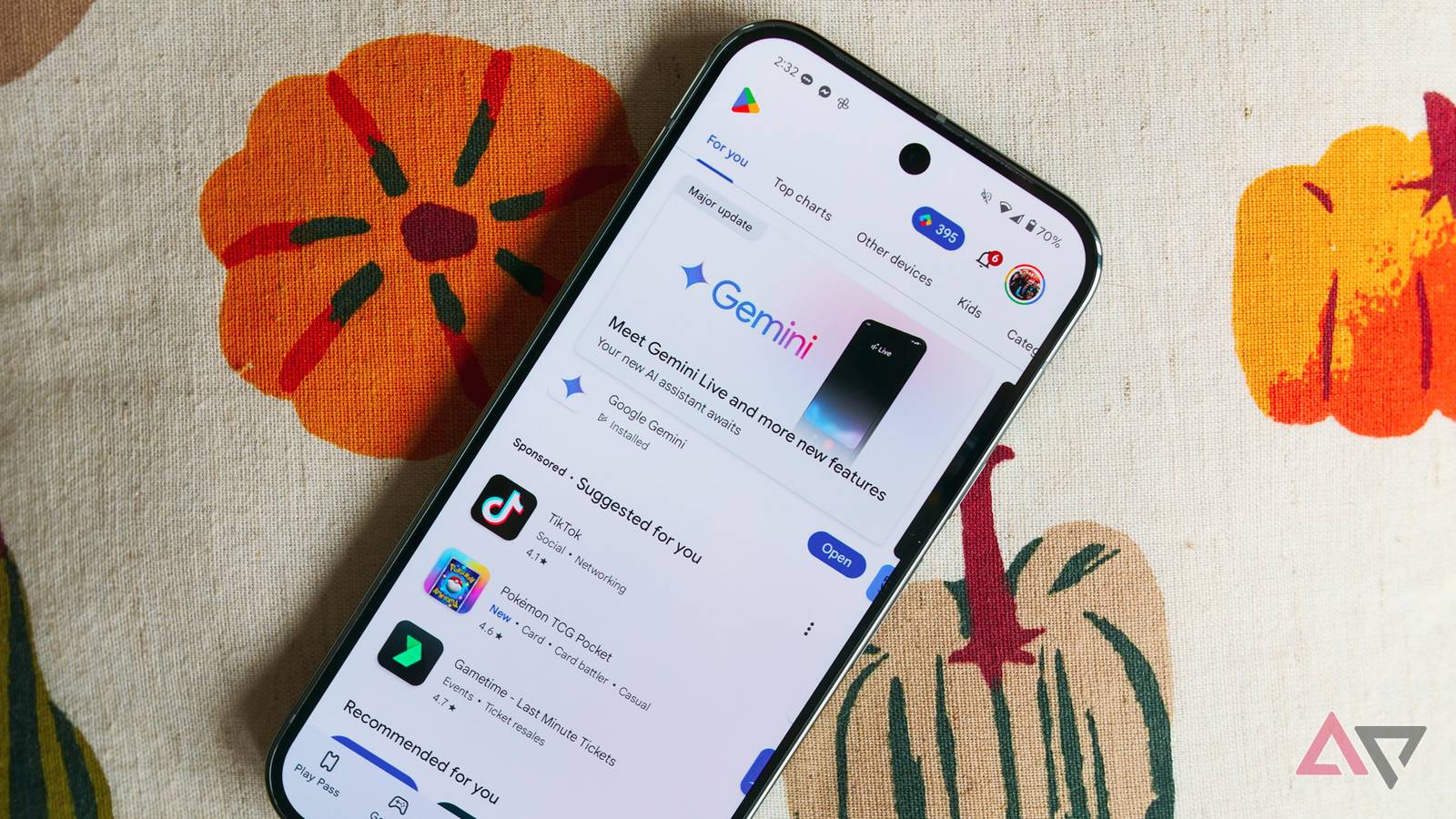
While the versatility of the Android platform lets you download games from a variety of sources, the Google Play Store remains the preferred option for most. While the app hub offers a separate bottom tab for games, filtering games by category currently requires more steps than necessary.

Google Play is finally letting us test drive paid games
Try it before you buy it
Instead of placing the category types front and center for instant access, the Play Store places Categories at the end of the scrollable section at the top of the page, preceded by For you, Top charts, Other devices, Kids, and Premium. Thankfully, a future version of Android’s app market will remedy this by making game categories more prominent.
Looking into a newer (but unspecified) version of the Google Play Store, the folks at Android Authority (based on a tip by user Gzx) have found a new row of pill-shaped items at the top of the Play Store’s Games page, replacing the current outdated layout.
Access game categories more quickly
Current (images 1 and 2) vs Upcoming
Top charts remains the first item on this horizontal list, followed by Simulation, Puzzle, Life, among others, per the screenshot published by the site.
It’s currently unclear if the Other devices, Kids, and Premium sections have been moved elsewhere or removed for good as part of this Games tab redesign. Since this appears to be an early implementation of the upcoming design update, these missing sections may come back in a later version.
As you would imagine, these pill-shaped options at the top of the screen also appear to be Material 3 Expressive-compliant, although multiple menus and submenus of the Play Store haven’t caught up to this design change yet.
This is one of those design changes that will find wide support, as it helps you find the game(s) you’re looking for faster. We hope to get a closer look at this redesign over the coming weeks and months, assuming Google goes ahead with it.

Google quietly makes a major Play Store change Android users will hate
Google Play Store now gives you less freedom
Unfortunately, not all feature additions or design revisions are the same, as we recently found out. Users have long been able to filter Play Store reviews by the specific smartphone model they use. However, a recent design update has effectively removed the “This device model” filter, leaving users to find device-specific reviews using the newly added search bar.
