
Close Menu
    Facebook X (Twitter) Instagram
    Wifi PortalWifi Portal
    • Blogging
    • SEO & Digital Marketing
    • WiFi / Internet & Networking
    • Cybersecurity
    • Tech Tools & Mobile / Apps
    • Privacy & Online Earning
    Facebook X (Twitter) Instagram
    Wifi PortalWifi Portal
    Home»Tech Tools & Mobile / Apps»The latest iOS beta includes a huge upgrade for Android users
    Tech Tools & Mobile / Apps

    The latest iOS beta includes a huge upgrade for Android users

    adminBy adminFebruary 24, 2026No Comments3 Mins Read
    Facebook Twitter LinkedIn Telegram Pinterest Tumblr Reddit WhatsApp Email
    The latest iOS beta includes a huge upgrade for Android users
    Share
    Facebook Twitter LinkedIn Pinterest Email

    Summary

    • iOS 26.4 beta 2 finally enables encrypted RCS between iPhone and Android.
    • The feature is currently in testing ahead of a full release later this year.
    • The feature also requires the beta version of Google Messages.

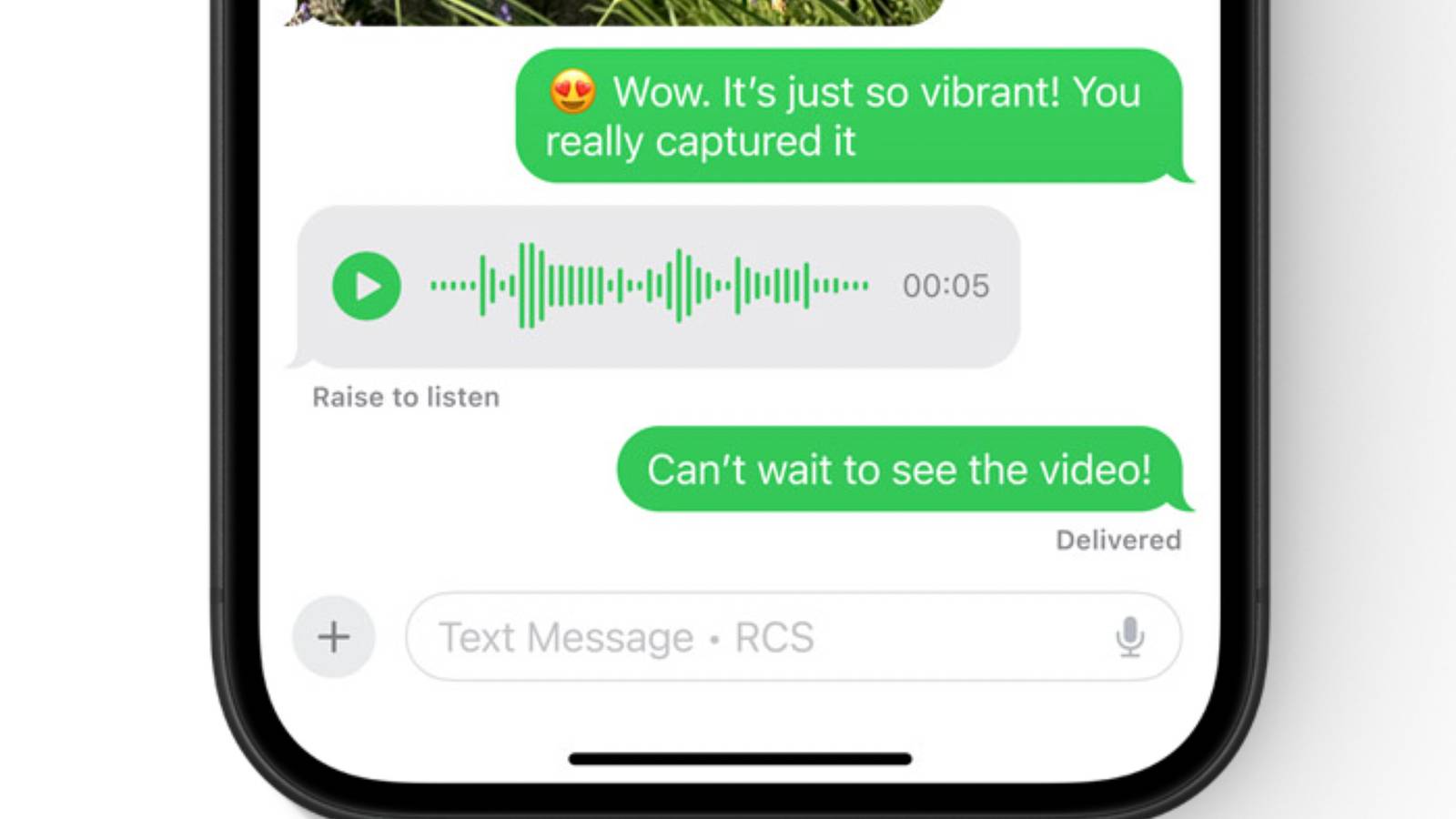
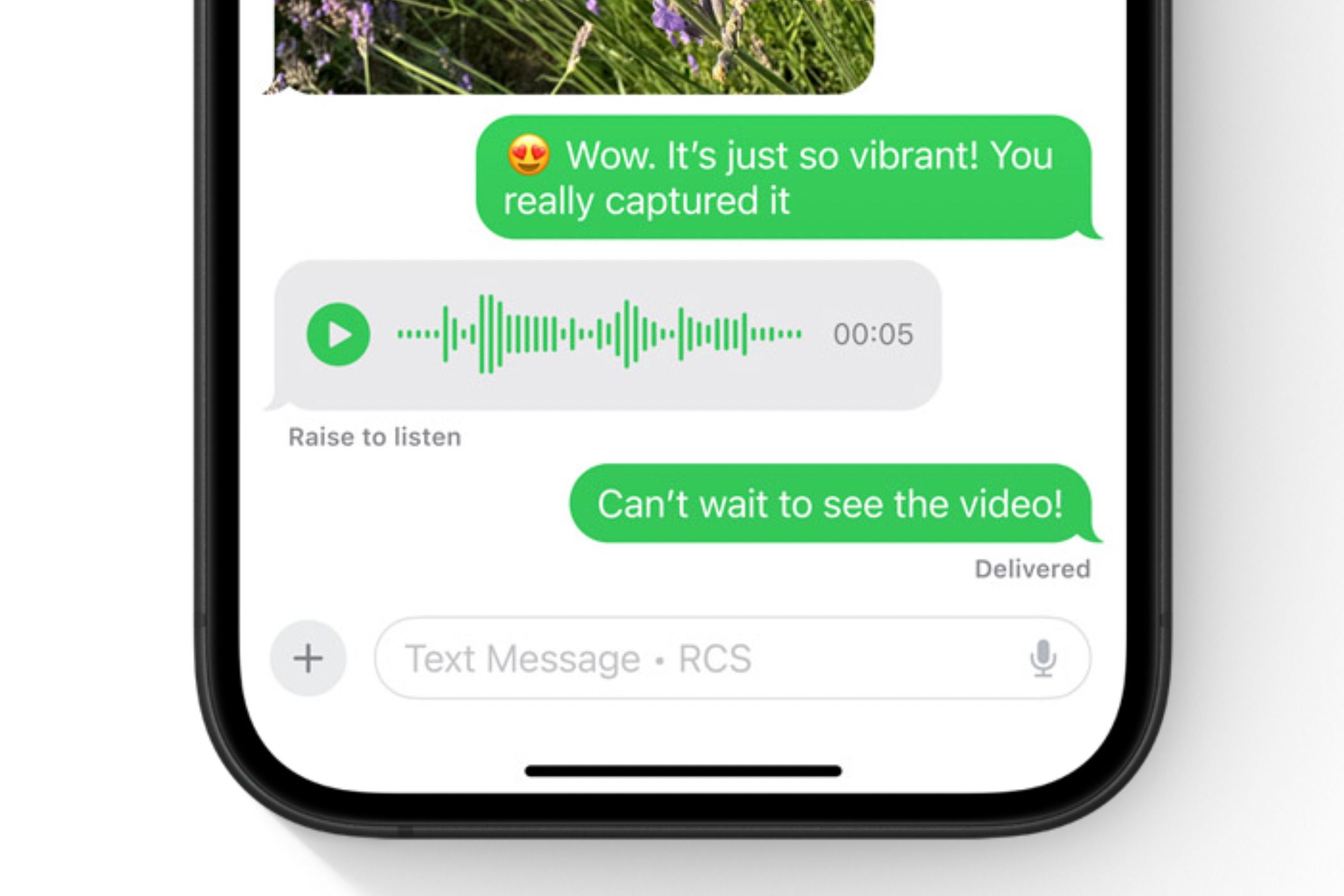
    With the release of iOS 26.4 beta 2 today, Apple and Google have begun live testing of encrypted RCS messaging between iPhone and Android. This feature is part of RCS Universal Profile 3.0, which revamps how RCS works across platforms.

    How to enable encrypted RCS on iOS 26.4

    You need all the betas

    To get started, you need to install iOS 26.4 beta 2. This is technically a developer beta, but the process for installing this is much simpler than it used to be:

    • Head to the Apple Developer website and sign in with your Apple ID. You no longer need to pay the $99 developer fee to access the beta software.
    • Once you’re enrolled in the beta, grab your phone and head to Settings > General > Software Update.
    • Tap on Beta Updates. If you don’t see this right away, hold tight. It can take a few minutes after enrolling to appear.
    • Select iOS 26 Developer Beta.
    • Go back a screen to the Software Update page. You should see iOS 26.4 Developer Beta 2 appear as an available update.
    • Tap Update Now and follow the prompts.

    Once you’re on the beta, you can enable encrypted RCS by heading to Settings > Messages > RCS Messaging and toggling on End-to-End Encryption (Beta).

    Android phones will also need to be on the latest Google Messages beta in order for the encrypted messaging to work. Installing this is a little easier than the iOS beta:

    • Head to the Google Play Store and go to the Google Messages page.
    • Scroll down until you see a section that says Join the beta.
    • Tap Join and confirm.
    • Scroll back up and tap the Update button at the top of the page. It can take a minute or two for this to appear after enrolling in the beta.

    Why encrypted messaging is a big deal

    Privacy matters

    Without encryption, your messages can theoretically be read at any point by third parties. Now, generally, someone would have to be looking — and your cellular provider probably isn’t reading your messages. But a lack of encryption does open you up to man-in-the-middle attacks and similar risks. And, of course, there are places in the world where governments do read messages. Encryption helps prevent that, whether it’s a hacker or a government entity. Encryption also ensures that if a company’s servers are compromised, your messages won’t be readable.

    Currently, messages between Android and iPhone use RCS, but it’s not encrypted. For encryption, you need to be iPhone-to-iPhone (via iMessage) or Android-to-Android (via Google Messages). There are also a number of secure messaging platforms you can use, like Signal (which we wish more people would use). However, many (maybe most) people default to using the built-in messaging app on their phone, which means most Android-to-iPhone conversations are currently unencrypted. This feature should finally change that, and will make messaging private by default for a ton of users.

    Encrypted RCS between iPhone and Android is currently in beta. It’s not totally clear when it will roll out to the public at large, but with Apple’s typical beta timeline, we’re likely looking at March or April, possibly coinciding with a rumored hardware event.

    Android Beta huge includes iOS Latest upgrade Users
    Share. Facebook Twitter Pinterest LinkedIn Tumblr Telegram Email
    Previous ArticleIMDb: Movies & TV Shows 9.2.7 APK Download by IMDb
    Next Article 3 key factors to consider when choosing a Linux distro
    admin
    • Website

    Related Posts

    Google’s latest AI ad push shows ads are becoming conversations, not clicks

    May 27, 2026

    OpenAI expands Ads Manager Beta with new budgeting and geo targeting controls

    May 22, 2026

    How Denis Yurchak Built Yadaphone to $17,500 a Month and 20,000 Users in Just Over a Year After the Skype Shut Down

    May 20, 2026
    Add A Comment
    Leave A Reply Cancel Reply

    Search Blog
    About
    About

    At WifiPortal.tech, we share simple, easy-to-follow guides on cybersecurity, online privacy, and digital opportunities. Our goal is to help everyday users browse safely, protect personal data, and explore smart ways to earn online. Whether you’re new to the digital world or looking to strengthen your online knowledge, our content is here to keep you informed and secure.

    Trending Blogs

    From keyword manager to system optimizer

    June 4, 2026

    11 Ways to Lower Your Cell Phone Bill

    June 3, 2026

    Google Search Console adds AI performance reports and blocking controls

    June 3, 2026

    Cisco sees quantum networking as the future of networking

    June 3, 2026
    Categories
    • Blogging (89)
    • Cybersecurity (1,955)
    • Privacy & Online Earning (233)
    • SEO & Digital Marketing (1,361)
    • Tech Tools & Mobile / Apps (1,796)
    • WiFi / Internet & Networking (329)

    Subscribe to Updates

    Stay updated with the latest tips on cybersecurity, online privacy, and digital opportunities straight to your inbox.

    WifiPortal.tech is a blogging platform focused on cybersecurity, online privacy, and digital opportunities. We share easy-to-follow guides, tips, and resources to help you stay safe online and explore new ways of working in the digital world.

    Our Picks

    From keyword manager to system optimizer

    June 4, 2026

    11 Ways to Lower Your Cell Phone Bill

    June 3, 2026

    Google Search Console adds AI performance reports and blocking controls

    June 3, 2026
    Most Popular
    • From keyword manager to system optimizer
    • 11 Ways to Lower Your Cell Phone Bill
    • Google Search Console adds AI performance reports and blocking controls
    • Cisco sees quantum networking as the future of networking
    • How To Use Lighthouse To Test Your Website For Agentic Readiness
    • Landing Page Copywriting: How to Write Copy That Converts
    • Shopify outage disrupts stores, checkouts and admin access
    • Google adds a dedicated Agentic Browsing category to Lighthouse
    © 2026 WifiPortal.tech. Designed by WifiPortal.tech.
    • Home
    • About Us
    • Contact Us
    • Privacy Policy
    • Terms and Conditions
    • Disclaimer

    Type above and press Enter to search. Press Esc to cancel.