

Smart home automation usually gets framed as something that starts with a shopping list. A hub, a smart speaker, a few bulbs, a sensor or two, maybe a subscription somewhere in the stack, and at that point, it’s transformed from a simple upgrade to a full-on home improvement project.
One of the most useful automations I ever set up went in the opposite direction. It did not need a hub, it did not need a monthly fee, and it did not even need its own power source. NFC tags cost me less than a dollar each, and they ended up being more practical in day-to-day use than a lot of the more expensive smart home gear I have tried.

7 sensors under $10 that completely changed my smart home
You don’t need to splurge to build a smart home
Absurdly cheap for how useful they can be
NFC tags can be less than a dollar each

Price is the primary thing that makes NFC tags such an easy recommendation. Most smart home devices are judged on whether they do enough to justify their price. With NFC tags, that calculation barely exists because the entry cost is so low. They’re offered in large packs, so it’s as easy as buying a bunch of them, and sticking them where they make sense, and setting up several different actions for the price of what one smart accessory often costs.
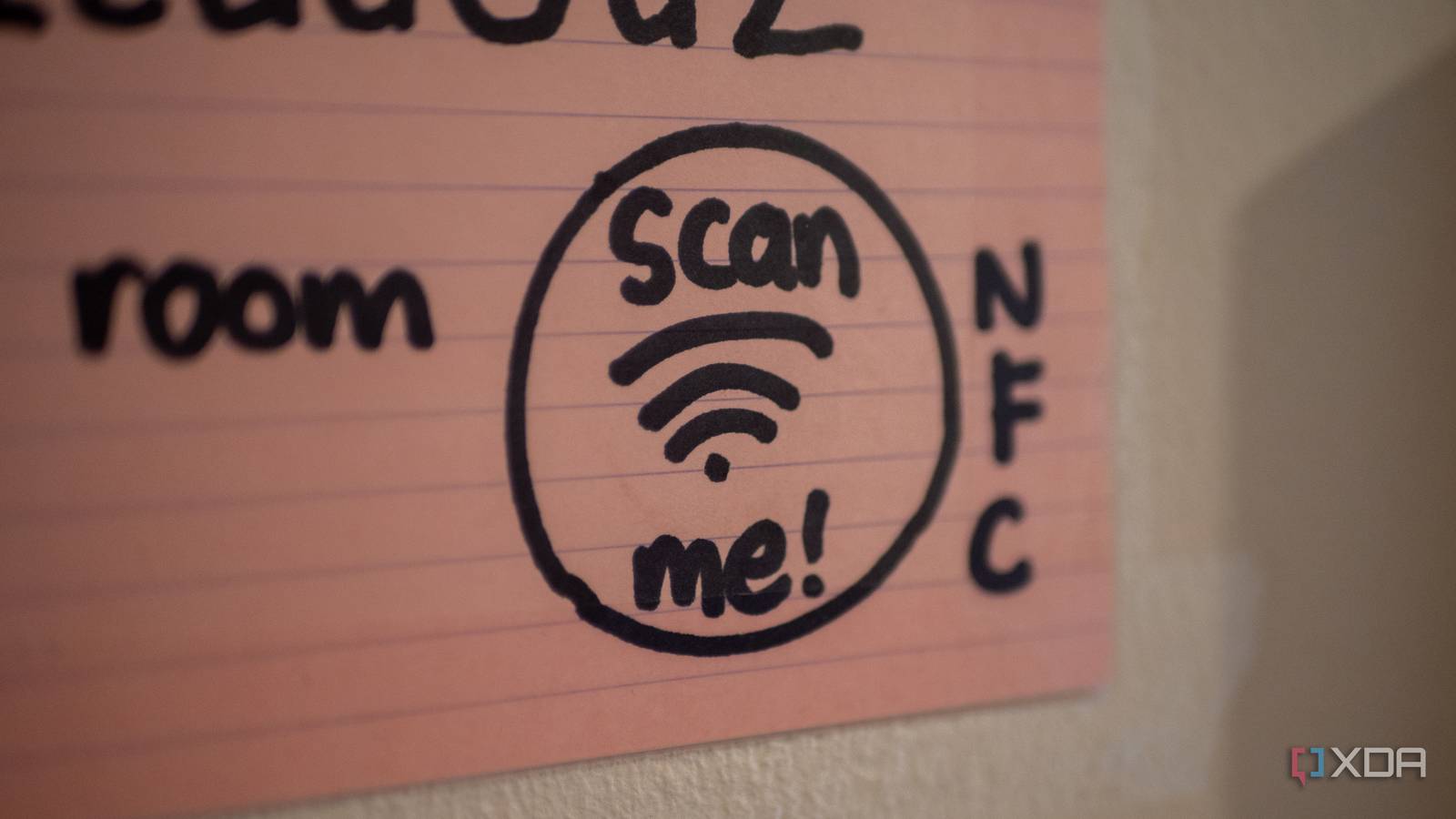
An NFC tag is usually a small sticker, card, or plastic token with a tiny chip and small antenna coil inside. When your phone’s NFC reader comes within a few centimeters of the tag, it creates a small electromagnetic field. The antenna inside the tag picks up enough of that energy to briefly power the chip, enabling data transmission of various kinds. This could be a web link, plaintext, contact info, Wi-Fi credentials, and so much more.

Home Assistant’s best upgrade costs nothing, but it changes everything
Turns out, the best upgrade for Home Assistant wasn’t a new device
They feel great when deployed reasonably
For the things inside their wheelhouse, they’re perfect

NFC tags are great when you’re trying to turn a few repeatable actions into a single physical tap. A bedside NFC tag is a good example, and is something I’ve integrated for my fiancée. One tap can turn off the lights, enable Do Not Disturb, set an alarm, and start a sleep playlist or white noise app. None of those actions are difficult on their own, but doing them one by one every night adds just enough friction to be annoying. A tag reduces that routine to something you can do without much thought at all, a quick tap and your bedtime routine is basically done. I’ve done something similar by the front door: I’ve set a tag to run a leaving-home routine that turns off lights and adjusts the thermostat, but you could easily add a garage door open signal or something of the sort if your house supports it.

6 “just-enough” Home Assistant automations that keep my smart home ticking
It’s smarter to keep things simple.
They’re not truly automatic, and that is the obvious drawback
They’re not hands-off

The biggest weakness of NFC tag automations is, well, they’re not automatic. You still have to physically tap your phone to trigger the action, which means they are closer to smart shortcuts than to the kind of systems people usually imagine when they hear the words smart home. If your idea of automation is lights reacting to occupancy, blinds opening on a schedule, or devices responding passively to your presence, NFC tags do not replace any of that. They are not sensors, and they are not making independent decisions in the background. Their usefulness also depends on how much your phone supports and how willing you are to build routines around it.

I finally set up Home Assistant with Zigbee, and my entire home changed
I had heard about Zigbee for a long time, but I finally took the plunge. I should have sooner.
It’s one of the reasons they can be so good

The reason I like NFC tags so much is that they avoid a lot of the overcomplication that comes with more ambitious automation. Obviously, you can do a lot with the more complex stuff, but sometimes it’s complex for the sake of it. That is where NFC tags hit a sweet spot, because they’re deliberate enough to avoid false triggers, simple enough to be dependable, and cheap enough that experimenting with them never feels a risky financial decision. They’re quite literally close to a dime a dozen.

I run my entire smart home from a single mini PC with Home Assistant
If you’d have told me my smart home would be controlled from one box I wouldn’t have believed you
NFC tags replaced some of my more expensive home automation gear
What NFC tags changed for me was not my view of smart homes as an umbrella of products, but it begged the question of what a useful automation looked like in the first place. Complex automations based on sensors and several different devices can be fun and genuinely effective, but some of the best smart home automations are the ones that save you just a little bit of friction. One tap to perform a bunch of smaller actions is enough in a lot of situations.
