

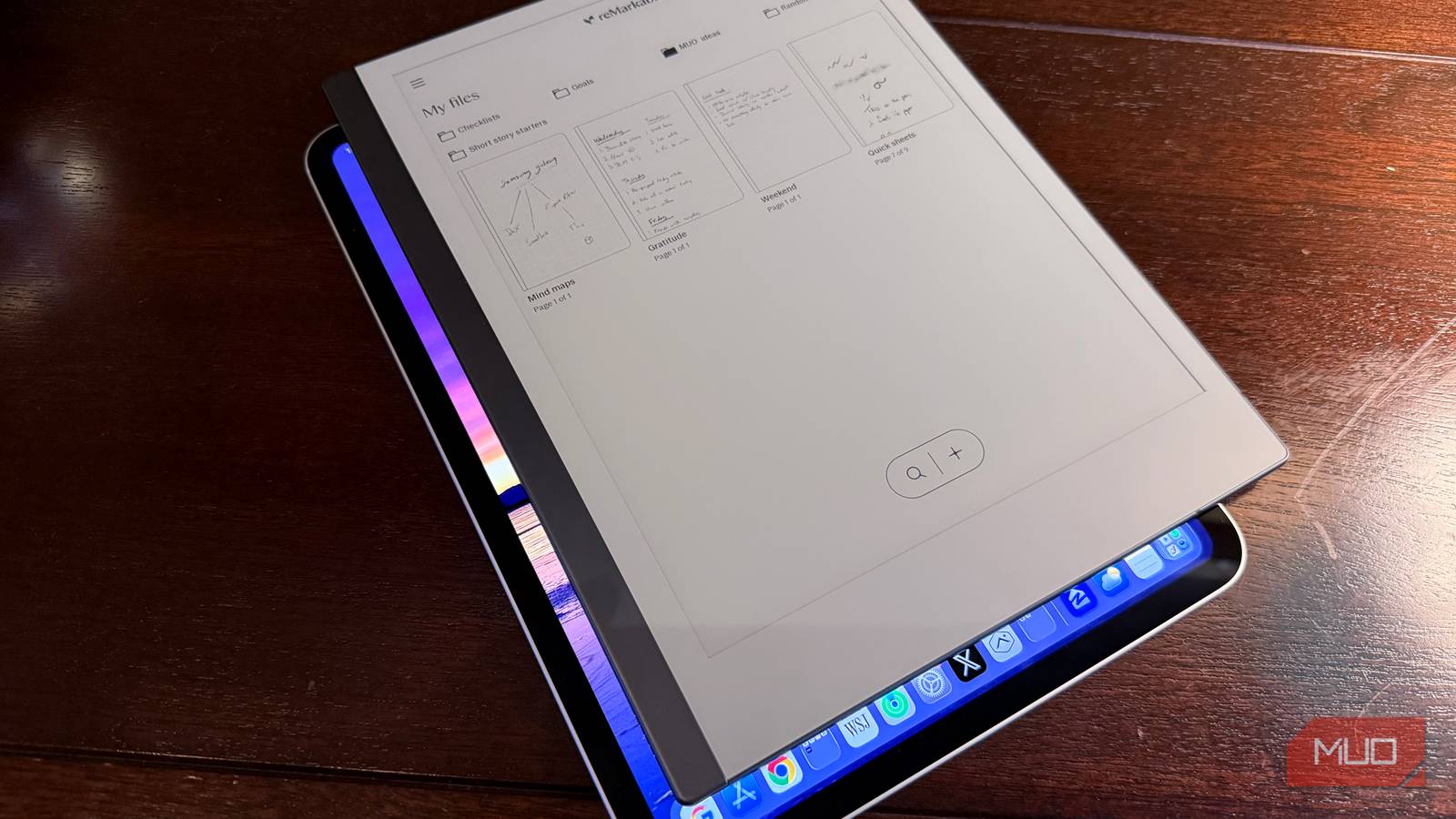
If you’re using your iPad or Android tablet to take notes, even if you’re using the low-latency (and expensive) Apple or Samsung tablet stylus, you’re not getting the best note-taking experience possible when compared to an e-ink tablet. This is because writing on glass is inherently less satisfying than the textured surfaces found on comparable e-ink note tablets. Not only that, but by using an iPad or Android tablet, you’re opening yourself to a world of distraction versus the focused and limited functionality of an e-ink tablet. And while full-function tablets from Apple and Samsung have battery life that can last you the day, you’ll still have to think more about charging than you would with a comparable e-ink tablet that can last for weeks, which makes you use it less.
E-Ink versus other tablets: one feels so much better
Writing on glass is just not satisfying

E-Ink tablets, whether my reMarkable 2 or other tablets like the Boox Note Air or Kindle Scribe, offer a paper-like matte screen texture that not only feels like paper but sounds like paper. This, compared to the slippery and noisy glass screen of an iPad or Android tablet, is a much worse writing experience. You see, part of the appeal of putting a pen or pencil to paper is how it makes you feel: writing something down harkens back to a simpler time when you could be alone with your thoughts and a sheet of paper without your Instagram DMs blowing up. That paper has a texture, and when you write on it with your favorite writing instrument, it makes a satisfying scratching sound that varies based on how quickly you’re writing and how much pressure you’re applying. E-ink tablets replicate this feeling wonderfully, while glass tablets are numb and offer no such tactile or audible feedback, unless you buy one of those expensive matte screen protectors (which also dull the screen).
E-Ink versus other tablets: zero distractions
It’s all about focus and intention

I love my M5 iPad Pro. The tandem OLED display is a feat of engineering. The software with iPadOS 26 finally gives you more control in terms of window management to make it feel more like a real computer, plus it can run millions of apps. The iPad and comparable Android tablets can truly do everything, and that’s the problem. When I take notes on the iPad Pro, even when using the advanced Apple Pencil Pro, there are constant temptations to do more: a notification comes in from Slack, or a news headline breaks my flow, or perhaps I’m tempted to check to see if there is a new video from my favorite YouTuber. Inevitably, taking notes on my iPad Pro is short-lived as I get pulled into other apps and workflows since the iPad can do so much.

- Brand
-
reMarkable
- Screen
-
10.3 inch CANVAS display
E-Ink tablets are limited by design
So that you can focus

My reMarkable 2 on the other hand, has a boring monochrome screen, it cannot run third party apps (however, it does have third party integrations like Google Drive, Slack, Microsoft OneDrive, and others), but rather it has a suite of tools specifically for note-taking (you can make folders and notebooks, and that’s pretty much it). There are zero distractions when using an e-ink tablet, and that makes all the difference in the world when you want to be alone with your thoughts and just put pen to paper.

I replaced both my tablet and e-reader with this one device
Two separate devices, merged into one.
E-Ink versus other tablets: nearly endless battery
Infrequent charging means less excuses to not pick it up
Having a device that you only have to charge every 1–2 weeks has some interesting and very positive effects. First and foremost, you use it more. I can’t tell you how many times I’ve reached for my iPad, only to find that it died while on standby because it was pulling in notifications from dozens of apps even though it was idle. My ReMarkable 2 tablet, with its weeks-long battery, is almost always ready to go and has nearly zero battery drain while on standby. And even while using it, since the screen has no backlighting, the only time the device is using power is to efficiently sync with the cloud. Besides that, the nature of an e-ink display is that it only consumes power when the image on the screen changes, not while contents are being displayed like a traditional LCD or AMOLED display. That means unless you are changing the image on the e-ink tablet (by writing or navigating), no power is consumed. This equates to battery life that is measured in weeks, not days or hours.
Having a device that you only have to charge every 1–2 weeks has some interesting and very positive effects
If you’re serious about notes, it can only be e-ink

The verdict is in: if you want a distraction-free environment to be alone with your thoughts, if you want a device that has epic battery life and is always at the ready, and if you want the true feel and sound of putting pen to paper, using an e-ink tablet for your notes is the only way to go.
