

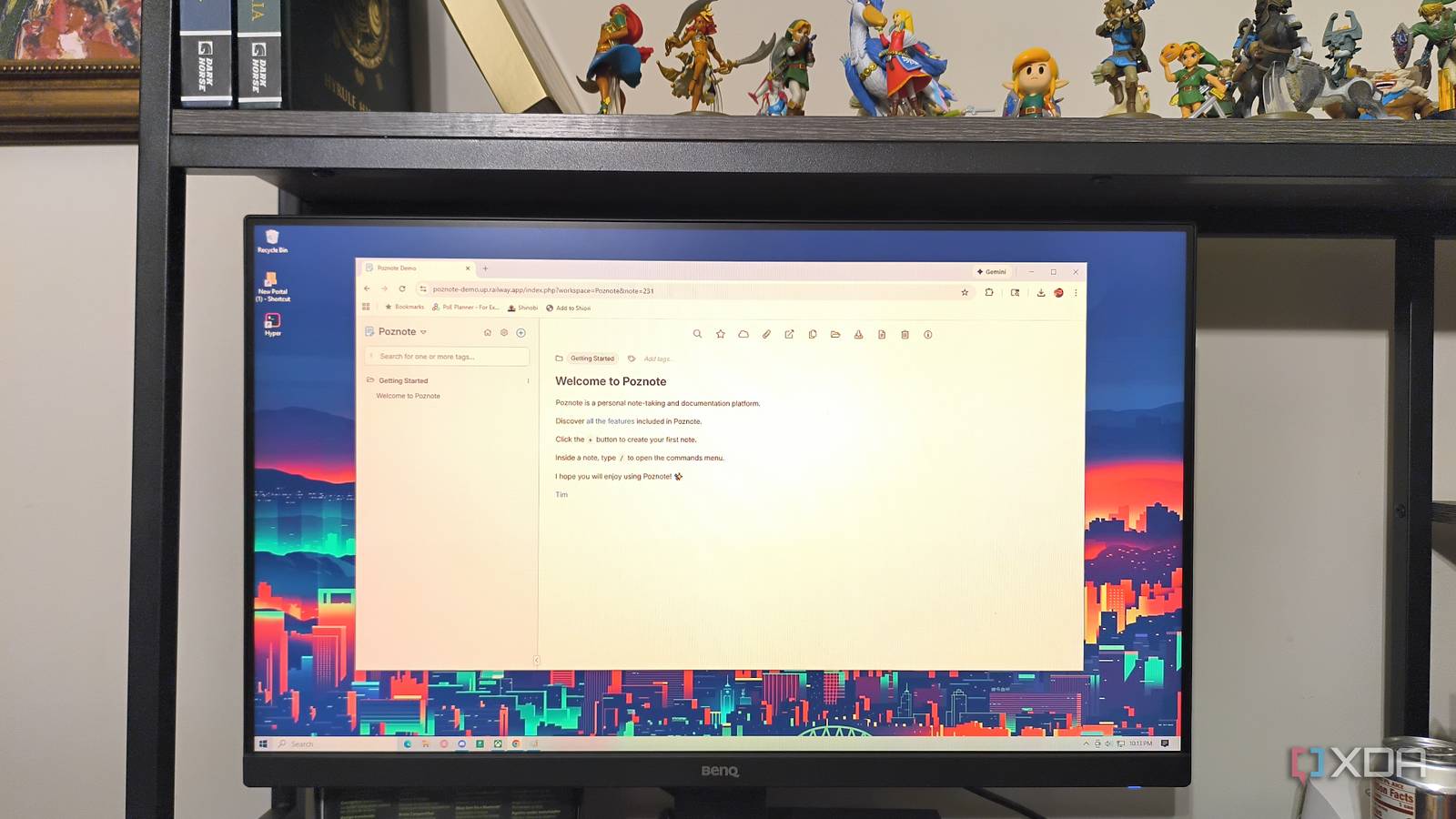
Obsidian is an amazing tool for, well, just about anything. While it’s designed to be a knowledge management system, there are loads of other applications. That said, it does have a few downsides; namely, syncing across devices can be difficult to pull off without paying for a subscription. While there are free options, they aren’t always reliable, and the Obsidian subreddit has recently seen a spate of posts about users losing data when syncing through services like iCloud and Google Drive.
Poznote offers nearly all the functionality of Obsidian, with one outstanding perk: it runs entirely in your browser. That means any device can connect to your Poznote platform and work in it (provided you have the correct credentials), with no awkward syncing methods required.
Poznote is stored on your own server
You control the data

Once you set up where your Poznote workspace will live, you can access it from anywhere. If you’re on your phone on the subway, at work, or even at the library, your notes are all still available to you with none of the hassles of syncing across devices. As someone who has lost several notes due to sync errors, that’s an appealing benefit; it’s immensely frustrating to get a lot of work done, only for it to vanish into the ether due to a backend web error.
That also means you don’t have to worry as much about ensuring your workspace isn’t open on your personal device, either. With Obsidian, opening an already-open vault on another device is an easy way to lose data. Poznote doesn’t suffer from the same issues.

How to sync notes on Obsidian for free across all your devices
You no longer need to pay to sync notes on Obsidian
It’s full of familiar features and commands
Making the jump from Obsidian isn’t hard
Poznote isn’t a perfect match for Obsidian, but it has the tools you’d expect to find in a markdown editor. It also operates with a similar tagging system, which makes it easy to stay organized. Poznote offers several premade templates for new notes, including a task list and a kanban board. You can create folders for organization and choose whether to create a note in Markdown or HTML. Downloading existing notes is as simple as clicking the download button in the navigation bar at the top, and you can convert an HTML note into Markdown with the touch of a button.
That’s not all it offers, though. You can attach files, work collaboratively with other users, and connect Poznote to an MCP server for AI integration. Poznote even has a feature to import existing Obsidian notes, so if you decide to move your full vault over, it will save you a lot of time.
Collaboration isn’t an afterthought
The functionality is built in

Obsidian was designed as a local-first option meant to be used by a single user. While there are a few collaborative options, they’ve been added in by the community. It was never designed to be a tool used extensively by teams. Poznote takes a different approach. Thanks to its online nature, connecting other users to your workspace is as easy as sharing an OpenID Connect invitation. You can also make specific notes public.
This makes Poznote an ideal solution for students working on group projects or for classmates who want to consolidate all their study materials into a single location. It’s also a great option for teams to manage documentation.

3 reasons I’m finally uninstalling Obsidian – and what I’m replacing it with
I’m admitting defeat and uninstalling Obsidian
Self-hosting isn’t for everyone
The technical aspects can be intimidating

The biggest drawback to Poznote is that it must be self-hosted, and for non-technical users, that can feel like an almost insurmountable barrier to entry. Poznote makes it easy to connect once things are up and running, but getting to that point can pose a challenge. That’s only exacerbated by the need to troubleshoot when something breaks.
Compared to Obsidian’s download-and-go installation, Poznote is a tougher sell. If the idea of setting up your own server gives you a minor panic attack, Poznote might not be the best option.
That said, self-hosting is a lot easier than you might think
It’s less technical than it appears

I won’t say that self-hosting is easy, but it doesn’t require an advanced degree either. Docker is free to download and use, and Poznote offers step-by-step instructions for setting up the application on every major operating system. And if that still seems like a tough barrier to entry, you can easily deploy it to the cloud through Railway for costs as low as $5 per month.
It’s not an Obsidian replacement, but it’s a great complement
Poznote is great, but I’m not going to be leaving Obsidian. I have far too many hours sunk into it, and my workflow largely revolves around the extensive plugin library it offers. That said, for any work that might involve other people — for instance, taking notes on D&D campaign session — a shared Poznote workspace can be a great alternative, and the perfect complement to an existing Obsidian vault.
