

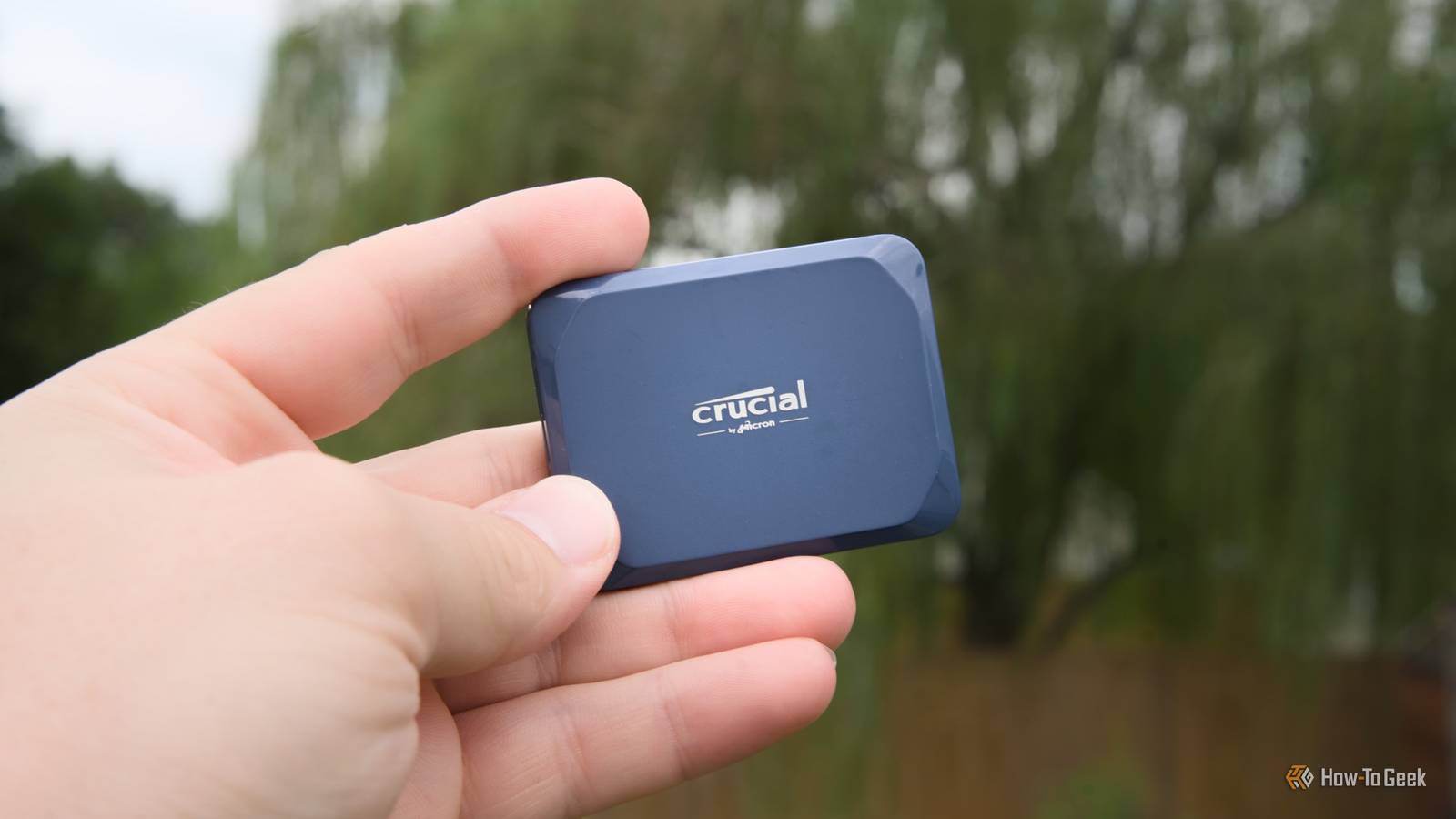
In the past year or so, I’ve gone all-out on optimizing my storage habits. I’m not the most regular with my backups, but that’s one thing I’ve been trying to fix. Another is how I approach my backups to begin with.
I used to organize my files based on size and type, provided I even bothered to organize them at all. Yes, I’m one of those people with a Downloads folder that’s over 500GB in size.
These days, I’ve adopted what I feel is a much better approach: organizing files based on risk.
Stop organizing by capacity, organize by blast radius
File size and type are really irrelevant
At a time when SSDs cost an absolute fortune, I’ve been getting more and more overkill with optimizing my file storage systems.
One of my more recent finds has to do with how I organize both my live folders and my backups, and it’s helped both in a performance/longevity sense, and in a general “I know where my stuff is” sense. Honestly, it’s mostly the latter, but it never hurts to keep your folders tidy and avoid filling your SSDs to full.
My approach used to be something more along the lines of “big files go here” or “movies go here.” I’d have dedicated folders based on file types or sizes, and inside, I’d have a complete mess. Yes, I can feel your judgmental stare even through the screen, thank you.

Quiz
Storage Through the Ages
From ancient clay tablets to modern SSDs — how much do you really know about the wild history and quirky facts of data storage?
HistoryHardwareCapacityOdditiesModern Tech
What was the storage capacity of the very first commercially sold hard disk drive, IBM’s 350 RAMAC introduced in 1956?
Correct! The IBM 350 RAMAC stored a whopping 5 megabytes — and weighed over a ton. It was the size of two refrigerators and leased for around $3,200 per month, which is roughly $35,000 in today’s money.
Not quite. The IBM 350 RAMAC, launched in 1956, stored just 5 megabytes of data. Despite that tiny capacity by modern standards, it was a revolutionary machine that filled an entire room and cost thousands per month to lease.
Which of these has genuinely been used as a data storage medium by researchers and engineers?
Correct! DNA storage is a real and rapidly advancing field. Researchers have successfully encoded entire books, images, and even operating systems into synthetic DNA strands, which can theoretically store 215 petabytes per gram of material.
Not quite. The answer is DNA molecules. Scientists have encoded movies, books, and even malware into synthetic DNA strands. DNA storage is extraordinarily dense — theoretically capable of holding 215 petabytes per gram — making it one of the most promising future storage technologies.
What does the ‘SSD’ in SSD storage stand for?
Correct! SSD stands for Solid State Drive. The ‘solid state’ refers to the fact that it uses solid-state electronics — NAND flash memory chips — with no moving mechanical parts, unlike traditional spinning hard disk drives.
Not quite. SSD stands for Solid State Drive. The term ‘solid state’ comes from electronics jargon meaning the device uses semiconductor components rather than moving mechanical parts, which is why SSDs are faster, quieter, and more durable than HDDs.
Approximately how many standard 1.44 MB floppy disks would you need to match the storage of a single modern 1 terabyte hard drive?
Correct! One terabyte equals roughly 1,048,576 megabytes, and dividing by 1.44 MB per floppy gives you about 728,000 disks. Stacked, that pile would be taller than most skyscrapers — a humbling reminder of how far storage has come.
Not quite. You’d need approximately 700,000 floppy disks to match a single 1 TB drive. That stack of disks would reach over a mile high if laid flat, which is a staggering way to visualize the enormous leap in storage density over just a few decades.
What storage medium did NASA use to store data from the original Apollo moon missions in the 1960s and 1970s?
Correct! NASA relied heavily on magnetic tape reels during the Apollo era. In fact, thousands of original Apollo-era data tapes were eventually lost or accidentally erased and reused, leading to a massive archival effort years later to recover what footage remained.
Not quite. NASA used magnetic tape reels to store Apollo mission data. Tragically, many of these original tapes were later lost or even deliberately erased and reused due to tape shortages, which is why some original high-quality Apollo footage is gone forever.
What is the name of the technique used in modern NAND flash storage that stores multiple bits per cell to increase density?
Correct! QLC, or Quad-Level Cell, stores 4 bits per cell and is used in high-capacity, budget-friendly SSDs. While it offers great density and lower cost, QLC NAND typically has lower endurance and slower write speeds compared to TLC (3-bit) or MLC (2-bit) designs.
Not quite. QLC stands for Quad-Level Cell, and it’s a real NAND flash technology that stores four bits per cell. It allows for very high storage densities at lower cost, but trades off endurance and write performance compared to older, less dense cell types like MLC or SLC.
The Svalbard Global Seed Vault in Norway stores seeds for agricultural preservation — but what famous tech company also operates a nearby ‘Arctic Code Vault’ to preserve software?
Correct! GitHub operates the Arctic Code Vault in Svalbard, Norway, where they stored a snapshot of all active public repositories on film designed to last 1,000 years. The project is part of GitHub’s Arctic Vault Program to preserve open-source software for future generations.
Not quite. It’s GitHub — owned by Microsoft — that runs the Arctic Code Vault. In February 2020, they photographed every active public repository onto special archival film and stored it deep within a decommissioned coal mine in Svalbard, designed to last a thousand years.
What was the primary reason early floppy disks were called ‘floppy’?
Correct! Early floppy disks — especially the original 8-inch variety from IBM in 1971 — used a thin, genuinely flexible magnetic disk inside a soft protective sleeve. You could literally flop the thing around. Later 3.5-inch versions came in rigid plastic cases, but kept the ‘floppy’ name.
Not quite. The name ‘floppy’ came from the physical flexibility of the magnetic disk inside the sleeve. The original 8-inch IBM floppy disks introduced in 1971 had a noticeably limp, floppy disk that you could bend. Even the rigid-cased 3.5-inch disks that followed kept the iconic nickname.
Your Score
/ 8
Thanks for playing!
The problem was that this told me nothing about how important each file was, or what risks I ran into if it was corrupted or went missing entirely. File size only tells you how much room something takes up, and type only tells you what kind of file it is. But whether my movie folder contained 60 episodes of a show or important family videos, I couldn’t tell you. Not at a glance.
Similarly, a folder full of movies might take up hundreds of gigabytes and therefore seem important, but most of it is replaceable. Meanwhile, a tiny folder full of documents, contracts, photos, etc., can be really small and really meaningful at the same time.
To avoid running into that same problem of importance vs. type and capacity, I started organizing my drives and backups not by size, but by blast radius.
It’s really simple. Just ask yourself: if the folder vanished tomorrow, would you miss anything?
Important files need around-the-clock protection
They’re worth the time and effort

Once I started organizing my storage by importance, one category stood out right away: the stuff I really didn’t want to lose. This will vary for each person, but for me, a lot of it comes down to work-related files, documents, and old photos and videos. In fact, to make finding my way around these files even simpler, I separated my work life and my personal life and started storing my personal photos on a “digital attic” of sorts.
Figuring out which files belong on that important pile and which files are just clutter was about 95% of the job. Sort that out, and you’ll have just one job left: giving those files extra love. Personally, I keep them on fast, reliable storage, on a regular backup schedule, and keep tabs on where they are. They also get backed up multiple times to make sure that even if one drive dies on me, I’ll always keep my files.
The key is that important files need both fast access and fast recovery. These are the files you want on your main SSD for daily use, but also in a backup that’s updated often enough that losing a few hours or a day of work would not be a disaster. Of course, your mileage may vary; I don’t keep old photos on my main SSD, but they’re still backed up on three different drives.
Disposable files don’t deserve that same kind of attention
Save the space and the speed for what matters

Outside of being able to figure out what goes where, this backup strategy works well simply because not every file deserves premium storage. Many files don’t belong on your main drive and don’t require frequent backups, while the ones that do tend to need a lot more attention. Sorting your files based on capacity and type makes it impossible to tell which is which.
A good way to deal with those less-important files is to give them their own scratch space, meaning a dedicated drive (or at least a folder). Otherwise, they tend to eat into your disk space and also make backups harder to organize.
This also helps from a workflow perspective, because disposable files tend to create backup churn. If a folder is constantly changing with new downloads or temporary edits, backing it up constantly wastes time.
Messy backups are almost worse than not having any
I know I’m exaggerating, but organizing your files helps in many ways

Backing up your files is kind of an art form, really. And it’s an art I’ve often failed at over the years, but diving deeper into the topic of data loss made me realize that being lazy doesn’t pay off in this area.
Messy backups are a nightmare to deal with. I’ve spent way too many hours looking through folders and trying to find this or that file without remembering its name to make finding it easier. Organizing my folder saves me time and lets me rest easy, as I can find those backups and test them whenever.
Assign your backups the right way
Changing the way I think about my backups didn’t magically transform my entire backup workflow, but it did give me a lot of peace of mind. Now that I know that I have layers upon layers of backups, following the 3-2-1 rule, for the files that matter the most, I don’t have to worry: data loss is nearly impossible under those circumstances.

7/10
- Storage capacity
-
1TB, 2TB, 4TB, 8TB
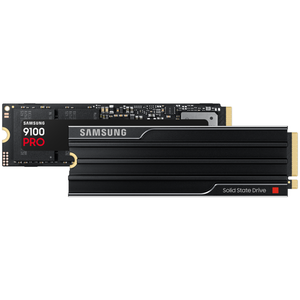
If you need an SSD to work as your main daily driver, this is a fantastic choice. I own this drive and can attest to its speed and reliability.
