

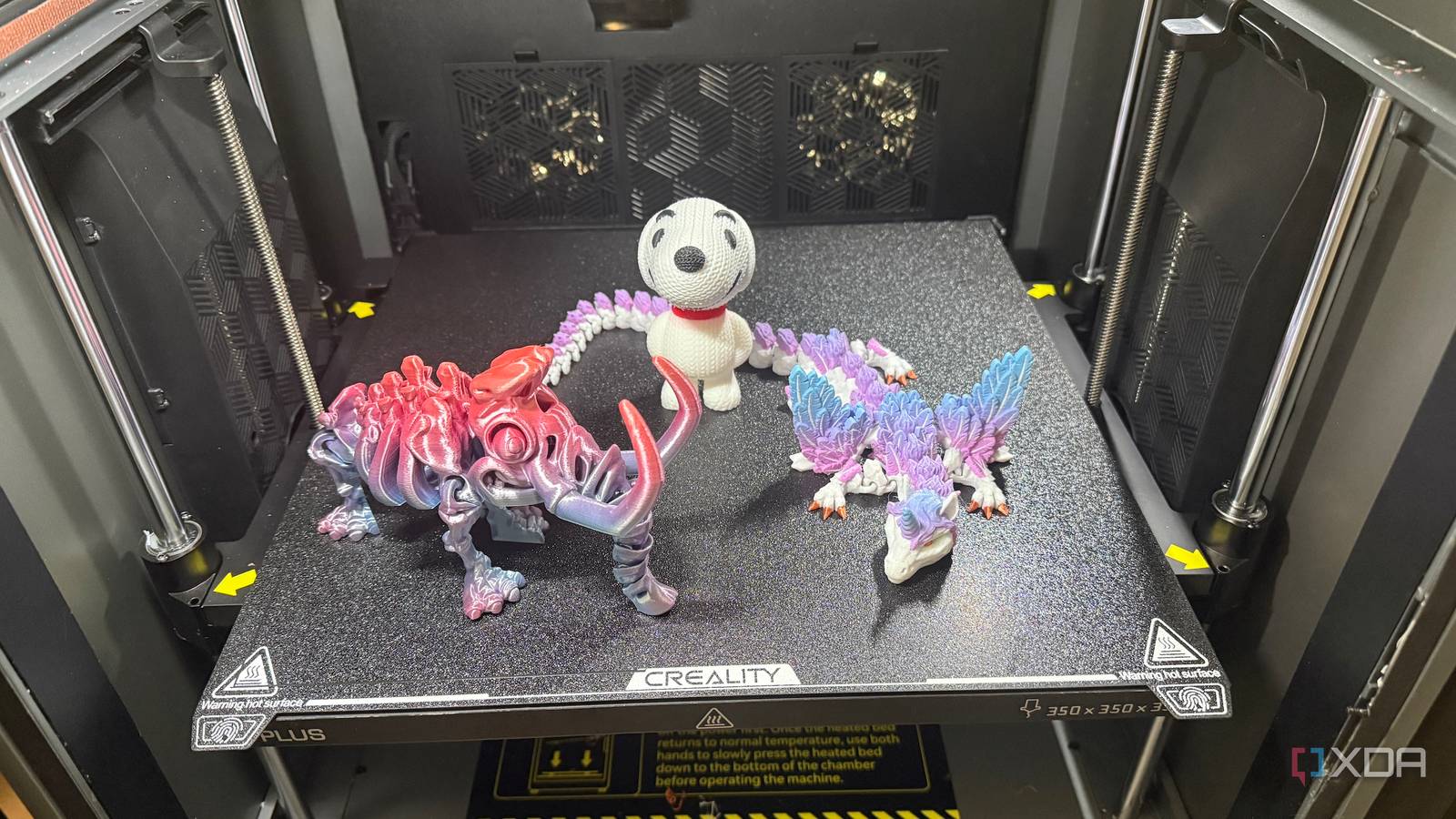
Buying your first 3D printer is exciting in and of itself, but the first few accessories around it usually decide whether the hobby feels smooth or constantly annoying. A new machine can print properly out of the box, sure, but that doesn’t mean it’s ready for real everyday use without a few supporting players.
Most new 3D printer owners don’t need more upgrades at first. They need fewer preventable problems.
I’d rather spend a little extra up front than deal with bad adhesion, messy cleanup, worn parts, and a workspace that turns into a plastic tornado. These are the six things I’d grab first, because they make the biggest difference the fastest.
Don’t confuse essentials with upgrades. A lot of new 3D printer owners spend their first extra dollars on cosmetic mods, printable add-ons, or replacement parts they don’t actually need yet. That usually introduces more variables before they even know how the stock machine behaves, making troubleshooting harder rather than easier. If an accessory improves adhesion, maintenance, safety, or day-to-day usability, it’s probably worth buying early. If it mostly changes how the printer looks or adds complexity, it can usually wait.
Start with a better build plate
A better surface fixes early frustrations

The first thing I’d buy alongside a new 3D printer is a third-party build plate, especially if there’s a well-regarded option available for that machine. Something like Biqu’s CryoGrip Pro is a good example, because it targets one of the most common beginner frustrations right away. Stock plates aren’t always bad, but they’re often more of a compromise than people realize. When the first layers go wrong, a better surface can save a lot of time before you start blaming the printer, the slicer, or yourself.

5 things to consider before getting started in 3D printing
Get familiar with these five key things before starting 3D printing to build a strong foundation and ensure a smoother learning process.
A good aftermarket plate can improve adhesion consistency, reduce the need for glue or other workarounds, and make part removal less irritating once the print is done. That matters a lot when you’re new, because every failed first layer feels bigger than it should. It also helps keep the printer feeling fun instead of fussy, which is more important than many people admit. If I were spending money on one upgrade immediately, I’d rather improve the part of the printer every single job depends on.
Small hand tools save major frustration
A simple post-processing kit is one of those purchases that doesn’t feel glamorous until the first time you really need it. I’m talking about flush cutters, a deburring tool, needle-nose pliers, a small scraper, and a hobby knife with fresh blades. Even clean prints usually need a little trimming, support removal, or edge cleanup before they feel finished. Without those tools, you end up improvising with whatever is in the junk drawer, and that’s how nice prints get chewed up in a hurry.
These tools also make routine maintenance easier, which matters more than many beginners realize. Snipping filament cleanly before loading it, removing stuck purge lines, and clearing small bits from the bed all become easier with the right stuff close by. None of this is expensive, and that’s what makes it such an easy early win. A new printer can be a precision machine, but your experience with it still gets shaped by whether you can clean up the little messes quickly.
Get a proper bed cleaning setup
Adhesion problems often start with residue

I’d buy basic bed-cleaning supplies right away, because print adhesion lives and dies on surface prep more often than people want to admit. A bottle of high-concentration isopropyl alcohol and a stack of lint-free cloths or disposable wipes will go a long way. Finger oils, dust, leftover adhesive, and random residue can quietly wreck a print before the first layer even has a chance. When someone says their new printer is inconsistent, a dirty bed is often lurking somewhere in the story.
This matters even more when you’re new, because first-layer problems can send you chasing the wrong fix. You might think the nozzle is too high, the filament is bad, or the machine needs calibration when the actual problem is a greasy thumbprint near the middle of the plate. Keeping the bed clean gives you more predictable results and makes the rest of your tuning actually mean something. It’s not the most exciting item in the cart, but it might be the one that saves the most time.
Moisture and clutter show up fast
Filament storage is another early purchase that pays off almost immediately, even if you only own a couple of spools at first. Resealable bags, reusable desiccant, or a dry box setup can help keep your material in good shape and your workspace from looking like a plastic landslide. A lot of people wait until they’ve built a bigger collection, but moisture doesn’t care whether a spool is your first or your fiftieth. Starting with decent storage habits is much easier than trying to rescue a growing pile of neglected filament later.
The other benefit is simple organization, which gets underrated until you’re digging through half-open boxes and mystery bags. Good storage keeps labels visible, reduces tangles, and makes it easier to remember which materials you actually have on hand. That means fewer duplicate purchases and fewer moments where you discover your “good black PLA” is actually some bargain spool you forgot you hated. New 3D printing gear multiplies fast, so I like adding a little order before the chaos gets a head start.
Pick up spare wear items
Consumables fail at the worst times

I’d also buy a few spare consumables before I need them, because 3D printers have a talent for eating simple parts at the most annoying possible moment. Depending on the printer, that might mean extra nozzles, PTFE tubing, socks, wipers, or build surfaces if replacements are easy to find. None of those items is especially dramatic on its own, but any one of them can bring your printing to a halt. Waiting until something wears out usually means paying more, waiting longer, and losing momentum just when you’re having fun.
This is especially important if the printer uses proprietary parts or ships with only the bare minimum in the box. A clogged or damaged nozzle can turn a perfectly fine weekend into a stalled project if you don’t have a backup. Keeping a few known-good replacements nearby also makes troubleshooting easier, since you can swap parts instead of just hoping a worn one is still okay. It’s the kind of purchase that feels boring until the day it makes you feel very smart.
Make room for safety and air
Your setup needs smarter surroundings

The last thing I’d buy is whatever helps make the printer’s physical space safer and easier to live with. That could mean a fire-resistant mat, a small enclosure, a nearby smoke detector, or an air purifier if the room needs one. Even a basic table upgrade can count here if the current surface wobbles every time you walk past it. A 3D printer isn’t just another gadget you toss anywhere and forget, because heat, motion, fumes, and noise all become part of the surrounding room.
I think this matters early because bad placement creates problems that don’t look like placement problems at first. Prints fail because of drafts, the machine gets louder than expected, tools end up scattered, and suddenly, the whole hobby feels more intrusive than it should. A better setup makes it easier to leave the printer running with confidence and come back to it without dread. The goal is to make the printer feel like it belongs in your space, not like it crash-landed there.
The smartest first purchases aren’t flashy
The funny thing about buying a new 3D printer is that the smartest additions usually aren’t the flashy ones people show off first. A better build plate, cleanup tools, bed-cleaning supplies, storage, spare consumables, and a safer setup won’t make for the most dramatic unboxing photo, but they do make the hobby easier to enjoy from the start. They reduce the silly failures, the avoidable messes, and the little delays that make beginners think their printer is worse than it really is.
