

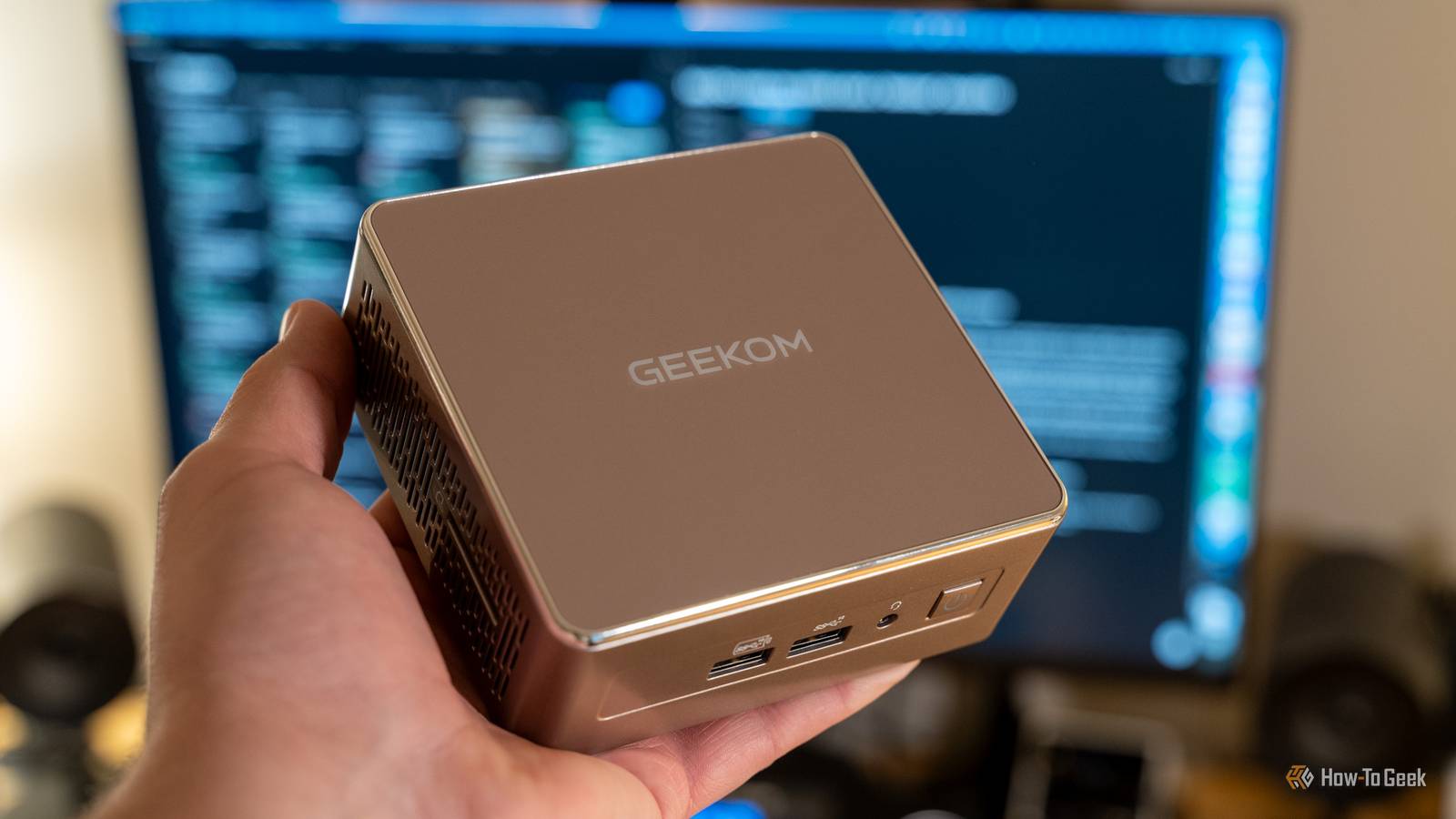
Don’t you just love a mini PC? Smaller than a laptop, way smaller than a desktop, and with specs that often sit somewhere in between. I love the idea of having a whole computer that fits inside my purse, but I have to admit that my mini PCs spent most of their lives collecting dust on a shelf. What a waste.
The truth is that mini PCs can be so much more useful than they end up being in most homes. In fact, if you own one, you should be using it every single day … not as your daily driver, but as a full-fledged assistant to your main computer.
Your mini PC shouldn’t compete with your main computer
Give it the jobs your main PC doesn’t need to handle
I think the biggest misconception about mini PCs is the idea that since they’re a computer without a screen, they’re basically a desktop. That couldn’t be further from the truth.
Of course, some are surprisingly capable; Apple’s Mac mini is incredible, for instance. But a lot of them are not some beastly PCs, and that’s alright, because they were never meant to be. That doesn’t make them useless, though.
I’ve had several mini PCs, both for my own purposes and for reviewing, and I always tried to see them for what they were: dramatically cut-down versions of a computer, in every aspect. And that’s actually their greatest strength, too, and it’s also the reason why they pair so well with a full-sized desktop (or a laptop, if you prefer).
That’s why I think mini PCs make way more sense as a companion machine than a primary PC. Once you stop judging them as undersized desktops, their real usefulness really comes to light.


7/10
- Storage
-
2TB SSD
- CPU
-
Intel Core Ultra 9 285H
Offload the background junk and free up your main PC
Let the sidekick handle the annoying stuff

What changed my mind was realizing that a mini PC makes a lot more sense as a dedicated support machine, a tiny sidekick, than a wannabe all-purpose desktop. I never tried gaming on any of my mini PCs, although I know that modern versions can handle some gaming very well. I used them for stuff that just clogged up my main PC, such as downloads, backups, syncing files, or staying available for remote access. Some of my colleagues use theirs for running a Plex server or VMs, too.
That separation is the real value. Instead of cluttering up your main PC with every mundane task, you give those chores their own lane and keep your primary machine focused on whatever you really need to do.
In my experience, that also makes my setup feel more organized and predictable. I do already separate my workloads and files across different storage media. I have, for instance, something I call an “abuse drive” to handle all the junk that my main SSDs shouldn’t bother with.
Well, a mini PC can be an upgraded version of such a drive, handling all the background stuff while you can focus on the things you actively care about on your main PC.
A mini PC is perfect for remote access and rescue duty
This is one of my favorite things about a mini PC

One of my favorite uses for a mini PC is turning it into a machine I can reach when my main PC is off or busy. If you set yours up for remote access, it becomes a handy little gateway into your home network, letting you grab files, check on downloads, restart apps, or manage shared folders without having to sit in front of your primary computer.
I also like the idea of using a mini PC as a backup machine for when something goes wrong. It’s like an expanded take on a rescue drive. Your mini PC can help you create a bootable USB, update your BIOS, get your drivers, or do some serious troubleshooting.
Your mini PC doesn’t have to just be your assistant
You can share it with your whole household

If your mini PC is useful to you, then it can probably be even more useful to your entire household. We’ve all seen mini PCs used as home entertainment centers or living room gaming consoles, and sure, they’re fantastic for those uses. But equally, one mini PC can assist an entire household.
It’s small, quiet, and easy to tuck away near a router, a TV, or a printer. As such, it can handle all those shared little jobs that don’t really need to belong on anyone’s main computer, such as sharing files across the network, hosting a shared media library, managing a printer, and so on.
Many tasks can be centralized across the entire network, and as long as your main PCs can connect to the mini PC remotely, you’ll have a nice shared computer without sharing everything, which, naturally, most people wouldn’t want.
The real win isn’t performance
It can help, but the value is bigger than just better benchmarks

A lot of the tasks that you can offload to a basic, entry-level mini PC aren’t particularly taxing on a full-on desktop or laptop. Many mini PCs don’t have a dedicated graphics card and run on mobile CPUs, so their capabilities are limited.
But that’s alright; you’re not looking to somehow win loads of performance for your main PC. It’s more about prioritizing the correct workloads and keeping it all nice and tidy.
Don’t waste your mini PC’s potential
Mini PCs are often bought as a fun thing to own and then end up wasting away on a shelf somewhere. But there’s a lot you can do with yours, and using it day-to-day alongside your main PC is a good way to get your money’s worth, keep your main PC clean, and streamline a lot of the boring stuff that goes on in the background. If you ask me, that’s enough to justify owning a mini PC.
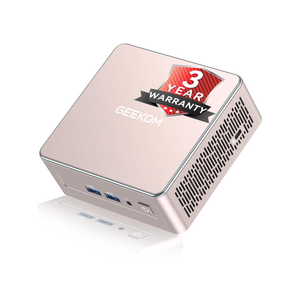
- Brand
-
GEEKOM
- CPU
-
AMD Ryzen 5 7430U
If I convinced you to get yourself a tiny assistant, the Geekom A5 is a great start. It’s no beastly PC, but it’ll mow through all the annoying tasks while your main PC can focus on the big picture.
