

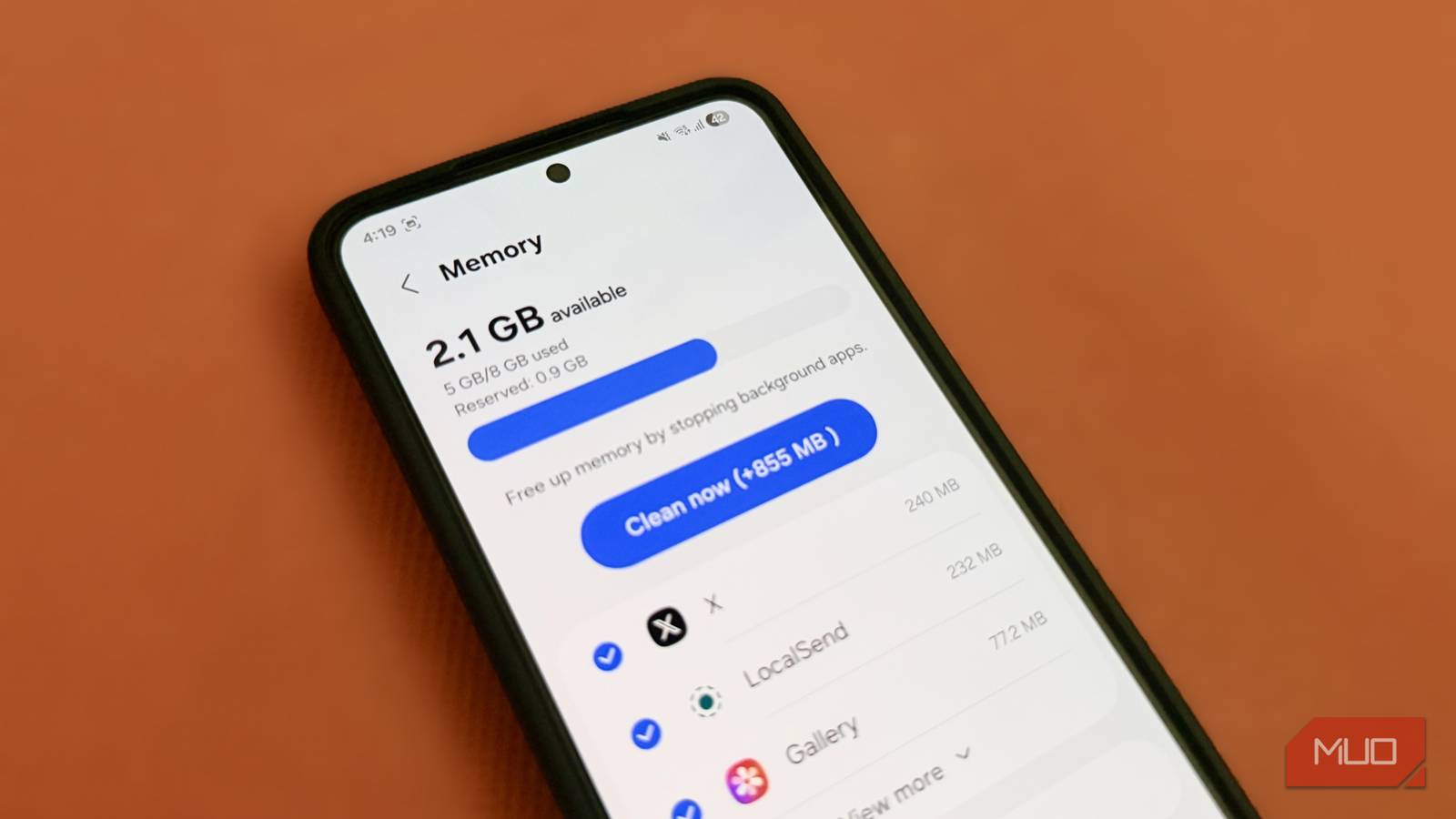
RAM cleaners are among the most downloaded apps on Android. They promise better performance, more free memory, and longer battery life with just a tap. And I hate to admit it, but I believed that far longer than I should have.
But modern Android phones are quite different. Everything from hardware to software has gotten so much better that RAM cleaning and booster apps aren’t necessary anymore. In fact, they now end up doing more harm than good.
How RAM cleaning apps actually slow down your phone
Killing apps isn’t as beneficial as you think

RAM cleaners are like tiny digital janitors. Tap a button, watch a satisfying animation, and suddenly you’ve freed up 2GB of RAM. It feels productive, and over time, it almost becomes muscle memory. But the problem is, killing background apps isn’t exactly ideal.
To understand why, you need to know how Android manages background apps. When you minimize an app, your phone doesn’t keep it running in full power. Instead, it pauses it, which lowers its RAM usage significantly. This also allows Android to quickly reload the app the next time you open it. This is great for apps you use frequently, like Instagram, WhatsApp, YouTube, and others.
When a RAM cleaner comes in and forcefully closes apps, it disrupts the entire system. Instead of letting Android manage things, it wipes apps out of memory completely. Now when you return to the app, the system has to reload it from scratch. And that means more CPU work and more time. What could have been an instant resume becomes a full relaunch, which also makes your phone feel slow.
All of this gets worse if your RAM cleaner is cleaning memory automatically. It causes your phone to get stuck in a loop. Apps get closed. You open them again. They reload. Then they get closed again.
It also hurts your battery life
The hidden cost

The slowdown is only half the story. Another cost is the battery drain. It’s not just the CPU that needs to work extra when you reopen an app from scratch. That extra processing also requires additional battery power.
Another problem happens when the RAM cleaner ends up killing an important app or process that should be kept alive. When that happens, Android will usually immediately restart it. This constant cycle of killing and restarting essential processes causes more heat and faster battery drain.
Finally, the RAM cleaning app itself needs to keep running in the background to kill processes. Ironically, the very app you’re using to “free up resources” ends up consuming CPU, RAM and, of course, battery. So, no matter what your RAM cleaner may have you believe, it’s not doing any favors to your phone’s battery life.
Background apps aren’t always a bad thing
If it ain’t broke, don’t fix it

There is a common belief that if an app is sitting in memory, it’s wasting RAM unnecessarily. But that’s not always the case, at least not for every app.
Some apps actually need to run in the background so they can continue to do their thing even when you’re not actively using them. For instance, Gmail needs to sync data in the background to deliver timely notifications. Apps like Google Drive and OneDrive need to stay active to upload your files to the cloud. And then there are apps like Spotify and Netflix that need to continue downloading content for offline viewing.
When your RAM cleaner shuts down these apps, it interrupts useful work. And that means you might experience problems like delayed notifications, failed downloads, and improper sync. So you’re dealing with problems that shouldn’t have been there in the first place.

I disabled background activity for these 5 Android apps and now my battery lasts much longer
Meet the real culprits
There was a time when RAM cleaning apps were essential, but not anymore
Android is smarter than you think

To be fair, RAM cleaners weren’t always useless. As strange as it might sound, there was a time when they actually made sense.
In the early days of Android, phones had very limited RAM. We’re talking about merely 512MB or maybe 1GB if you had a flagship phone. Apps were less optimized, and Android’s background management was not as intelligent. This meant it was easier for your phone to slow down once you left a few apps running in the background.
The only way to keep things smooth was to actually close apps manually from the recent apps menu. RAM cleaners made this far quicker and more convenient, which also made them quite popular.
But things are much different now. Phones now come with 8GB or 12GB of RAM as a baseline. More importantly, Android itself also manages the background process to ensure your phone never runs out of RAM. Today, unused RAM is essentially wasted RAM. All of this means the problem RAM cleaners once solved, doesn’t exist anymore and yet, they’ve still stuck around.
RAM cleaners promise a lot of things beyond smooth performance, and one of them is freeing up storage space. But you don’t need them for that either. Your Android phone already has built-in cleaning tools and apps like Files by Google to do that. So yes, there’s really no reason to put up with ads that cleaning apps show, purchase their subscription, or grant storage permissions to them.
