

There’s a very specific kind of problem that doesn’t show up in logs, doesn’t trigger errors, or spike your CPU. It just quietly ruins your mood. That’s where I found myself. Sitting in front of a Cinnamon desktop that looked perfectly healthy and felt … wrong. Not slow in the dramatic sense. Nothing froze or crashed, but every interaction had this faint resistance to it, like the system was thinking just a little too long before doing anything. Animations didn’t glide anymore. They sort of … negotiated their way across the screen. Typing felt like it had to pass through a tiny buffer of doubt before appearing. Even opening a window carried a subtle hesitation, as if the desktop needed a moment to emotionally prepare.
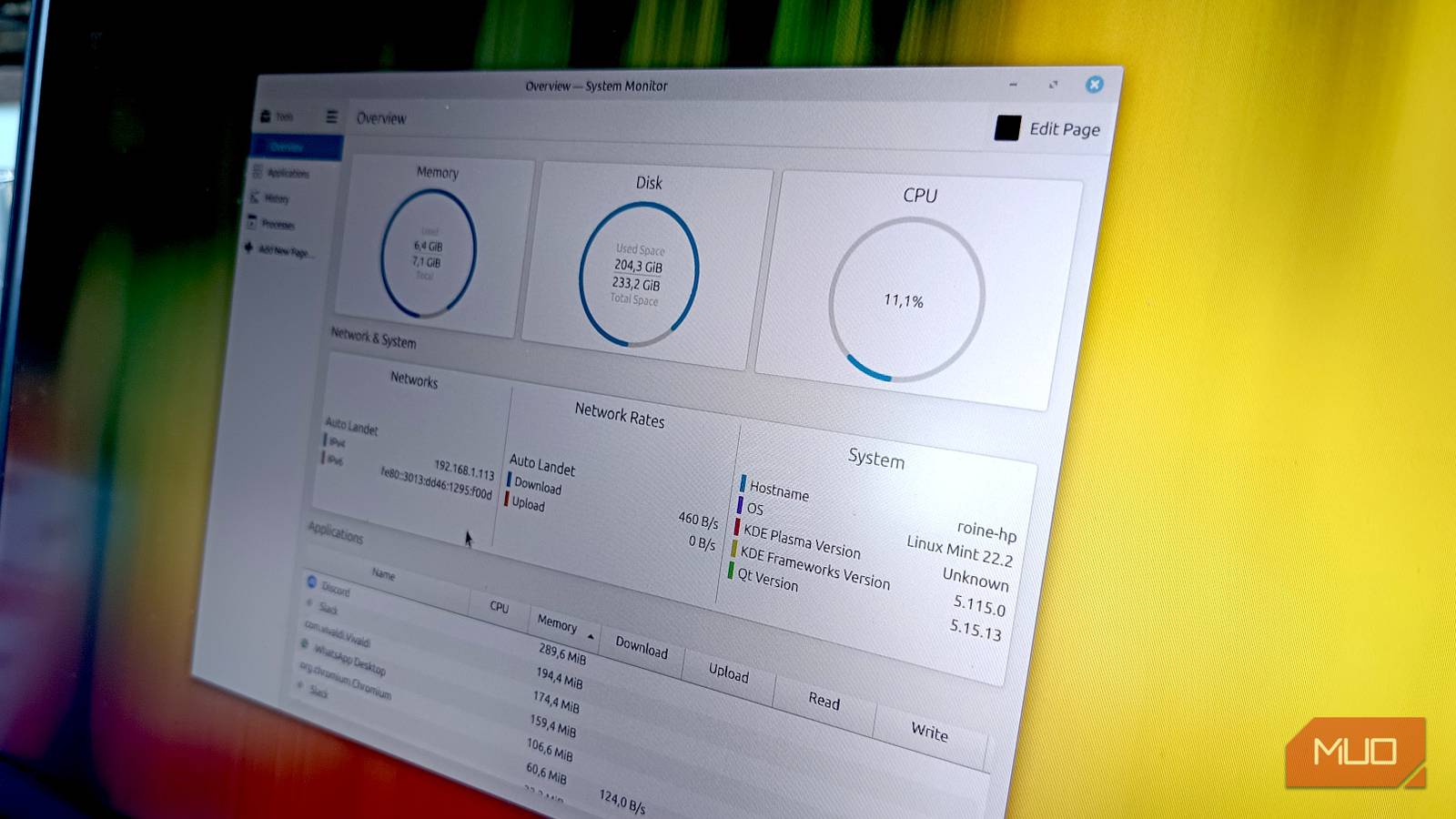
So I did the rational thing. I checked everything. The system monitor was open, staring at it as if it owed me an explanation. CPU usage barely moved, memory was comfortably under control, and disk activity looked like it had taken the day off. By every measurable metric, this system should have felt fast. Which is when doubt creeps in. Because if the system isn’t slow … what exactly am I feeling?
The usual suspects that weren’t the problem
When every check makes things more confusing

This is where troubleshooting turns into a psychological exercise. You go through the motions: restart the system, close background apps, and scan for anything unusual. You start opening tools you don’t even fully trust anymore, just hoping one of them will point a finger at something, but nothing does. Everything looks suspiciously fine. Then you start building theories just to have something to chase. Maybe a driver hiccup or an update introduced something subtle.
Maybe some obscure setting got flipped somewhere deep in the system when you weren’t looking. But each path ends the same way: clean, quiet, and utterly useless. And the desktop continues to feel like it’s running through syrup. Not enough to stop you working. Just enough to annoy you constantly. The kind of issue that slowly erodes your patience because there’s nothing concrete to fix. At some point, I genuinely considered that I might just be imagining it. That maybe this was the new normal, and my brain hadn’t caught up yet. That’s how far gone this kind of problem can take you.
The tiny setting that caused everything
Cinnamon’s compositor silently sabotaging smoothness

The fix didn’t come from insight. It came from irritation. I had run out of logical things to check, so I started clicking through settings with the energy of someone who no longer believes in cause and effect. Just opening panels, flipping options, hoping something would react.
That’s when I landed in Cinnamon’s compositor settings. Now, the compositor is supposed to be the thing that makes your desktop feel better. It handles animations, visual effects, and all the polish that turns a functional interface into something smooth and modern. In theory, it’s the layer that adds fluidity.
In practice, on that particular day, it was the layer quietly draining it. So I did the most scientific thing possible: I turned it off. For a split second, things looked slightly rougher. Less polished. But immediately, unmistakably, the system felt different. Faster. Direct. Like the hesitation had been cut out of the loop. Then I turned it back on again. And somehow … that fixed it. No tweak. No deep configuration. Just flipping the compositor off and on like I was rebooting its personality. The lag disappeared, and animations snapped back into place. Typing felt immediate again. Windows opened without that tiny, infuriating pause. I just sat there for a moment, staring at the screen, slightly offended that this was the solution.
Why this happens more often than you think
Smoothness is fragile in ways system monitors can’t show
The annoying part is that nothing was technically broken. The compositor hadn’t crashed. The system wasn’t under load. There were no errors waiting to be discovered. Everything was functioning exactly as far as the system was concerned. But modern desktops aren’t one thing. They’re layers of things pretending to be one thing. You’ve got the desktop environment itself, the compositor sitting on top of it, the display server underneath, GPU drivers translating everything, and the display pipeline trying to keep it all synchronized. All of this has to align perfectly for your brain to interpret the result as “smooth.”
If one piece drifts even slightly out of sync, you don’t necessarily get a measurable problem. You get friction. Micro-stutter. That strange, intangible feeling that something isn’t quite right. And because none of this shows up as high CPU usage or memory pressure, the system looks innocent. Which is exactly why these problems are so maddening.

7 things I stopped installing on Linux (and my system is better for it)
If you don’t need’em, skip installing’em.
When the system lies to you, change the question
When you run into this kind of issue, traditional troubleshooting only gets you so far. You can stare at graphs all day and never see the problem because the problem isn’t about load, but about behavior. In my case, the fix was embarrassingly simple. Reset the compositor. That was it. No deep dive was required, just a willingness to poke at the parts of the system that affect how things feel rather than how they measure. If there’s one takeaway here, it’s this: when your system feels wrong but looks fine, stop asking “what is using resources?” and start asking “what is shaping the experience?” Sometimes the answer isn’t a runaway process. Sometimes it’s a perfectly normal component having a slightly off day. Sometimes the system isn’t broken.
It just needs a small nudge back into place. Linux didn’t fail me here; it just drifted. And all it took to fix it was nudging one small piece of the stack back into alignment. That’s both the beauty and the frustration of it. You get a system that’s flexible, layered, and incredibly capable. But every now and then, those layers stop agreeing with each other in subtle ways. When that happens, you don’t always need a fix. Sometimes you just need to flip the right switch and remind everything how it’s supposed to behave.
