

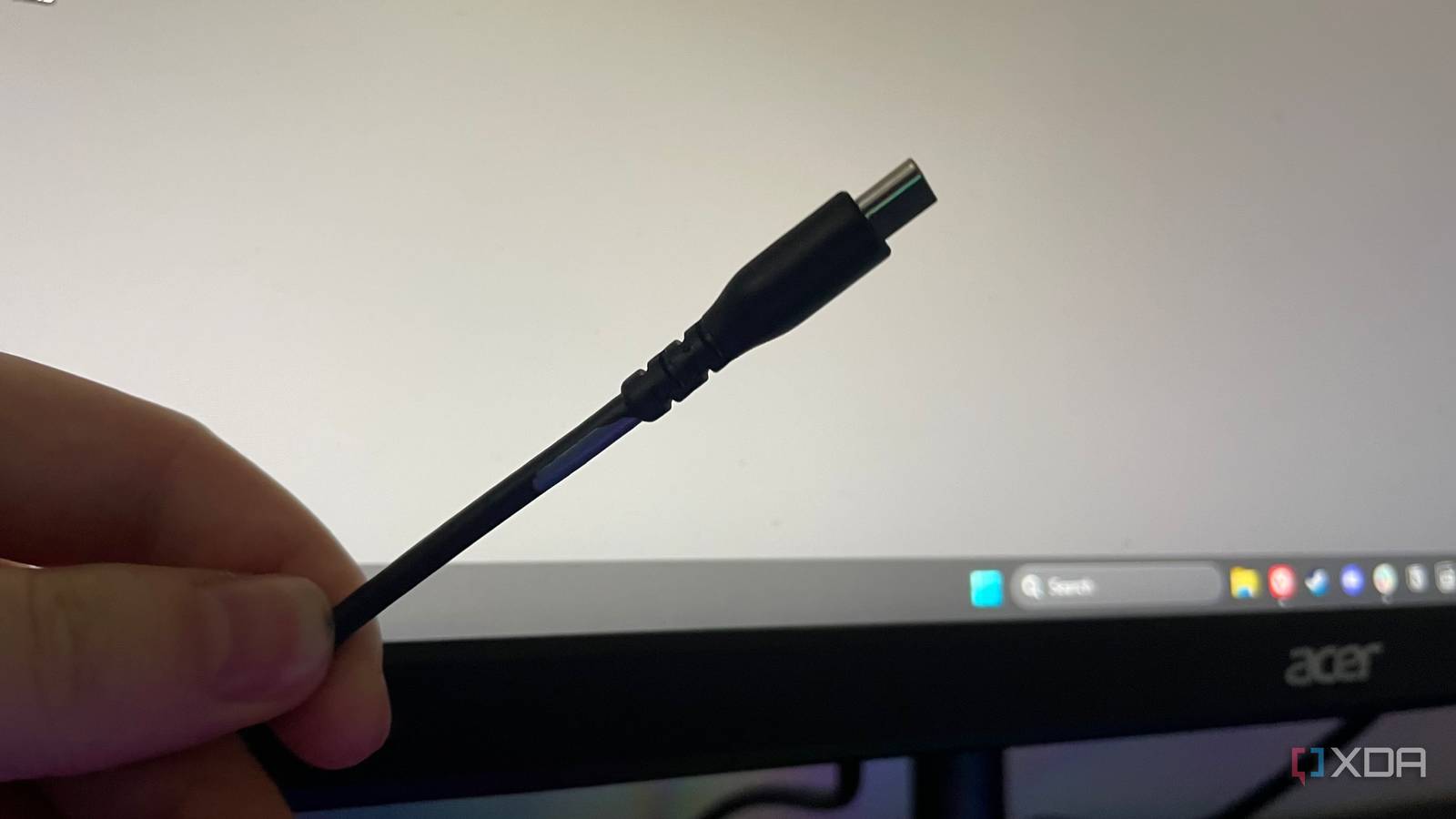
The ubiquitous nature of USB-C really didn’t arrive a second too soon. Pretty much all modern devices now use some form of USB-C, and in terms of the connector shape itself, that’s great, but there are many different standards packed into USB-C that make it a deceiving cable to use. The name “USB-C” only describes the connector shape, not what the cable can actually do. The USB Implementers Forum is very clear about that: USB Type-C is not the same thing as USB4, USB 3.2, or USB Power Delivery, even if those technologies can all use the same port.
That distinction did not matter much to me until I started using USB4-class devices more regularly. Once you move beyond charging a phone and start relying on one cable for storage, displays, docking, and laptop charging, cheap USB-C cables begin to really inhibit what’s possible with your setup, and after replacing them, I’ll never look at USB-C the same way again.

You’re using USB-C wrong — and it’s slowing down your devices
One cable does not fit all.
USB-C describes the plug, not the experience
Separating the shape from the standard

This is the part that trips up almost everyone, because the industry has done a terrible job making it obvious. Two USB-C cables can look identical and support wildly different features. One might only handle USB 2.0 speeds, while another supports high-speed data, display output, and much higher power delivery. USB-IF’s own guidance explicitly says these terms are not interchangeable, and that a USB Type-C product does not automatically guarantee USB4 or USB Power Delivery support.
In the past, with older USB-A to Micro-USB or Mini-USB cables, the biggest tell was often thickness and behavior. Really cheap cables tended to be thin, stiff, or oddly light, which usually meant weaker internal wiring and poorer shielding. Color could also be an indicator, but fakes weren’t uncommon. USB-C made things trickier because the same connector can now mean wildly different capabilities. Now, a cable can seem fine until you ask it to do something demanding.

Please stop treating your USB hubs as port replicators
It’s not quite the same
USB4 is where bad cables become obvious
The standard is very demanding

USB4 raises the bar enough that weak cables immediately become an issue. USB-IF’s current labeling framework includes USB4 cables rated for 20Gbps, 40Gbps, and even 80Gbps, alongside clear power markings like 60W and 240W. That alone tells you how far beyond “just a charging cable” the standard now goes. Unfortunately, this doesn’t mean that these labels are always printed on the cables and ports themselves, but when buying a legitimate cable, you should be able to verify it supports a specific USB4 feature.
The moment USB4 was finally revealed to me was when I replaced my flimsy, cheap cable, and my single, high-quality cable handled my monitor, dock, laptop charging, and external SSD at the same time. It looked like the same generic USB-C cable I had dozens of in a drawer, but the experience was completely different.
It’s a lot like Thunderbolt without being Thunderbolt. Thunderbolt has traditionally been the more tightly controlled standard, with stricter baseline requirements for bandwidth, display support, and accessory compatibility, while USB4 is broader and more flexible depending on how a device manufacturer implements it. In other words, USB4 can deliver a very Thunderbolt-like experience, but it does not automatically guarantee every port, device, or cable will behave like a full Thunderbolt setup.

5 ways a USB-C dock can make your PC experience so much better
From reducing cable clutter to adding additional ports, a USB-C dock is a great addition to your workspace
Cheap cables still have their place
Just not inside of any USB4 device

There is still absolutely a place for cheap USB-C cables, just not anywhere you expect USB4-class hardware to perform properly. If all you need is basic charging for a controller, a low-power accessory, or a device that only ever runs at USB 2.0 speeds, an inexpensive cable is usually fine. The problem starts when that same bargain cable gets mixed into a setup with a USB4 dock, fast external SSD, high-resolution monitor, or laptop charger, because now the cable is part of a much more demanding chain, and using one in those applications means you’re in for serious disappointment.

5 things you shouldn’t plug into a USB hub, even if it “works”
You’re putting your devices at risk
Standards are not created equal
USB-C may have standardized the shape of the cable, but USB4 is what finally made me pay attention to everything hidden behind that shape. I thought USB 3.0 was fast, but USB4 took things to an entirely new level, but only after I replaced my cheap cables. Cheap ones still make sense for simple jobs, but the moment performance, stability, or versatility matter, cable quality matters too.
