

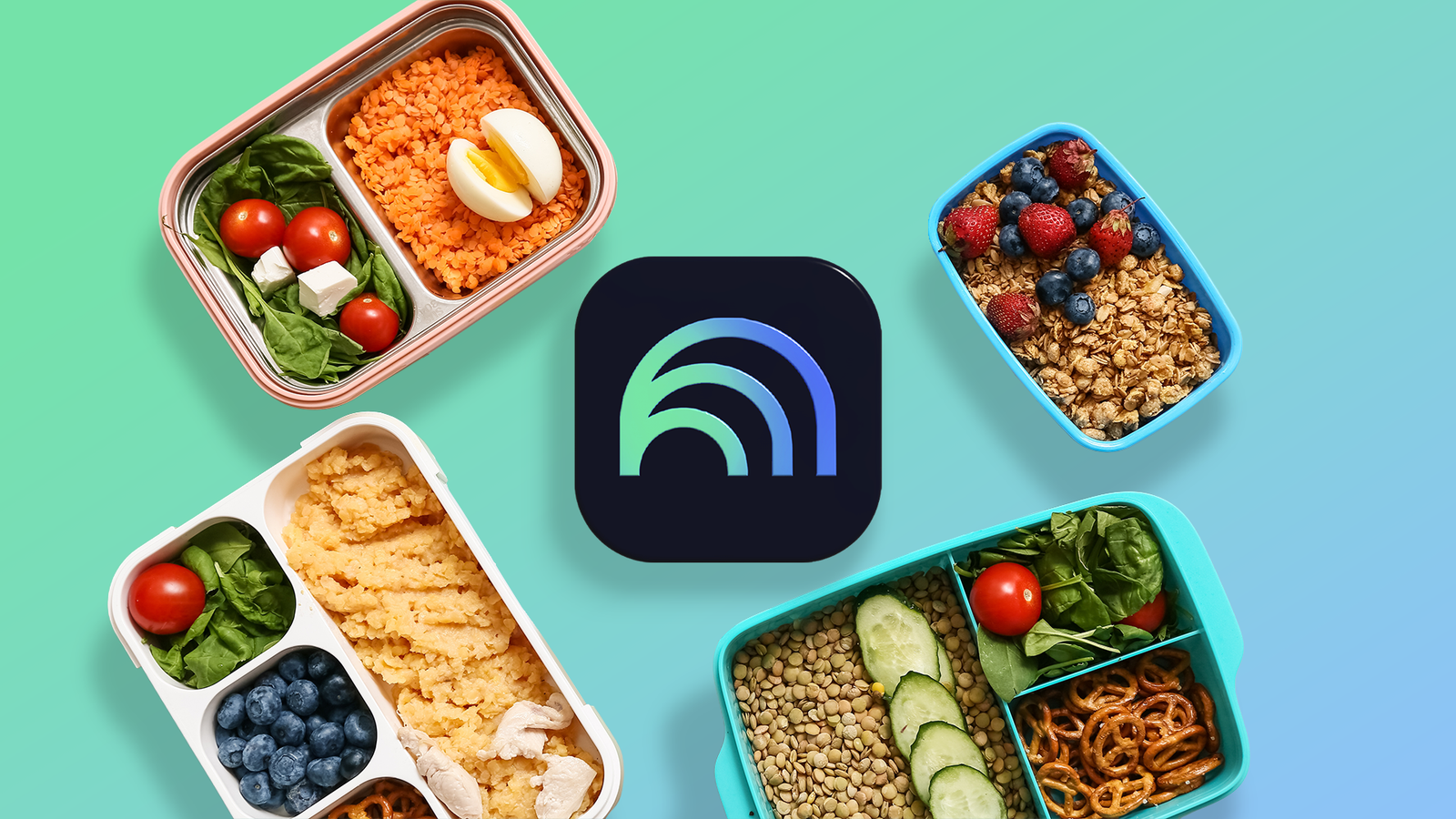
Meal planning has always been one of those tasks that I dreaded. I either end up scrambling at the last minute, ordering takeout more often than I’d like, or wasting time scrolling through recipes trying to figure out what’s feasible with the ingredients I already have.
Recently, I decided to experiment with NotebookLM to see if it could help me plan a week of meals, and to my surprise, it did more than I expected.

I paired NotebookLM with YouTube and learned faster than I ever did with note-taking apps
This unlikely duo upgraded my learning routine
Why I decided to try NotebookLM for meal planning

I’ve been using NotebookLM for notes, brainstorming, and project organization. But one evening, staring at my half-empty fridge and a lengthy to-do list, I wondered if I could use the same principles to organize meals for the week?
NotebookLM can interpret notes, summarize them, and generate structured outputs such as lists or diagrams.
That immediately felt like a perfect fit for meal planning, which is a problem of organization where you match ingredients, recipes, and time availability into a manageable schedule.
Setting up NotebookLM for meal planning
I started by putting everything I already knew into one place.
Instead of searching for new recipes right away, I created a Google Docs file and listed the basics: what I already had in my fridge and pantry, the recipes I actually enjoy cooking, and the meals I tend to fall back on for breakfast, lunch, and dinner.
I added a few practical constraints, like avoiding certain ingredients and keeping lunches quick on workdays. The idea was to provide NotebookLM with enough context to work with.
When that was ready, I added the document to NotebookLM and included a few more sources. It included recipes I liked, along with notes on my go-to meals.
I also used the Search the web option in the sidebar to pull in more context. Typing meal prep tips brings in relevant sources directly into NotebookLM, which you can then add to your workspace. It’s a simple way to layer in extra ideas without leaving the app.
Now, instead of switching between different apps, tabs, and saved posts, I have a single setup that reflects my eating habits. And that made the next step, turning it into a weekly plan, much easier.
How I turned it into a weekly meal plan
After everything was in NotebookLM, the actual planning part was surprisingly simple.
I started with a simple prompt:
Create a 7-day meal plan using my uploaded recipes, pantry items, and preferences. Keep lunches quick on workdays and avoid anything too time-consuming.
That was enough to get a solid first draft. It gave me a structured plan for the week, broken down by day with breakfast, lunch, and dinner.
It felt aligned with how I normally eat, reused ingredients across meals, and didn’t overload any single day with complicated recipes.
Here’s my prompt for batch cooking:
Add a simple prep plan for the week so I can batch cook a few things in advance.
From there, I didn’t try to get everything perfect in one go. I just refined it with a few follow-ups when needed:
Reduce the number of unique ingredients and reuse what I already have. Turn this weekly meal plan into a simple checklist I can follow each day.
If something didn’t quite fit, I didn’t have to start over. I could ask for small tweaks, like swapping a meal, simplifying a recipe, or adjusting it based on what I felt like eating that day.
Data tables turned my recipes into a simple system

One thing that made this setup more useful was turning everything into a simple table inside NotebookLM.
Instead of just storing recipes, I clicked Data table in the Studio panel and entered the following prompt:
Turn my recipes into a structured table with prep time, ingredients, difficulty level, and meal type.
Instead of thinking through every option from scratch, I could quickly scan what made sense for a busy weekday, or something more involved for the weekend.
Since the table included ingredients, it was easier to spot recipes that reused the same items, which meant fewer extra purchases and less waste.
How it saved me time and money

The biggest benefit wasn’t just saving time; it was how it also reduced unnecessary spending.
Previously, I’d forget what I planned, miss an ingredient, or not feel like figuring things out after a long day. That’s when takeout or quick orders would slip in.
Using NotebookLM made things more predictable. Instead of spending nearly 15 minutes deciding what to cook each day, I could glance at the plan and know exactly what I needed to do.
On busy weekday mornings, I had meals ready that didn’t require last-minute scrambling. Suggestions like preparing vegetables in advance or cooking rice in bulk made a significant impact.
By the end of the week, I estimated I saved around two to three hours of combined planning, shopping, and prep time.

6 NotebookLM tips I use to stay productive
Google’s NotebookLM saves me a lot of time
A simpler way to plan meals without overthinking it
Using NotebookLM to plan a week of meals turned into a genuine productivity booster. By analyzing my pantry, preferences, and schedule, the tool saved me hours of planning, minimized waste, and even nudged me to try new dishes.
For anyone juggling a busy schedule, experimenting with meal planning using NotebookLM can be a surprisingly effective way to reclaim time and make your week run more smoothly.
After a week of this approach, I don’t see myself going back to winging it.
