

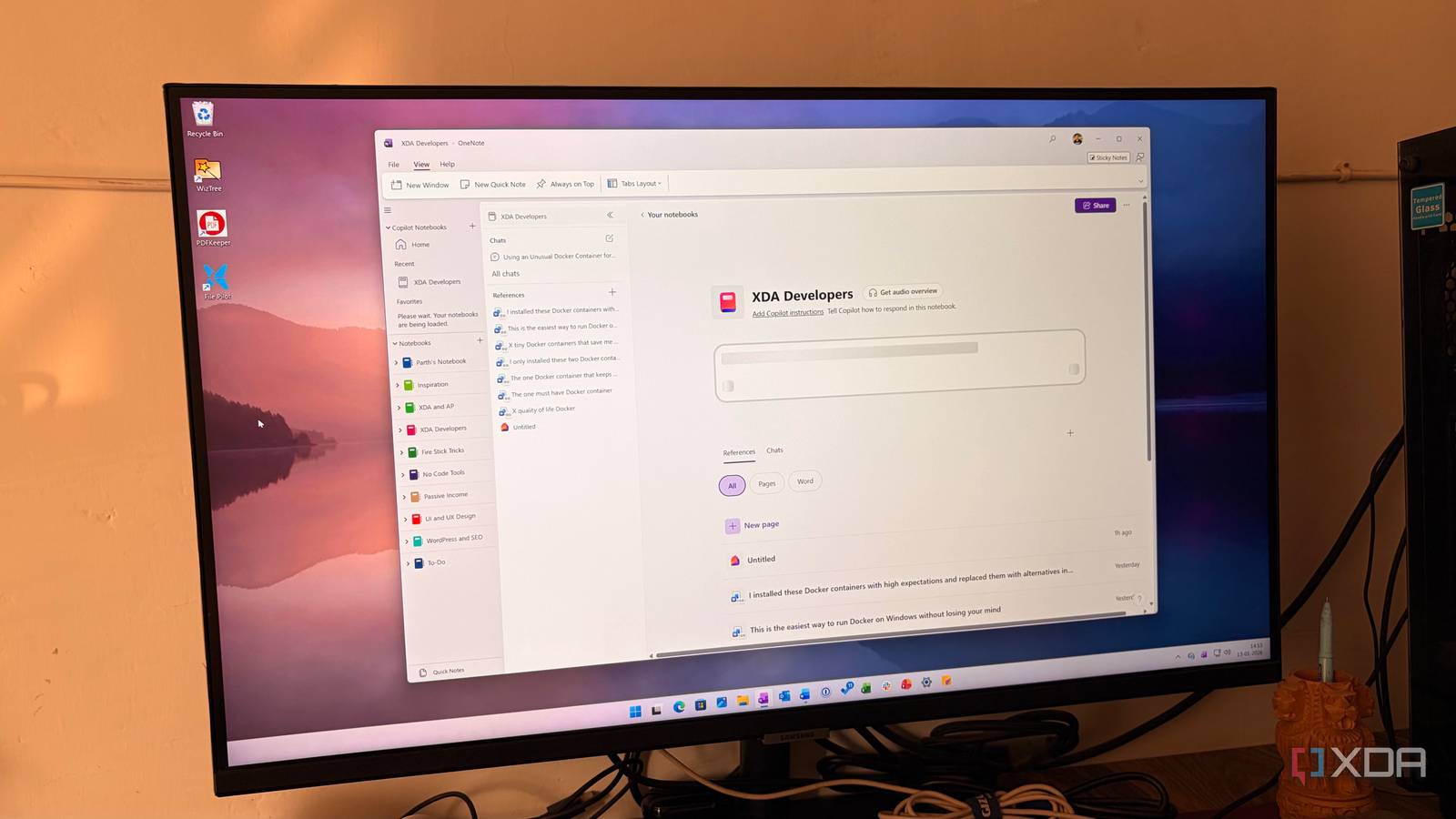
When Google’s NotebookLM first dropped, it felt like magic – a dedicated AI research assistant that didn’t just chat, but truly understood my files and documents. But now Microsoft has entered the ring with Copilot Notebooks in OneNote.
Whether you are a student managing a semester’s worth of PDFs or a project manager dealing with Word docs and Excel sheets, the promise is the same: generating insights with the help of AI. After pitting their file processing power against each other, the results weren’t just surprising – they changed my workflow.

Until NotebookLM, I never believed AI could be this game-changing for productivity
It transformed my view of AI, for the better.
Supported file types
NotebookLM surges ahead

When it comes to source management, the difference between these two tools is clear. Both tools let you import files from Google Drive and OneDrive.
However, with NotebookLM, you can upload YouTube videos and Markdown files as well. I can drop a link to a 2-hour technical keynote or a complex GitHub README, and it is indexed instantly.
Beyond standard docs and PDFs, NotebookLM handles Markdown (essential for my dev notes) and even audio files. It transcribes them on the fly so that I can make my voice memos part of my searchable knowledge base.
Coming back to Copilot Notebooks, it supports OneNote pages as sources. But the entire method is quite cumbersome. I need to copy a page link and paste it as the source in a notebook. Also, there is no way to add an entire notebook or a specific section as a source in a Copilot notebook.
With Copilot Notebooks, you can add up to 20 sources, while NotebookLM extends the limit by 50. Although Copilot’s low limit hasn’t caused any problems for me, I can see how it might be inconvenient for others.
Both NotebookLM and Copilot Notebooks let you create and add notes manually. However, the experience is far better with Copilot Notebooks. Google only offers a basic editor, while the one in Copilot Notebooks is feature-packed and modern, with a slash command.
If you have used Microsoft Loop before, you will feel right at home with the editor.
Cross-platform availability
Access your insights

I have been testing both the tools in the wild – on my morning commute, at the gym, and in the home lab – and the winner here is clear.
Google clearly realized that a research assistant is only useful if it’s in your pocket. NotebookLM is a smooth web app on the desktop, but they also have dedicated apps for both iOS and Android. If I find a cool article on Chrome mobile, I just hit share, and it’s in my notebook instantly.
However, these mobile apps still feel like NotebookLM Lite. They obviously don’t support all the features available on the web. Additionally, these tools are generally best utilized on desktop platforms.
Copilot Notebooks is available on the web (via M365 Copilot), and it’s deeply embedded in the OneNote desktop app for Windows. Right now, there is no mobile app for Copilot Notebooks. If I’m away from my HP Spectre, I’m effectively locked out of my AI-powered project brains.
While the standard Copilot app exists for mobile, it doesn’t have the Notebook section yet. Knowing Microsoft, a mobile rollout is inevitable.

5 NotebookLM tips I use to supercharge my productivity
Enjoy efficient knowledge management
My day-to-day experience
Similar on paper, but there are many differences
Both NotebookLM and Copilot Notebooks have nailed the basics. I created a couple of complex notebooks with many sources and fired up several questions. Both the tools worked like a charm and gave me relevant answers in no time.
The most jarring difference in my daily workflow is how these tools handle my sources. In NotebookLM, when I need to fact-check a specific point, I click the source citation and the document opens right there in a sleek sidebar.
I never leave my workspace. I can read the source and continue with my Q&A session. Copilot Notebooks, on the other hand, consistently breaks my flow. When I click a reference, it opens the document or an Excel sheet on the web.
Suddenly, I’m toggling between windows, losing my place in the conversation, and fighting for screen real estate on my HP Spectre.
When I step away from the keyboard, the gap widens again. I have been experimenting with the Audio Overviews, and as someone who appreciates seeing tech explained in a way that feels natural, NotebookLM is miles ahead.
A huge shocker for me was NotebookLM’s support for a wider variety of languages. It also offers other extras like video overviews (those take ages to load), quizzes, reports, infographics, and more.
The better way to research
Overall, choosing between NotebookLM and OneNote’s Copilot Notebooks comes down to where your data lives and how you prefer to digest it.
If you are a power user deeply embedded in the Microsoft 365 ecosystem, the ability to turn a messy folder of Word docs, Excel sheets, PDFs, and individual notes into a searchable project brain without leaving OneNote is a massive productivity win.
However, for everyone else, Google’s NotebookLM still holds a crown with features like mind maps, quizzes, slide decks, seamless sharing, and mobile support. Copilot Notebooks has a lot to catch up on here, but it surely seems like a solid start from the Windows maker.
