

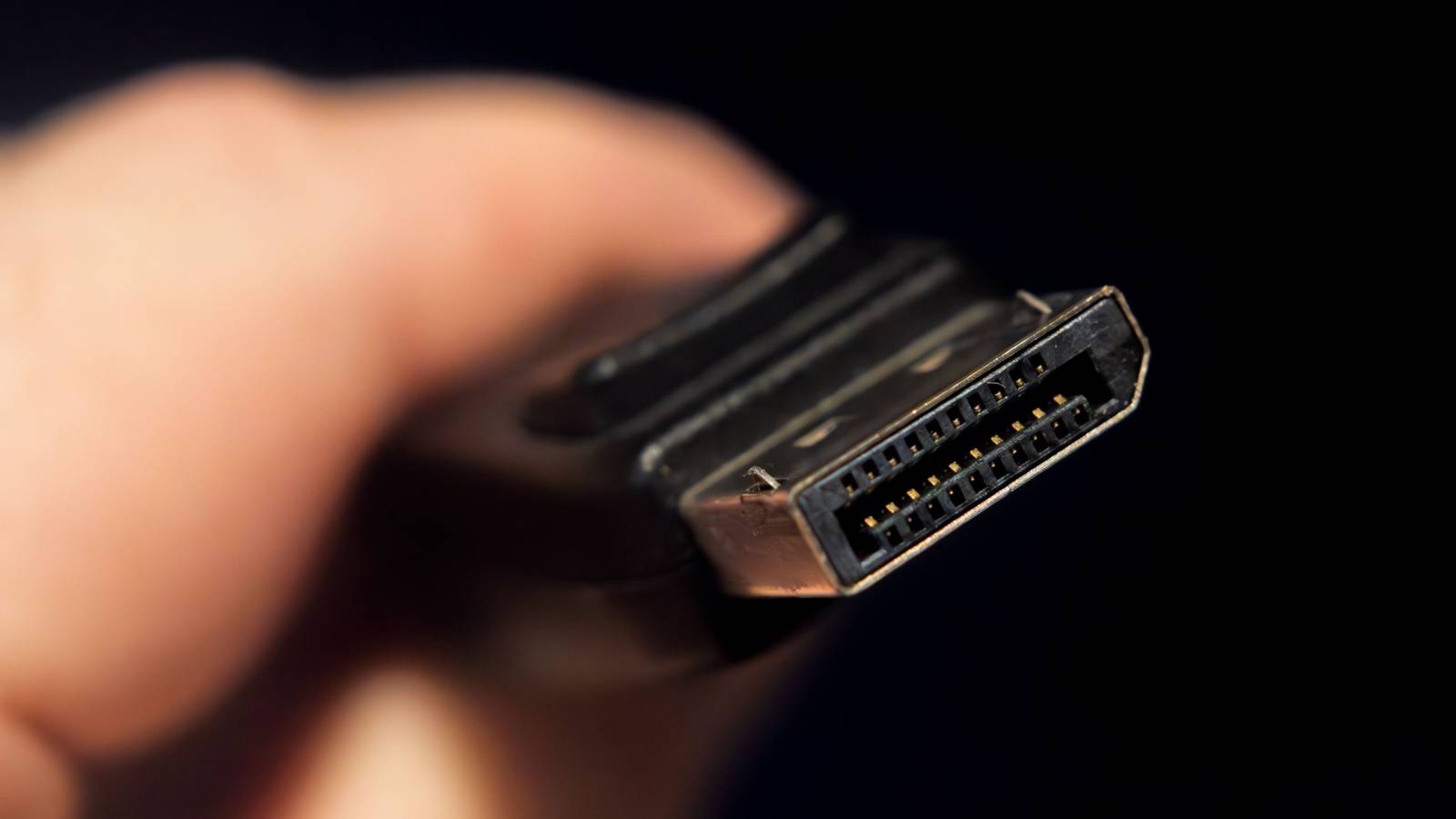
Most people think of DisplayPort as the premium alternative to HDMI on PCs. But, although it is generally the best connection to use with a computer monitor, there’s far more to DisplayPort than meets the eye.
DisplayPort was designed to scale beyond a single screen
From the very outset, DisplayPort was meant to be more than just a single point-to-point connection. Although given how most of us use our DP devices, you’d never know it. With all that bandwidth available, there’s more than enough to go around to theoretically drive multiple displays using a single cable.
However, as you’ve probably already realized, even if your computer has multiple DisplayPort outputs, you generally only get one DisplayPort on your monitor. Well, that’s one big reason most people don’t know about this particular DP superpower. The feature is known as MST or Multi-Stream Transport. A monitor has to support MST in order to allow running multiple monitors from one cable.

Monitors with MST support have a DP out port, which you can use to connect to the next monitor in the chain. Each monitor extracts its video stream from the cable, and then passes the rest on.
Daisy-chaining eliminates cable chaos
If you’ve ever had a triple or quadruple monitor setup, then you’d know what a mess the cabling can be. Having three or four cables running from your computer to the monitors, there are only so many cable management tricks you can pull to tame it all.
Daisy-chaining leaves you with managing just a single long cable, at least in effect. If you’re careful about the cable length, or hide them behind your monitors well, no cables should be visible at all.
Not all DisplayPort setups are created equal

MST might be a feature of DisplayPort, but as I mentioned before, you need explicit MST support in the hardware you use, and that can get a little complicated.
MST was added with DisplayPort 1.2, but that doesn’t mean every DP 1.2 graphics card supports it. For more modern cards released after around 2013, MST should be supported, but it’s worth confirming if you’re unsure.
I’ve already mentioned that you need a monitor with MST and a DP out port, but not every monitor has to have this feature. The terminal monitor can be any DisplayPort 1.2 or later model.
The lowest version of DisplayPort you’re using determines how many monitors you can use and at what resolution you can drive them. DP 1.2 should handle dual 1080p screens, DP1.4 can handle up to three 4K monitors, if you run one at 60Hz and the other two at 30Hz. With DisplayPort 2.1 you can have two 4K screens at 144Hz, or triple 4K monitors at 60Hz. You get the general idea.

Should You Use HDMI, DisplayPort, or USB-C for a 4K Monitor?
HDMI, DisplayPort, USB-C, and Thunderbolt are all common now, but which is best?
Even if you don’t have any monitors with MST support and can’t daisy-chain, you can still benefit from DP MST by using an MST hub. These can either use a single DP in or a USB-C port in DP Alt Mode, and then break out the signal to multiple ports. Typically, an MST hub will split on input into three DP outputs.
This doesn’t have all the cable management advantages of daisy-chaining, but it still means only one cable has to go from your computer to your monitors. That’s useful if you have a GPU or laptop with just a single DP port.
It’s a killer feature for laptops and productivity rigs

Laptops are more than powerful enough these days to be the main computer for most people, but they do have some limits when it comes to peripherals. You’re not going to find multiple dedicated display outputs on a typical laptop, especially not the slim and light models people tend to favor.
Laptops do tend to have USB-C or Thunderbolt ports that support DP Alt mode, or in some cases (like my own Windows workstation laptop) a mini-DP connection. Using MST, you can simply dock with a single cable and have a multi-monitor setup working in seconds.
Sadly, as of this writing, macOS does not work this way. Although Macs have the hardware to support MST, macOS does not support extending a desktop using MST. If you were to connect an MST hub to a Mac (based on what I’ve read, I haven’t tried it), you’ll just get multiple mirrored versions of the same stream.
HDMI still can’t really compete here
HDMI is also a great standard, it’s far more common, and it can stand toe-to-toe with DP on a single monitor when it comes to features and performance. However, it simply doesn’t have anything like MST. If you want to hook up three HDMI monitors, you’ll always need three cables and three outputs.
Although, who knows, perhaps this is something that will be added to the HDMI standard some day. For now, it’s a superpower that only DisplayPort enjoys.
