



Research from Forrester estimates that every password reset costs around $70. As one of the most common helpdesk requests, many organizations have introduced self-service password reset (SSPR) tools to reduce the load. However, despite these tools, helpdesk teams still handle a significant number of password resets, whether it’s supporting SSPR enrollment or dealing with edge cases.
That password resets a natural target for attackers, who know that if they can convince an agent to reset a password, they can bypass multi-factor authentication (MFA) and walk straight into an account. As such, locking down the password reset process starts with understanding where it can go wrong.
How one reset can lead to full compromise
The April 2025 attack on UK retailer Marks & Spencer (M&S) disrupted operations nationwide, leading to a 5-day suspension of online sales that equated to an average of £3.8 million ($5.1 million) in daily losses.
Attackers linked to the hacking group Scattered Spider are believed to have gained initial access by impersonating an M&S employee and contacting a third-party service desk. A password reset was carried out, giving them legitimate credentials thereby removing the need to exploit any technical vulnerability.
From there, the attackers exploited Active Directory to extract the NTDS.dit file, the database storing password hashes for all domain users. Scattered Spider was able to crack those hashes offline to recover additional credentials.
With valid accounts and escalating privileges, the attackers moved laterally using standard tools and normal login activity, expanding access over several weeks. Once they had sufficient privileges, they deployed ransomware, encrypting systems supporting payments, e-commerce, and logistics. M&S was forced to take services offline, disrupting operations and customer transactions.
Securing the service desk
The challenge with social engineering attacks like the M&S breach is that they don’t appear suspicious. From the helpdesk’s perspective, it’s just another user asking for a password reset.
That’s exactly why the service desk is such a target, and why relying on basic checks isn’t enough to secure the reset process. Without a reliable way to verify who’s on the other end of the call, it’s easy for a routine request to become a point of entry.
Solutions like Specops Secure Service Desk mean helpdesk teams can confirm user identity before any reset takes place. Instead of relying on information that can be found or guessed, agents can trigger a one-time code to a trusted device or use existing identity providers like Duo or Okta.

Every request follows the same steps, and verification isn’t optional or dependent on the individual handling the call. This means attackers can’t rely on the same tactics used in the M&S case. Even if they have convincing background information, they still need access to the user’s registered device or identity factor, something that’s much harder to fake over the phone.
Verizon’s Data Breach Investigation Report found stolen credentials are involved in 44.7% of breaches.
Effortlessly secure Active Directory with compliant password policies, blocking 4+ billion compromised passwords, boosting security, and slashing support hassles!
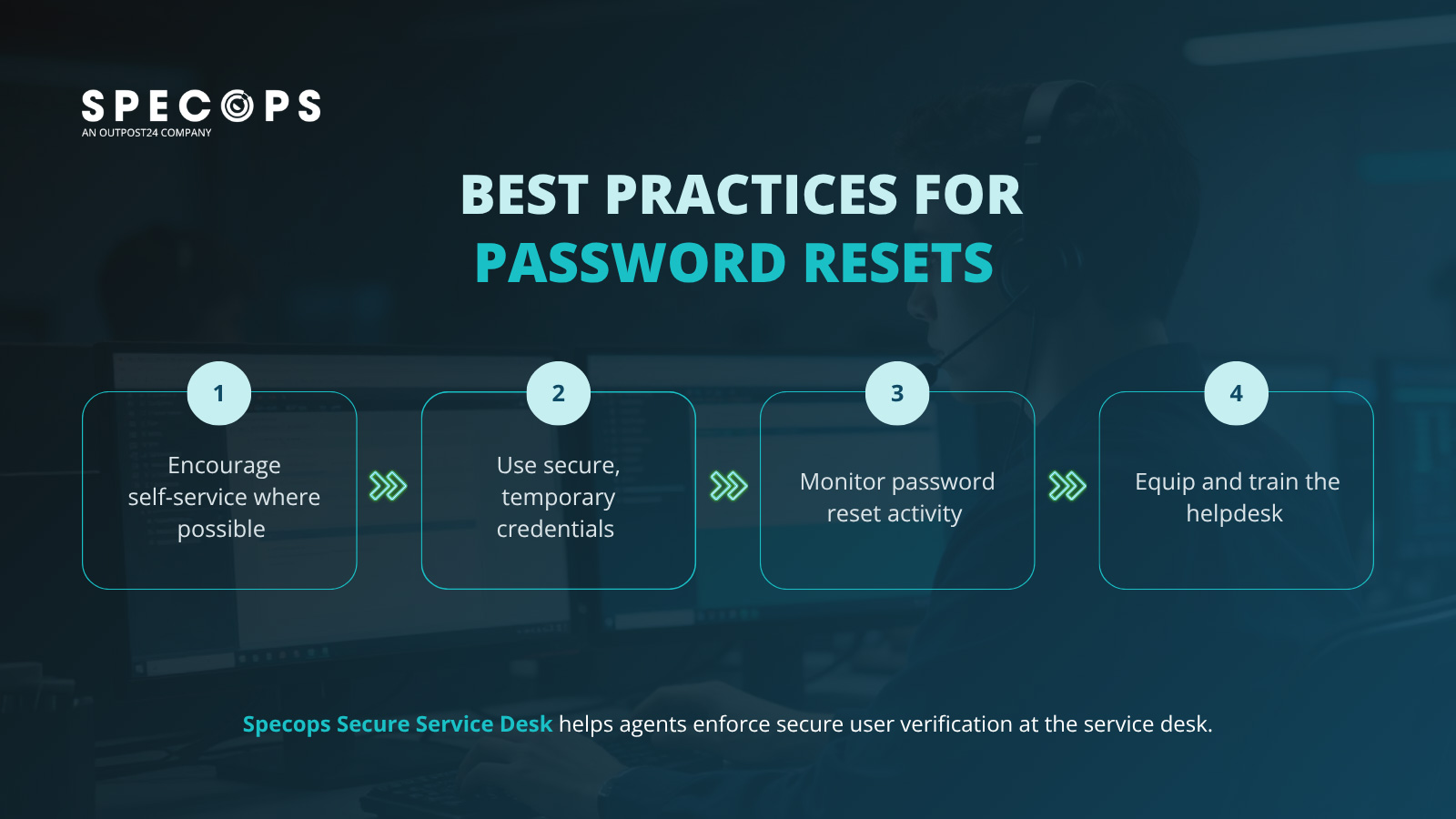
Best practices for password resets
For organizations that already have a solution like Specops Secure Service Desk in place, the following best practices will help teams ensure those standards are consistently enforced.
1. Encourage self-service where possible
Not every password reset needs to go through the helpdesk. In fact, reducing that dependency is one of the simplest ways to lower both cost and risk.
If you already have a self-service password reset solution in place, the focus should be on driving adoption. Make sure users know how to enroll, understand how it works, and feel confident using it when needed. This can be as simple as creating a short guide with clear onboarding instructions for new users.
2. Use secure, temporary credentials
Even a verified reset is a risk if the hand-off is weak. Handing out a temporary password over a voice call or sending it via unencrypted email creates a window of opportunity for interceptors. Temporary credentials must be strong, single-use, and delivered through an encrypted channel. If a reset remains active for longer than a few minutes, it is a standing vulnerability.
3. Monitor password reset activity
Tracking how and when resets happen can highlight both security risks and process gaps. Look for patterns like frequent resets, repeated helpdesk requests, or users struggling with self-service. These can point to anything from poor user experience to potential misuse.
Regular monitoring also helps reinforce good habits. If users aren’t adopting self-service or are repeatedly running into issues, it’s an opportunity to step in with clearer guidance. Over time, this visibility reduces helpdesk workload and makes resets more predictable and, importantly, more secure.
4. Equip and train the helpdesk
The helpdesk still steps in when something doesn’t follow the standard path, or users need additional support. That only works if they have the right tools and clear guidance. Identity verification needs to be consistent, not left to judgement.
Agents should also have visibility into reset activity and a defined policy for anomalies to follow every time. With the right setup, the helpdesk becomes a key control point in preventing unauthorized access.
Secure your password resets with Specops
Attackers don’t need to break in if they can simply ask for access, so verifying identity during password reset requests is a must. With the right tools and a robust process, the helpdesk becomes a strong line of defense. Without them, it’s an easy point of entry.
If you’re looking to strengthen your password resets, Specops can help you put the right controls in place.
Contact us today or book a demo to see our solutions in action.
Sponsored and written by Specops Software.
