

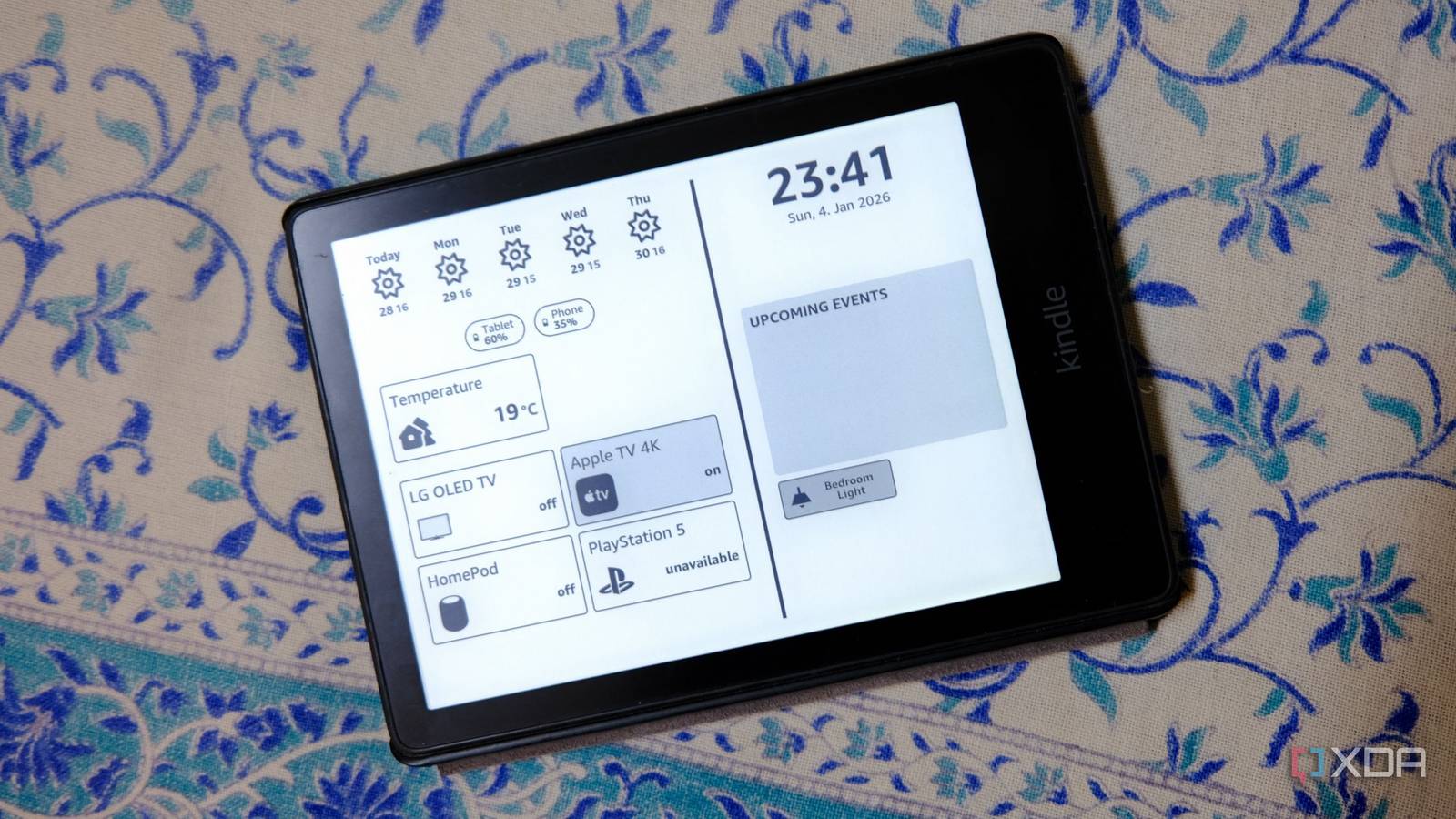
While Home Assistant has made a huge impact on my smart home, I don’t run many automations. For me, it’s partly because I use it to rid my phone of other apps, both to save space and so that I only need one place to run my devices. I’ve also found that most of the automations I’ve used have taken more time to adjust and manage than to do the thing in the first place, which seems a bit of a waste.
But there is one automation that’s stuck, no matter what season, or what other devices I bring into the house. One automation that keeps us all comfortable while cutting costs wherever it can. And with rising heating and cooling costs, every little bit helps.

Your smart home doesn’t need more devices, it needs better automation
Build your smart home smarter.
There’s only one automation my family likes
Keeping the HVAC at a comfortable level, whatever the weather

Even with my home lab increasing my electricity bill, the highest monthly cost is still from heating or cooling. It’s been bitterly cold this winter, so heating costs have been close to what air conditioning costs during the hotter months, and any small improvement in energy use makes a difference.
I didn’t want to keep relying on cloud services or my thermostat’s on-device smarts to figure out my family’s schedule and adjust the thermostat, and I definitely didn’t want to let my energy supplier anywhere near my smart home. A quick automation in Home Assistant gave me control over when the AC and heat would run, and checked against the outdoor temperature. If I had window sensors set up, I could add them as well, as a trigger to check against the outside temperature and to turn the system off if within comfortable limits.

Currently, we’re in a cold snap, and the minimum temperature is set to 68F, but it’s normally set to 65F before the heating goes on. That adjustment was made because it was taking forever to get the house warm in the morning, and it was often not warm enough until coming back from the school run. It’s also set to 78f before the cooling system goes on, not that there is any risk of that happening right now.
In the summer, this changes to 60F before the heating goes on and 74F before the AC kicks on. We’ve tried many other options, and having the system let the house warm up any further means that it stays on far longer than we want, using more energy than we like. We’ve also experimented with geofencing to set home and away modes for the thermostat, but that takes too long to adjust during the short journeys we normally take.

My smart light tells me what the weather will be like every day, thanks to Home Assistant
The color of the light tells me what to expect for the day.
Automation still has a place in my home
But I don’t need to see it happening to know it’s there
Water leaks can be incredibly costly to fix if they’re not caught in time. And that’s one thing that a few sensors and an automation routine can easily solve, without you needing to know it’s running. Adding a water sensor to detect leaks provides a trigger for automation to then use a smart valve to turn off the water supply to that part of the home and alert you to the issue.
These sensors last for months on a single charge, and adding an automation for low battery charge will remind you to charge them or you can plug them into a wall socket if you have one handy. And with Home Assistant reading the output of those sensors, it can respond almost immediately to turn off the valve and save your home from a drenching.
Start small and work up
For many of us, Home Assistant started as a fix for a very real problem. Putting the fractured smart home environment into one place is great, and I’m all for that. Automations and other additions sometimes balloon into a “what can I do next?” rather than addressing a real need, turning it into a hobby for you and an annoyance for the family.
Instead, start with one or two automations that address a real need in your home, such as automating HVAC changes or alerting you to a water leak. Or find the one thing that annoys your partner the most, and find a way to fix it without overcomplicating things. Then you’ll have proven the efficacy of both Home Assistant automations and your ability to manage them, and you’ll find it easier the next time.

3 Home Assistant automations that save me money every month
Better than a Black Friday discount.
Smart homes deserve smarter automations
There’s nothing worse than spending time setting up smart home devices you think will make your home better, only for no one to want to use them. In our home, most of the friction is from having to install yet another app to manage things, but Home Assistant takes most of that away. And with a few simple automations in the background, everyone’s happier without having to remember new things.
