

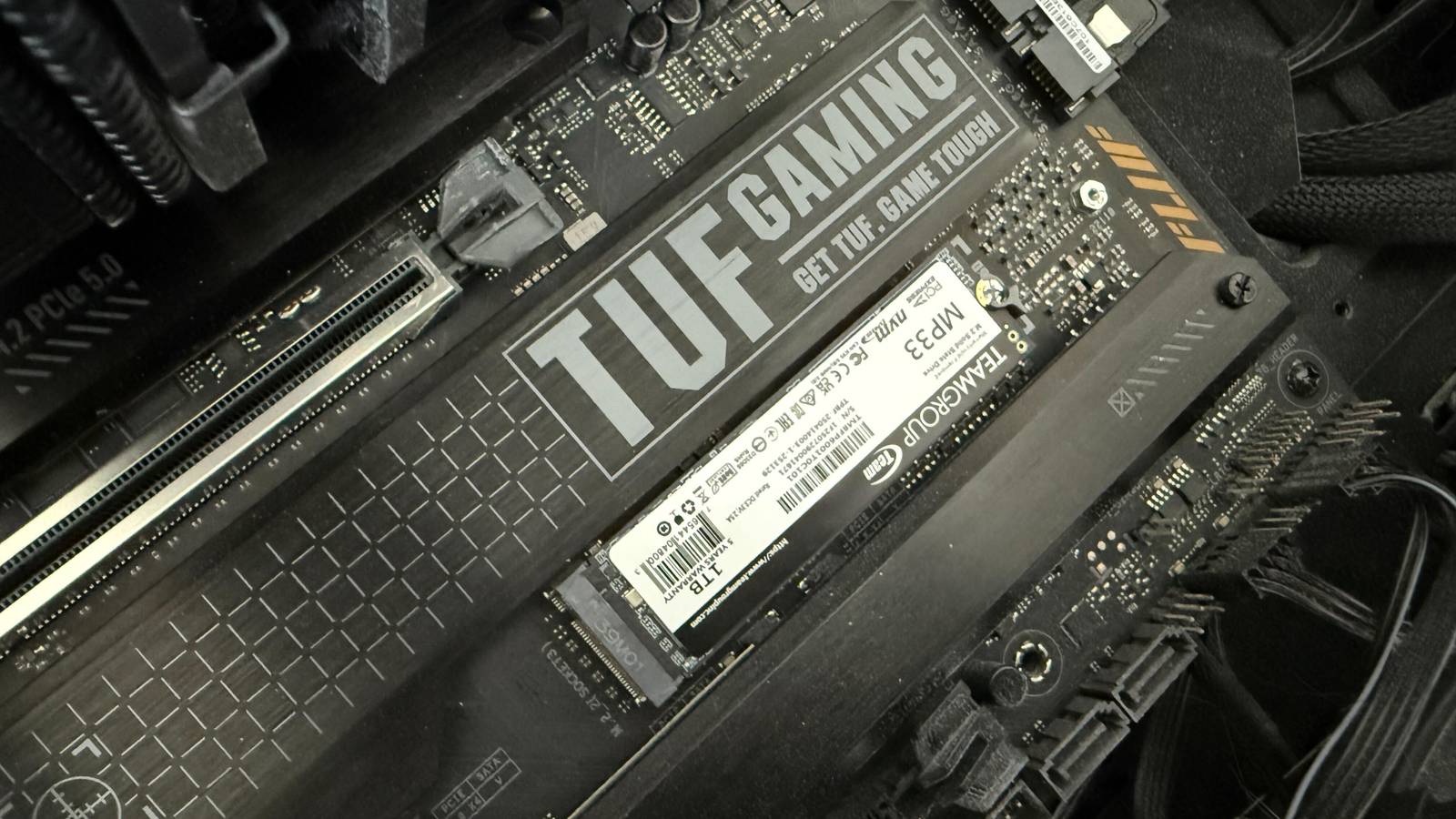
Modern operating systems on modern SSDs mostly just work. Plug a drive in, install the OS, and the defaults will get you a system that boots, runs games, and handles daily tasks without any manual intervention. Compared to a decade ago, we’ve come a very long way, but the defaults drives and motherboards ship with today are tuned for the widest possible range of hardware: laptops on battery, desktops with mixed SSD and HDD configurations, systems with limited RAM, and users who will never open a BIOS. For an enthusiast, some of these defaults are less than ideal, and they leave performance and potential endurance on the table.

Ignoring SSD firmware updates can hurt performance and even your data
Your SSD’s firmware is its soul that drives every critical operation
Update SSD firmware
It can be done before the OS

If you choose to do anything on this list, I’d prioritize this one. SSD firmware matters more than people may assume. For example, the Samsung 990 Pro shipped with firmware that caused health indicators to degrade unusually fast, and this was remedied through a firmware update. Users that bought drives with the day 0 firmware and didn’t update their drives would be susceptible to this kind of bug, and it’s not just Samsung drives. Multiple Phison-based drives received updates addressing stability issues, some of which surfaced dramatically during the Windows 11 24H2 rollout when certain models started failing with new Host Memory Buffer behavior. WD and SanDisk drives needed firmware updates before 24H2 would even install on affected systems.
You can install firmware after the OS, but in reality, the ideal window is before you’ve loaded the system up with games, applications, and configuration you’d rather not put at risk. Once Windows is installed and the drive has a working state on it, any firmware update carries a small but real risk of something going wrong, and the consequences only get larger the longer you’ve used your build.
Samsung and Crucial both offer bootable ISOs that can update firmware without a working OS, which is the cleanest option if you’re willing to deal with the UEFI and secure boot gymnastics those tools sometimes require. WD, SanDisk, and Kingston primarily route firmware updates through their Windows-based dashboard tools. If you’re only option is through Windows after the OS is installed, it’s still better than not updating at all.

5 SSD myths that are simply untrue
Don’t fall for these common SSD misunderstandings.
Check NVMe PCIe mode and lane allocation
If you have multiple drives, this is a must
Motherboards with multiple M.2 slots share PCIe lanes with other devices, and which slots share which lanes really just depends on how your motherboard has been designed, and what chipset revision your system is on. Putting your drives in the incorrect slots can mean they auto-negotiate down to fewer lanes and older PCIe versions.
In BIOS, check that each M.2 slot is set to the correct PCIe generation. Auto-negotiation usually gets it right, but forcing Gen4 or Gen5 manually eliminates a variable. If your main boot drive isn’t running at its rated speed, consult your motherboard manual to make sure you’re populating the correct slots first before fiddling with manual negotiation settings.

Disable fast startup
Largely unnecessary on fast SSDs

Fast startup made sense on mechanical drives with slow boot times. On a modern NVMe system, the boot process is already fast enough that the feature’s trade-offs aren’t worth it. It does make small, largely inconsequential writes to disk every shutdown, but more importantly, it causes your file system to lock up in ways that cause dual-boot setups to break. If you plan on ever dual-booting Linux or swap drives often, disabling fast startup is worthwhile.

I stopped treating my old 250GB SATA SSD as e-waste, and now I can’t live without it
I was forced to bring it back from the dead, but now I recognize its usefulness
Turn off indexing on secondary drives
Useful but there are better alternatives

Windows Search indexing is relatively harmless in terms of its effect on your drive’s endurance, but it is worth turning off for performance reasons. Disabling it will reduce background CPU and disk activity that can surface as weird stutters, especially if you have large folders of files on your boot disk. Disabling it and using a third-party program like Everything by voidtools is a much better approach to searching on all of your drives.

- Individual pricing
-
Free
- Platforms
-
Windows

I make this one change to make Windows faster
One simple toggle can speed up your Windows experience
Update motherboard BIOS
A must early on in the boot process

While they’re not a storage-specific upgrade and certainly not something to chase for their own sake, BIOS updates do provide potential fixes and performance improvements for your storage. Motherboards ship with the BIOS version that was current whenever the board was packaged, which might be six months or a year behind what’s on the vendor’s support page, so checking for an update early in the build process is necessary.
AM5 boards have received AGESA updates addressing PCIe device compatibility under specific CPU and memory combinations, and Intel boards have recieved similar updates improving Rapid Storage Technology and VMD behavior.

BIOS updates are the most underrated PC upgrade nobody checks
More stability, better compatibility and free performance for zero dollars
Quick storage setting changes that make real differences
Modern systems mostly just work, and most users can leave the defaults alone without issue. But an enthusiast build isn’t what those defaults are optimized for, and the five minutes spent on these changes at build time is the cheapest opportunity you’ll get to catch problems before they potentially surface later on.
