

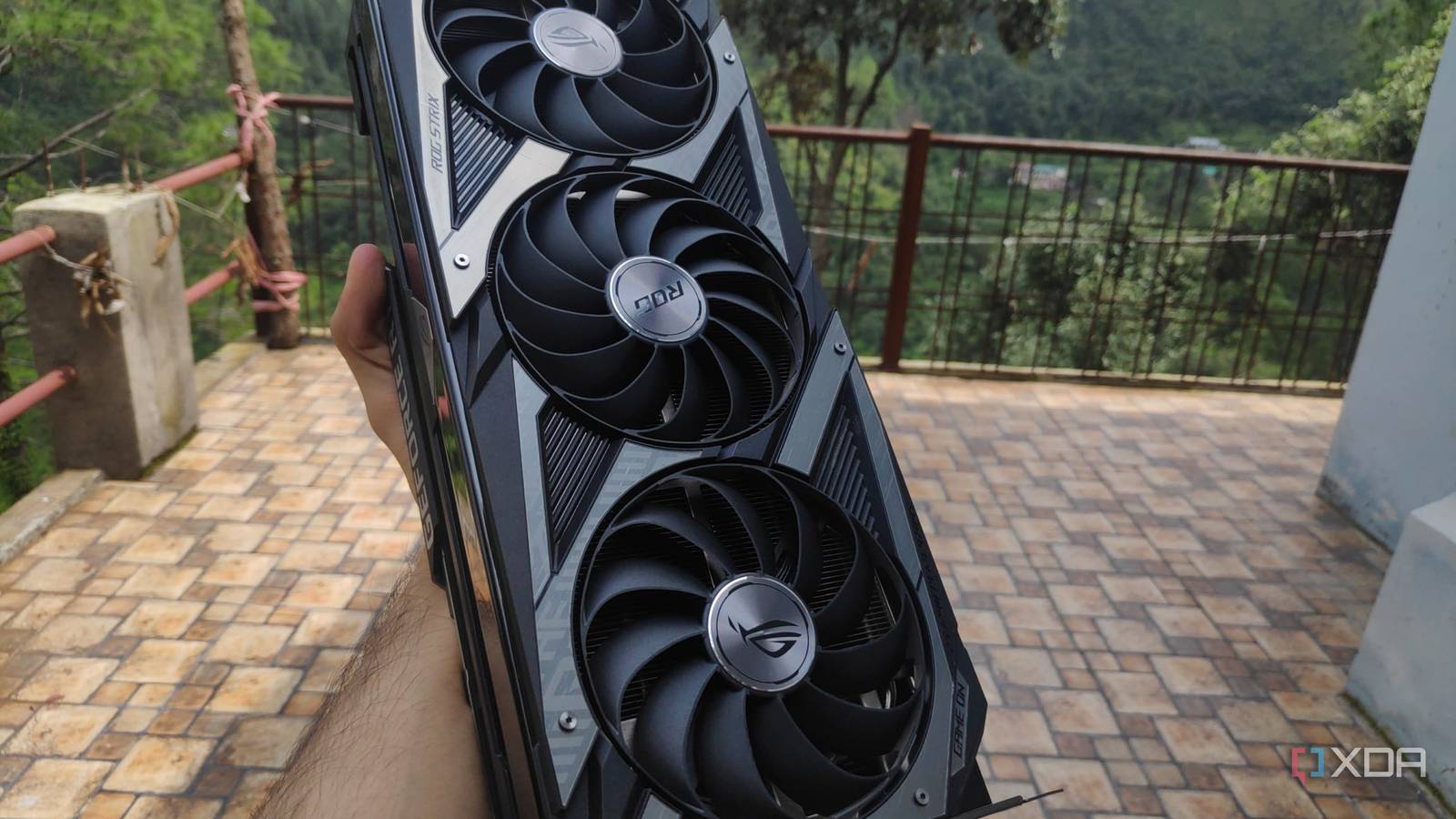
Media servers are quite popular in the home labbing community, and for good reason. Rather than relying on online platforms, you can organize and manage your collection of ebooks, ROMs, images, music albums, and other archived files using containerized services running on local hardware. Although storage is the most essential component of a media server, movies and TV shows in particular need some extra oomph if you want a seamless playback experience.
That’s because typical CPUs are too slow to handle transcoding tasks required when streaming media from a centralized server. During my early days as a Jellyfin user, I’d rely on my Nvidia GPU for hardware-accelerated transcoding jobs. However, Intel’s Quick Sync is a game-changer for media servers, and it’s the reason why I no longer require an offering from Team Green when watching my collection of ripped CDs, DVDs, and Blu-ray videos.

You probably already have the best GPU for Plex and Jellyfin transcoding
Transcoding is well within your reach, even on older hardware
Otherwise, you’ll need direct playback for every video

If you’ve never heard of the term “transcoding,” it’s an intensive process involving the conversion of an unsupported media codec into one that can run on your clients. Let’s say you’ve got a 4K file stored in HEVC. If your client device (say, a phone) doesn’t support it, transcoding is responsible for transforming the stream into a playable format, and it involves decompressing the video into pixel data and encoding it into something your client can play. Unfortunately, transcoding operations can require a lot of CPU horsepower, and if your processor isn’t powerful enough for, say, 4K to 1080p decoding, it will cause stuttering during video playback.
You can technically sidestep this problem by using media players that support the same format as the video files. But as someone who has media files stored across HEVC and H.264 codecs, it’s not really a solution for my streaming setup. The other option involves using a dedicated component for these tasks, which is why it’s called hardware transcoding. Up until a few years ago, this is where graphics cards came into the picture. However, Intel’s integrated GPUs have become far better for most consumers, even those with over-engineered goblin caves like mine.

I over-engineered my home lab on purpose, and it’s the best decision I’ve made
Over-engineering everything is the biggest joy of home labbing, and you can’t convince me otherwise
Even cheap embedded Intel processors can hold their own against 4K videos

I’ve got my primary NAS running on an Intel i5-1235U processor, which has an iGPU that supports Quick Sync. This hardware engine provides my embedded CPU with the extra firepower for the decoding and encoding tasks involved in streaming my compressed library to a client. Better yet, Quick Sync can handle multiple transcode operations simultaneously – to the point where I can have a couple of 4K videos being streamed to 1080p clients without so much as a single stutter during playback.
Heck, I even tried using my Intel N100 mini-PC as a Jellyfin server by hooking it up to my NAS shares, and it was able to handle three 4K streams simultaneously. That’s a huge feat, considering the dirt-cheap prices of systems powered by this embedded processor. Sure, if I wanted to stream videos to dozens of users, I’d probably have to invest in a dedicated card. But when the only people accessing are my family – often from the same smart TV – my iGPU-powered Jellyfin server doesn’t let me down.
Intel iGPUs win on the energy efficiency front as well
And I don’t have to go out of my way to grab a dedicated GPU

The biggest drawback of managing your own media, aside from the remote backup requirement and a crippling urge to go out and buy new hardware, is that you have to keep an eye on the energy consumption of the server nodes, or risk getting a massive power bill. Relying on the integrated graphics of my NAS saved me extra bucks on the idle watts that would otherwise get siphoned by my Nvidia cards.
And that’s assuming I can even pair a full-sized graphics card to my NAS. You see, connecting a dedicated GPU to a pre-built network-attached storage chassis is difficult to accomplish without some OCuLink shenanigans. But since I already have the embedded processor and its iGPU, I don’t need to look into workarounds that would inevitably leave my NAS resembling the home lab version of Dr. Frankenstein’s Monster.
My Nvidia GPUs have different roles on my servers
My transcoding tasks aside, my Nvidia cards are pretty useful in my home lab. I often use my GTX 1080 to drive Ollama LLMs, which, in turn, power a bunch of self-hosted FOSS tools. These days, however, I’ve started migrating more AI tasks to my RTX 3080 Ti to meet the growing VRAM and Tensor core requirements of my experiments. I also used to pass my old Pascal card to remote gaming VMs, though I’ve pivoted to my Arc A750 for wacky virtual machine projects involving GPU passthrough.

- iOS compatible
-
Yes
- Android compatible
-
Yes
- Desktop compatible
-
Yes
