

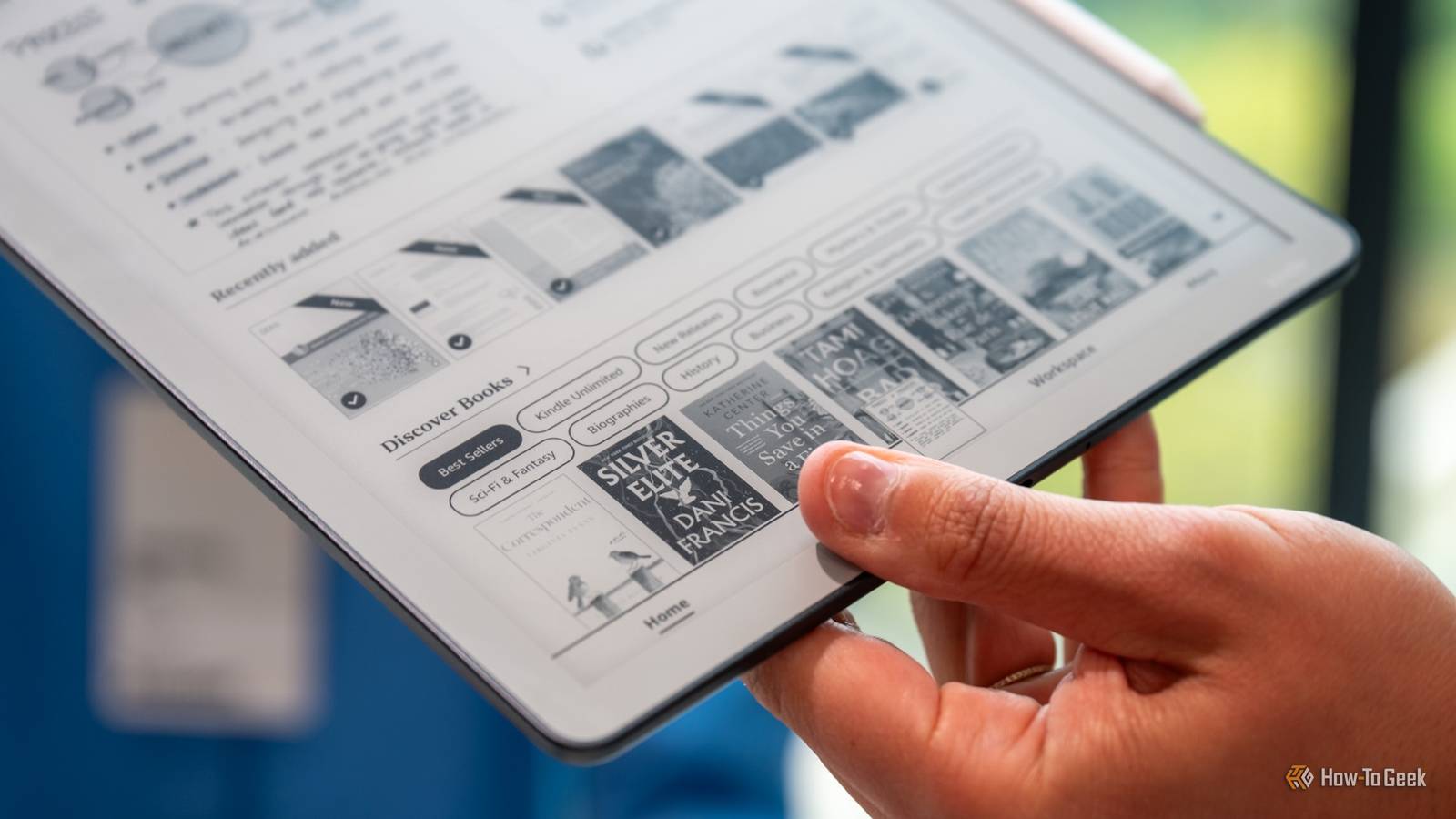
Own a Kindle Scribe and looking for avenues to use it beyond reading and jotting down notes? Here are eight things you can do with it that go beyond its battle-tested use cases.
Use it as a tabletop RPG organizer

If you’re into tabletop RPGs, turn your Kindle Scribe into the ultimate TRPG organizer. You can store all your rulebooks and manuals on the Kindle, and also draw maps on it. Just download some graph paper PDFs and go wild.
You can also annotate rulebooks and manuals, just be aware that some PDFs are DRM-protected, preventing owners from editing them. Also, if you plan to annotate PDF files, you can only do so by sending them to your Kindle via the Send to Kindle feature.

6 Tabletop and Board Games That Are Way Better As Video Games
I prefer my tabletops virtual.
Draw maps and take notes on the Scribe when gaming

Games that require taking notes to solve puzzles are so back, with titles such as Return of the Obra Dinn and Blue Prince among the best examples of the trend. And what’s a better note-taking device than your Kindle Scribe?
Aside from taking notes, you can also draw maps when playing games where you can get lost in a jiff, such as Wizardry, Phantasy Star, King’s Quest, or the early Metroid games.

I Love Physical Notebooks, But I Love These 6 Digital Notetaking Features More
Digital beats paper.
Use it as a reusable pen-and-paper and roll-and-write game sheet

Roll-and-write games can be great fun, but the fact that paper game sheets are disposable is less than ideal, especially for games that include whole “books” of game sheets that can become useless after just one or a few gaming sessions.
Thanks to the Kindle Scribe, you can use those game sheets as many times as you like without having to buy or print new ones.
The Scribe is also a perfect device for enjoying printable puzzles, like those by Krazydad, who creates daily Two Not Touch puzzles for The New York Times.
You can download a ton of puzzles for free from the Krazydad website, but they also have an Etsy shop that offers special versions of their puzzles custom-made for the Kindle Scribe and other e-ink devices. Be warned, though, those puzzles are extremely addictive.
A Kindle Scribe can be the ultimate crossword machine

If you own a Scribe and are a crossword buff, you can turn it into the ultimate crossword machine. You don’t have to print anything; you can store every crossword on the device, you can easily send new ones to your Kindle, and there’s also a backlight, allowing you to solve crosswords anytime and anywhere you want.

Here’s How I Create Crossword Puzzles in Excel (And You Can Too)
Because compiling a crossword is as much fun as completing one.
You can practice your cursive writing on it

Another unique use case the Kindle Scribe excels at is cursive writing practice. Its stylus and screen provide an almost paper-like writing experience, and you can get a ton of premade worksheets from websites like Loops & Tails or K5 Learning. You can also create your own worksheets and download them in PDF format on websites such as Worksheets Works.
A Kindle Scribe can be a great kitchen assistant

If cooking is your hobby, your Kindle Scribe can be a nifty little kitchen assistant. It comes with a serviceable browser that works fine with most recipe websites, especially text-heavy ones, has a massive screen that’s perfect for reading recipes from a distance, and a backlight. Just make sure to get a case with a built-in stand so you can prop it up for easier reading.
Not only is its large screen perfect for following recipes while cooking, but you can also annotate them if they’re PDF files. This is great because it allows for on-the-fly adjustments—adding, removing, or substituting ingredients—all of which are saved automatically, enabling you to create unique spins on popular recipes and experiment with more exotic ones.
Learn to knit or crochet with it
Want to learn to knit or crochet and happen to own a Kindle Scribe? That’s great news because the Scribe can be an excellent tool for learners thanks to its large, bright screen and support for crochet and knit patterns, which you can usually download as PDFs.
Use it as a sheet music display
Last but not least, the Scribe is one of the best sheet music displays, no matter whether you’re an established musician, a student, or a music teacher. Most downloadable sheet music is available in PDF format, you can annotate the files to your heart’s content, the screen is large enough to use the reader with virtually any instrument, and you’ve got a backlight when playing or practicing in dimly lit environments.
Kindle Scribe Colorsoft owners can use the eReader not only for the aforementioned stuff, but also as a digital coloring book. You can also find a ton of tracing books on Amazon designed with the Kindle Scribe in mind. If the Scribe replaced your old Kindle, you can repurpose your old eReader, or jailbreak it and do all kinds of cool stuff with it.

- Screen
-
10.2″ glare-free screen
- Resolution
-
300 ppi
The Kindle Scribe combines an eReader with a digital notebook. It has a large E-ink display and can last weeks on a single charge.
