

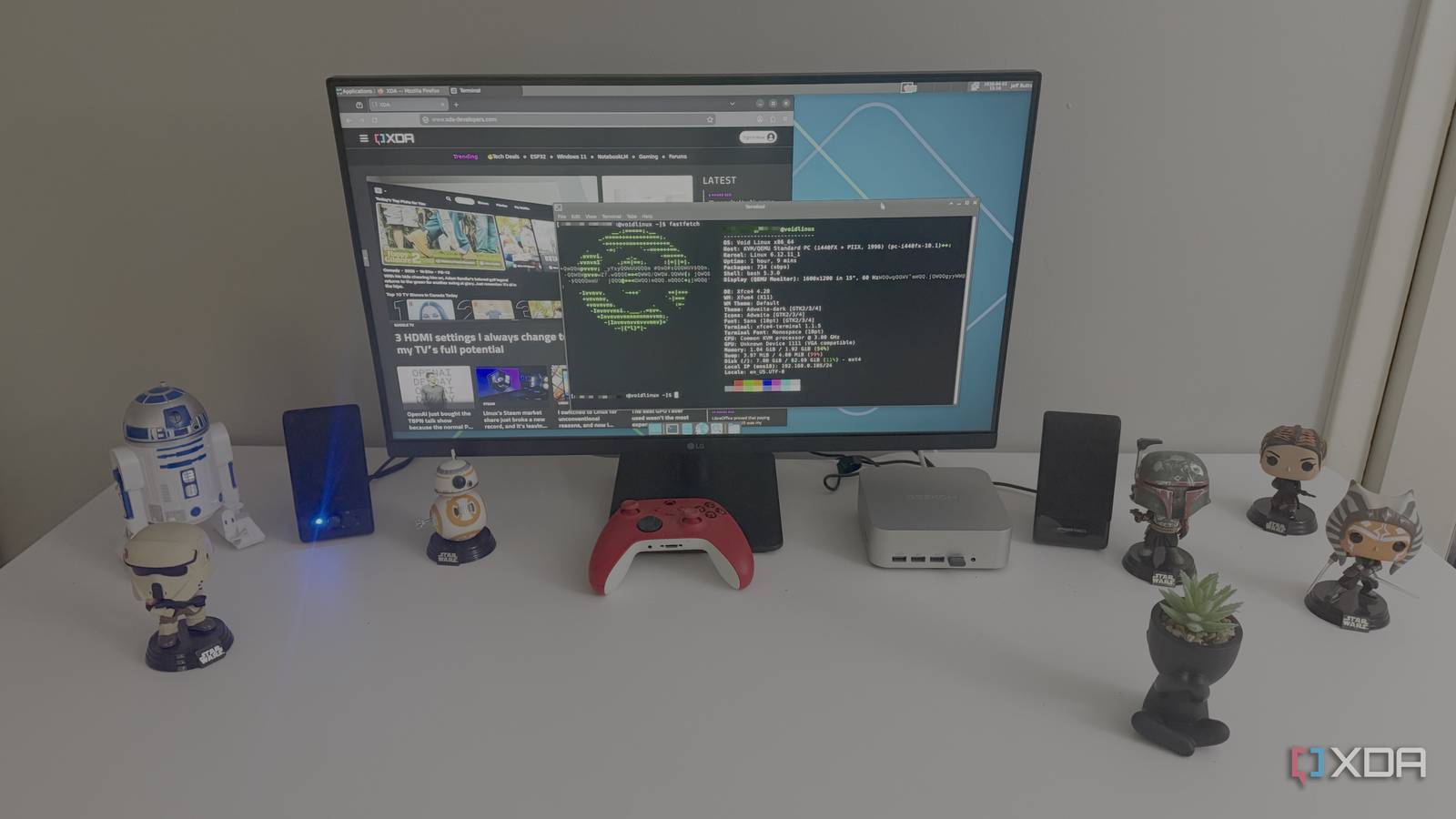
There’s a certain kind of older PC that never really gets a dignified ending. It still powers on, the keyboard still feels fine, and the screen still has some life left in it, but modern operating systems start treating it like dead weight. Every update adds a little more drag. Every background service feels like one more thing the machine didn’t ask for. At some point, the hardware itself isn’t the problem. It’s the software piled on top of it.
Old computers usually don’t need anything flashy. They just need an operating system with a little discipline.
That’s why Void Linux feels like such a surprise when you try it on aging hardware. It doesn’t have the name recognition of Ubuntu, Fedora, or Linux Mint, and honestly, that’s part of the appeal. Void has its own package manager, uses runit instead of systemd, and offers both glibc and musl variants, all of which help make a distro that feels leaner than many mainstream options. On an older laptop or desktop, that difference doesn’t stay abstract for very long. You feel it almost immediately when the machine starts acting useful again.

4 reasons Q4OS is the best operating system to breathe some new life into your old laptop
Q4OS is an underrated distro for owners of dinosaur PCs and laptops
Why Void Linux makes old computers feel quick again
Less background baggage gives old hardware a fighting chance
One of the first things you notice with Void Linux is how little it seems interested in doing behind your back. That sounds simple, but it matters a lot when you’re dealing with hardware that has little headroom left. Older CPUs and small amounts of RAM don’t have the patience for bloated defaults, extra daemons, or desktop features nobody asked for. Void doesn’t show up, trying to impress you with layers of hidden activity. It mostly just gets out of the way.
That restraint makes a bigger difference than spec sheets usually admit. Apps open with less hesitation, boot times stay reasonable, and the whole machine feels less like it’s negotiating every basic task. You’re not constantly paying a performance tax for features designed around newer hardware. That’s the line between an old laptop that feels annoying and one that still feels legitimately handy. When you’re trying to keep aging hardware alive, that line matters a lot.
Void’s design helps explain why it lands this way. Its in-house XBPS package manager is quick, and runit keeps the system feeling smaller and cleaner than many heavier alternatives. You can feel that philosophy in everyday use, especially on hardware that no longer has the brute force to mask wasted motion. Old computers usually don’t need anything flashy. They just need an operating system with a little discipline.
Void Linux works best when simplicity is the whole point
A leaner distro can stretch useful life much farther

Void Linux also feels like a smarter fit for older computers because it doesn’t pretend every install should be built the same way. That matters when you’re trying to squeeze more life out of a ten-year-old laptop, an old office desktop, or a secondhand mini PC. A lot of mainstream distros still claim modest requirements, but their default experience keeps drifting upward over time. Void feels more comfortable with the idea that a machine can exist to browse the web, write, play local media, and handle a few dependable apps without trying to be everything at once. That narrower target is a strength.
Its package ecosystem fits that same mindset. XBPS is fast, the repositories are tidy, and the option for separate glibc and musl branches gives more experienced users real control over how they want to build things. You’re not just installing something lightweight and calling it a day. You’re stepping into a distro that still seems to believe Linux can be modular, flexible, and a little opinionated without becoming obnoxious. On older hardware, that can make the whole machine feel less like a relic and more like something worth keeping around.
There’s also something refreshing about a distro that hasn’t sanded off every sharp edge in pursuit of mass appeal. Void isn’t trying to be the easiest recommendation for everybody, and that gives it a more distinct identity than a lot of bigger names have these days. Once you’re settled in, it feels stable, focused, and surprisingly calm. It wins by being fast and deliberate, not by throwing glossy convenience at every problem. On older hardware, that kind of focus can feel like a luxury.
The same strengths can also make Void harder to recommend
Some people need easy defaults more than clever efficiency

That said, Void Linux is not a magic spell for every aging computer. A lot of people rescue older hardware because they want something easy, not because they’re looking for a side project. They want an old laptop that can handle email, web browsing, documents, and maybe some streaming without becoming a full-time hobby. In that situation, a distro with broader community support, more beginner tutorials, and friendlier defaults can still be the better answer. Void can be elegant and efficient, but that doesn’t automatically make it welcoming.
Its differences from mainstream Linux distros can also create real friction. Void uses runit instead of systemd, and XBPS instead of APT or DNF, which means a lot of familiar Linux advice doesn’t translate cleanly. That’s not a flaw by itself, but it does raise the skill floor. If someone is already unsure about Linux, introducing unfamiliar tools and workflows might not feel empowering. It might just feel like they picked the weird path by accident.
There are practical limits to the whole “just install a lighter distro” argument, too. Yes, Void supports several architectures and can absolutely help older, lower-power devices feel less burdened, but the hardware’s age is only one part of the problem. Sometimes the real issue is a dying battery, flaky Wi-Fi, a failing hard drive, or a screen that’s barely hanging on. No distro can rescue hardware that’s physically falling apart. At best, it can stop decent hardware from being written off too early.
Even so, Void Linux is still a compelling choice
Efficiency matters more than mass-market hand-holding here

Even with those caveats, I still think Void Linux earns the “secret weapon” label for old hardware. The main reason is that it respects the machine you’re running on. It doesn’t assume endless resources, and it doesn’t pile on extra complexity in the name of convenience. On aging hardware, that attitude goes a long way. Plenty of machines get called obsolete when what they really need is an operating system with lower overhead and fewer assumptions.
Yes, there’s a learning curve, but that’s also part of the appeal. Void asks you to pay attention, and in return, it gives you a system that feels easier to understand once you’ve settled into it. Services don’t feel buried under layers of abstraction. Package management feels quick and direct. Even the choice between glibc and musl reinforces that this is a distro for people who care about how their systems are built, not just how polished the defaults look. That makes it a stronger long-term fit for old hardware than a beginner distro that grows heavier every release.
Void Linux’s minimum specs are almost ridiculously low
Void Linux doesn’t ask for much, at least if you’re talking about the base install rather than a heavier desktop setup. That makes it a great little proof point for the article, because it shows just how little hardware the distro actually needs to get moving. Void’s handbook lists these as the recommended minimums for most installations, while also noting that Xfce images need more resources.
|
Edition / architecture |
Minimum CPU |
Minimum RAM |
Minimum storage |
|---|---|---|---|
|
x86_64-glibc |
x86_64 |
520MB |
700MB |
|
x86_64-musl |
x86_64 |
520MB |
600MB |
|
i686-glibc |
Pentium 4 with SSE2 |
520MB |
700MB |
Those specs won’t make every ancient PC feel modern, especially once you add a full desktop and heavier apps, but they do explain why Void Linux feels so comfortable on hardware other distros have already left behind. It helps that Void leaves room for practical compromises. You can keep the base system lean while still using broader app distribution methods when needed. That means running Void doesn’t have to feel like signing up for a niche lifestyle. It can just be a smart way to keep an older PC fast and useful. Old hardware doesn’t need dogma. It needs a setup that stays light without making daily use feel like homework.
Why more old PC owners should pay attention to Void
Old hardware doesn’t always need to be replaced, and it definitely doesn’t need to be treated like e-waste just because mainstream software keeps getting heavier. Void Linux makes a strong case that the right operating system can uncover a lot of usefulness that was still there the whole time. It feels lean without feeling stripped down. It feels intentional without feeling like a stunt. That combination is a lot rarer than it should be.
Plenty of machines get called obsolete when what they really need is an operating system with lower overhead and fewer assumptions.
Void won’t be the right choice for everyone, and that’s perfectly fine. What it offers is more interesting than broad appeal anyway. It offers a version of Linux that still feels sharp, efficient, and a little bold, which is exactly what a lot of old hardware needs. For the right user, that’s more than a good fit. It’s the kind of distro that makes an aging computer feel worth using again.
