

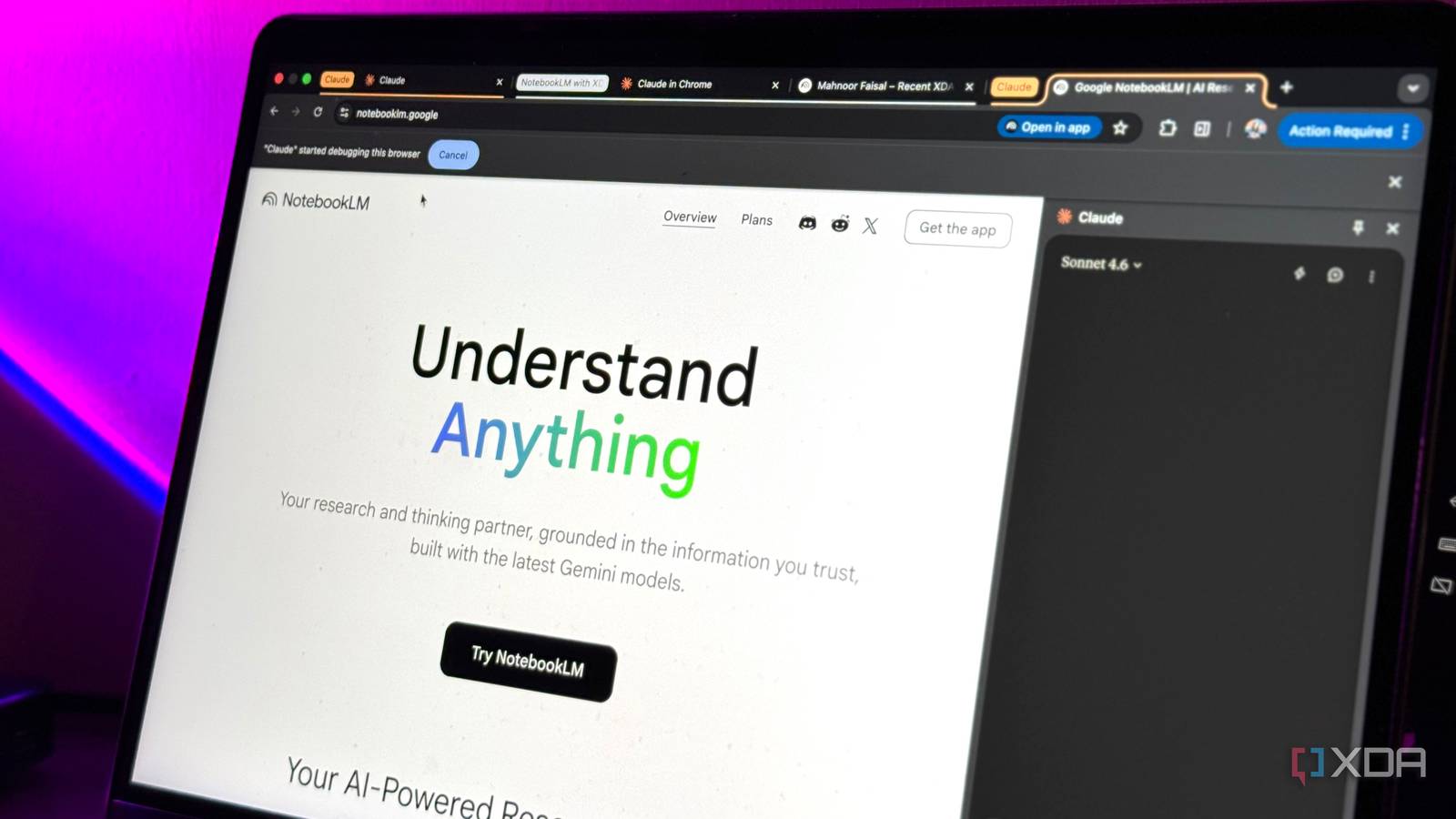
I work with documents all day. Drafts, research dumps, client briefs, and messy meeting notes that someone insists count as a deliverable. At some point, I got tired of assuming which AI tool actually handles that kind of work well, so I tested it properly by pasting real, ugly, long-form content into Claude, Gemini, ChatGPT, and Perplexity’s free tiers and seeing what came back.
The results weren’t close in every category. For people whose productivity lives inside walls of text, Claude’s free tier does five specific things better than the competition, and they’re not small things.
Pulling the real point out of a bloated brief
It reads for meaning, not just length
Paste a 1,200-word client brief into any of these tools and ask pointed (or even generic) questions like, “What does this person actually want?” Most tools summarize their results, but Claude diagnoses. Where ChatGPT and Gemini tend to return a cleaned-up version of what you already sent by respecting the structure and echoing the language, Claude will often surface the buried ask. The thing that was written in paragraph six, hedged with qualifications, was actually the whole point.
This matters when you’re working from briefs written by committees, stakeholders who aren’t sure what they want, or anyone who writes around an idea instead of stating it. Claude’s free tier holds up here without needing a premium subscription to unlock better reasoning.

I cancelled my ChatGPT, Perplexity, and Gemini subscriptions for Claude — and I should have sooner
Wish I did this sooner.
Editing a draft without flattening your voice
It revises with you, not over you

This is the one that frustrates me most about the alternatives. Ask ChatGPT to “tighten this up,” and you often get something technically correct and completely generic. The rhythm is gone. The personality is gone. What comes back is fine, but it isn’t yours anymore.
Claude, on the free tier, is more conservative with voice in a way that actually serves writers. It tends to cut, reorder, and clarify without replacing your word choices unless they’re genuinely unclear. It’s not perfect because if you prompt it lazily, it’ll still sand the edges off.
But a specific prompt like “edit for clarity without changing my tone” lands noticeably better with Claude than with Gemini or Perplexity, which tend to rewrite more aggressively. You can also set custom instructions that apply across all your projects to make this process faster and more consistent.
Holding context across a long-pasted document
It doesn’t lose the thread halfway through

Free tiers are where context windows get punishing. Paste a 15,000-word document into Perplexity’s free tier and ask a question about something from the second half, and it often pulls from the beginning, or hallucinates a synthesis. Gemini handles it better than Perplexity, but still drifts on nuanced questions about specific sections.
Claude’s free-tier context handling is the most consistent of the four for long-form document work. Ask about a point buried on page four of a pasted strategy doc, and it finds it. Ask a follow-up that requires connecting two sections, and it connects them. That reliability changes how you can actually use the tool with less re-pasting, less re-prompting, and more actual work getting done.
Flagging weak logic in a structured argument
It pushes back where it counts

If you’re working on a pitch, a proposal, or an editorial, you want something that tells you when your argument has a hole and not just when your grammar is off. This is where Perplexity falls short almost entirely (it’s built for retrieval, not argumentation). ChatGPT will flag logical gaps, but often in such a hedged, diplomatic way that you’re not sure what it’s actually saying.
Claude is more direct about structural problems. Paste a five-paragraph argument and ask “where does this fall apart?” and you’ll get a specific answer with reasoning. It’ll point to where you made an assertion you didn’t support, or where your conclusion doesn’t follow from your evidence. That’s genuinely useful in a writing workflow.
Turning a messy source dump into a usable outline
It organizes chaos without inventing structure

The last one is the most practical. You’ve got six browser tabs’ worth of notes, half a transcript, three bullet lists from different days, and you need an article outline by the end of the day. Paste all of it into Claude and ask for an outline. What you get back respects what’s actually in the material. It doesn’t invent sections to fill space. It doesn’t pad. It finds the through-line in what you gave it and builds from there.
Gemini and ChatGPT will produce outlines, but they’re more likely to impose familiar structures onto your content rather than derive structure from it. For document workers, that distinction is the difference between a useful starting point and something you have to undo.
The free tier actually does the job
For document work, Claude earns the default spot
None of these tools is perfect on a free plan. But if your work happens in documents (and for a lot of us it does), Claude’s free tier is the most consistent performer across the tasks that actually matter: reading for meaning, preserving voice, holding context, critiquing logic, and organizing source material. Start there before paying for anything else.

- OS
-
Windows, macOS
- Individual pricing
-
Free plan available; $17/month Pro plan
- Group pricing
-
$100/month per person for the Max plan
Claude is an AI assistant and LLM developed by Anthropic.
