

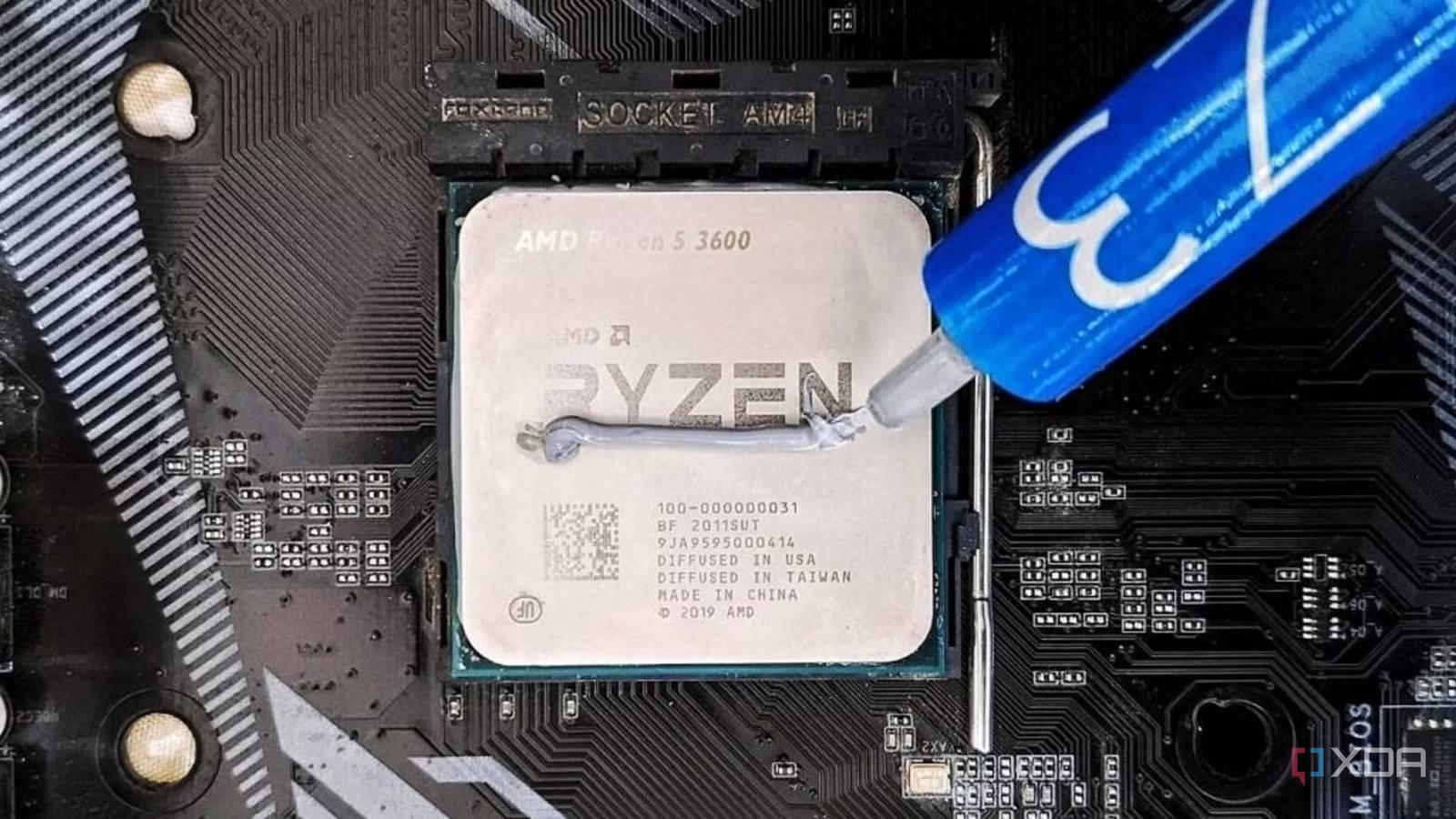
Whenever my CPU temperatures start creeping into the 80s, my first instinct is to blame the cooler, but I usually end up reapplying thermal paste, anyway. That’s because, in my experience, a fresh layer of high-quality thermal paste like Thermal Grizzly Kryonaut has always reduced CPU temperatures by a few degrees, just enough that I don’t feel the need to constantly monitor them using MSI Afterburner. If you think about it, it’s the easiest thing you can act on without splurging on a new 360mm AIO.
However, that small improvement in temperatures can be misleading because it makes you feel like you’ve fixed something when all you’ve really done is buy yourself a bit of headroom. In fact, I’ve reapplied thermal paste multiple times in my current build only to see temperatures creep back up within a few days. That’s when I did some digging and realized it wasn’t the paste or the cooler itself, but how my AIO was mounted in the first place. Reseating it properly made a bigger difference than my thermal paste ever did.

Your cooler isn’t the reason your CPU runs hot
Even a 360mm AIO won’t always keep your CPU cool
Mounting pressure and even contact matter more than the quality of your paste

Unlike all my previous builds, replacing the thermal paste in this one barely made a difference, which is what made me question whether I was even fixing the right problem. I knew part of the reason was that modern CPUs keep pushing their clock speeds as long as they have thermal headroom, but that still didn’t explain why my temperatures felt so inconsistent while gaming. That’s when I started to think about how heat was actually being transferred in the first place, which is where cooler contact comes in.
I used to assume thermal paste was doing all the heavy lifting, when, in reality, its job is just to fill in the microscopic gaps between the CPU’s IHS and the cooler’s cold plate. The actual heat transfer depends on how well those two surfaces are pressed together, and if the mounting pressure isn’t even, parts of the CPU simply won’t make proper contact. I realized this when I took the cooler off and noticed how uneven the spread pattern was. So if you notice your paste is thicker on one side and thinner on the other, you should be blaming the mounting pressure, not the paste itself.
Even slight misalignment or uneven screw tightening can ruin mounting pressure
What caught me off guard was how easy it is to get this wrong without realizing it. Installing a cooler feels straightforward, but even a small mistake is usually all it takes to throw everything off. If the pump block isn’t sitting perfectly flush or if you tighten one screw more than the others, you end up with uneven mounting pressure across the CPU. I used to just tighten screws one by one until they felt secure, assuming that was enough. But this approach can actually tilt the cold plate slightly and compromise contact altogether.
Nowadays, I take my time tightening the screws in a cross pattern, applying even pressure gradually instead of locking down one side at a time. I understand how it seems like such a minor detail, but this alone made a noticeable difference in my temperature. You could do everything right and still have improper contact, which isn’t unusual if you’re on the LGA1700 or LGA1851 platform. The stock mounting mechanism can apply uneven pressure across the CPU and slightly bend the IHS, so you’ll need a contact frame to improve pressure distribution.
Thermal paste can absolutely be the problem sometimes
But paste quality and application really only matter after everything else is dialed in

I’m not going to pretend that thermal paste can never be the reason for high CPU temperatures. In fact, I’ve experienced this several times in the past. The dot application method is outdated, and it doesn’t always guarantee full coverage across the IHS. Likewise, if your thermal paste has dried out, it can create gaps that reduce effective heat transfer. In those cases, reapplying thermal paste, especially a higher-quality one, can noticeably improve your temperatures.
But even then, these gains are usually minimal and are only worth chasing once you have everything else dialed in. If your high-end AIO isn’t mounted properly and the contact is inconsistent, even liquid metal won’t make a dramatic difference. At best, it would mask the issue temporarily. So if you really want a permanent fix, take your cooler apart, check the spread pattern, and reseat it properly if it’s uneven. If that still doesn’t help, a third-party contact frame for $10 might be your best bet, not a new cooler or thermal paste.
Reapplying paste is actually the perfect time to fix your mounting
If you’ve already decided to replace the thermal paste, I’d say this is your best opportunity to make sure everything is actually set up correctly. Instead of just applying a fresh layer and calling it a day, take a moment to check how the cooler is sitting and how the paste spreads once you remove it. That’s exactly where I went wrong for the longest time. I kept focusing on the paste while ignoring the one simple thing that actually determined how well my cooler worked. If you’re going through the effort anyway, you might as well get the contact right, because that’s what fixes the problem. The temperature improvement from a better compound is just a nice bonus.

4 easy mistakes to make when installing a CPU cooler
Installing your CPU cooler is one of the trickiest parts of a PC build. Here are some of the most common mistakes we all make when installing them.
