

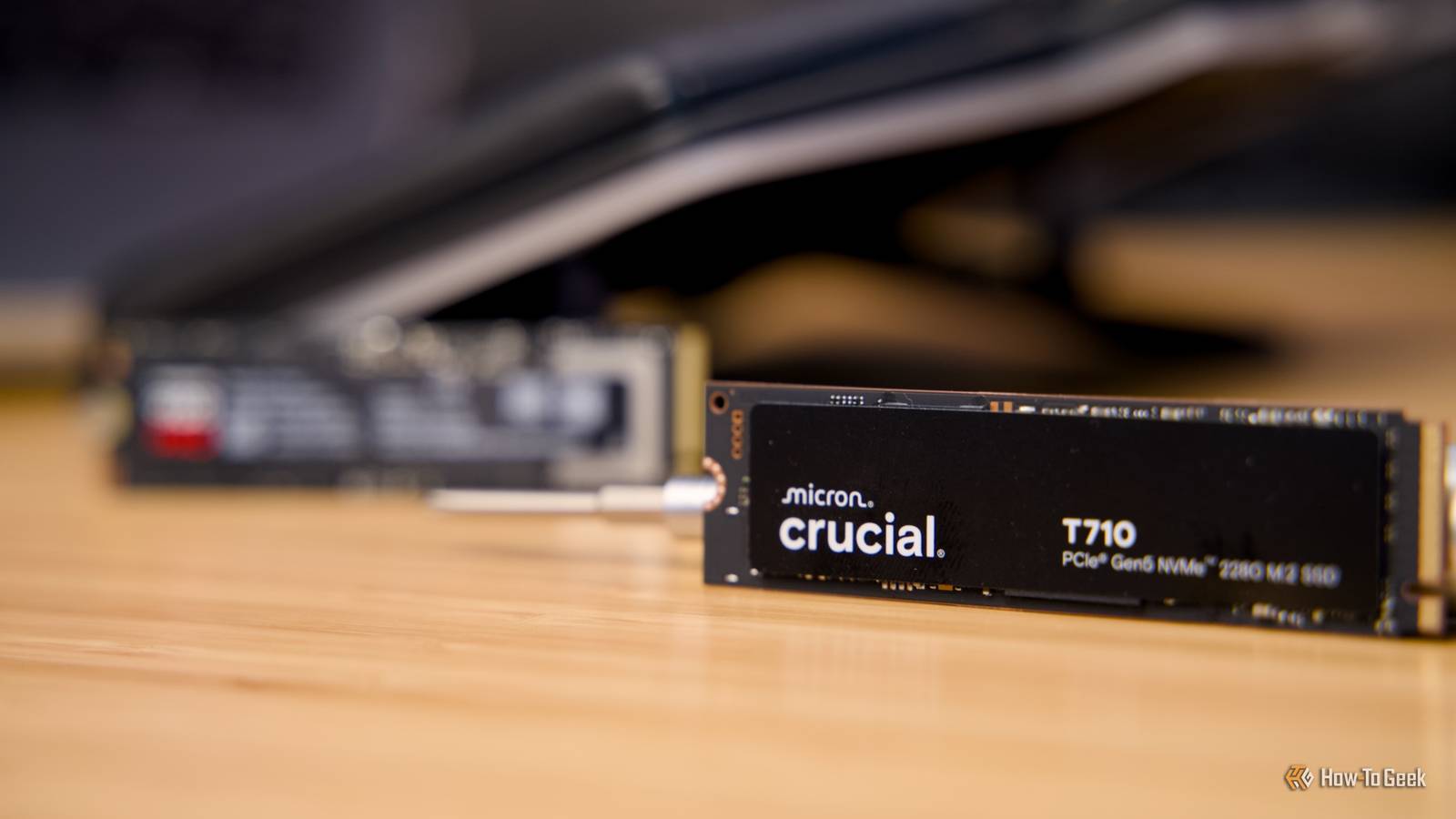
We tend to worry a lot about the lifespan of our SSDs—and quite frankly, I often warn you to keep it in mind whenever I write articles myself.
But the truth, quite frankly, is that unless you’re doing some very specific stuff, you might not even get to kill an SSD from usage alone ever.
What’s the write limit on most SSDs?

SSDs, like everything in life, have a finite lifespan (in the case of SSDs, the NAND chips will eventually and unavoidably give out). Unlike traditional hard disk drives that use magnetic platters, SSDs write data by trapping electrons in memory cells. Every time data is written or erased, the insulating oxide layer within these microscopic cells degrades slightly. Eventually, the cell can no longer reliably hold a charge, which is why manufacturers establish a strict endurance rating or write limit for their products.
This endurance limit is most commonly expressed in the industry as Terabytes Written (TBW). For a typical consumer-grade SSD with a storage capacity of one terabyte, the TBW rating usually falls somewhere between 600 and 1,200 terabytes. This metric indicates the absolute total amount of data you can write to the drive over its operational lifespan before the manufacturer’s warranty expires or the drive is deemed statistically likely to fail.
Another metric sometimes used, particularly in enterprise networking environments, is Drive Writes Per Day (DWPD). This calculates how many times you could overwrite the drive’s entire capacity every single day for the duration of its warranty, which is usually five years.
It is important to note that reaching the TBW limit does not mean the drive will instantly stop working or immediately lose your data. Instead, it signifies that the drive has exhausted its guaranteed endurance. Modern SSDs are engineered with extra, hidden storage blocks that act as a buffer, seamlessly replacing dead cells as they wear out in a background process called wear leveling. Therefore, the stated TBW is often a highly conservative estimate, and the physical flash memory can frequently endure significantly more writes than the official specification implies.

- Storage capacity
-
1TB
- Hardware Interface
-
PCIe Gen 4 x4 NVMe
Why won’t I ever reach it?

For the vast majority of computer users, hitting the manufacturer’s write limit on a modern solid-state drive is a mathematical improbability within the useful life of the computer itself. Keep in mind, I’m talking about someone who browses the web, watches streaming video, plays video games, and works with standard office applications. In any case, all that usage might write anywhere from ten to thirty gigabytes of data to your drive per day.
Even if we take a highly conservative approach and assume you write a heavy fifty gigabytes of data to your drive every single day, the math falls heavily in your favor. If you have a standard one-terabyte SSD with an endurance rating of 600 Terabytes Written, you would need to write that fifty gigabytes every single day for over thirty-two years to exhaust the drive’s rated lifespan. By the time three decades have passed, the entire computer architecture will be obsolete, and you will have undoubtedly upgraded your system multiple times.
Furthermore, operating systems and SSD controllers have become incredibly efficient at managing data behind the scenes. Technologies like the TRIM command ensure that data is deleted efficiently, while advanced wear-leveling algorithms dynamically distribute write operations evenly across all available memory cells. This prevents any single memory cell from being overwritten too frequently, drastically prolonging the overall health of the drive.
The reality is that other hardware components in your computer, such as the motherboard, the power supply, or even the SSD’s own electronic controller chip, are far more likely to fail from thermal stress or age long before the actual NAND flash memory cells succumb to write exhaustion.
Some use cases where you might get to reach it

Don’t get me wrong, though, there are specific, data-intensive computing environments where reaching the endurance limit of a solid-state drive is a genuine and pressing concern. One of the most common scenarios involves professional video production and heavy media editing. Working with uncompressed, high-resolution video formats like 4K or 8K requires moving massive amounts of raw data. Editors frequently utilize dedicated “scratch disks” used temporarily to render visual effects, generate proxy files, and cache background media. In a busy production studio, a scratch disk can easily endure hundreds of gigabytes or even terabytes of heavy writes in a single afternoon, dramatically accelerating the aging process of the drive.
Another notable use case involves enterprise-level database management and local servers hosting high-traffic applications. These localized servers often process millions of microscopic transactions per second, constantly writing and rewriting system logs, customer records, and complex analytical data. This continuous, round-the-clock write activity necessitates specialized enterprise-grade SSDs with significantly higher endurance ratings, as standard consumer drives would physically burn out within months.
Furthermore, certain niche applications like plotting for proof-of-space cryptocurrencies can completely devastate a consumer SSD. The process involves generating massive cryptographic files, requiring continuous, sustained write operations that can consume a standard drive’s entire Terabytes Written allowance in a matter of weeks. Finally, utilizing an SSD as a continuous recording loop for high-definition security camera systems or as an aggressive caching drive for a large network-attached storage array will also chew through its lifespan rapidly. In these specialized scenarios, administrators must carefully monitor drive health.
Everyone else, though, should be fine with their SSDs as long as they’re not writing a lot of data back and forth constantly.
