

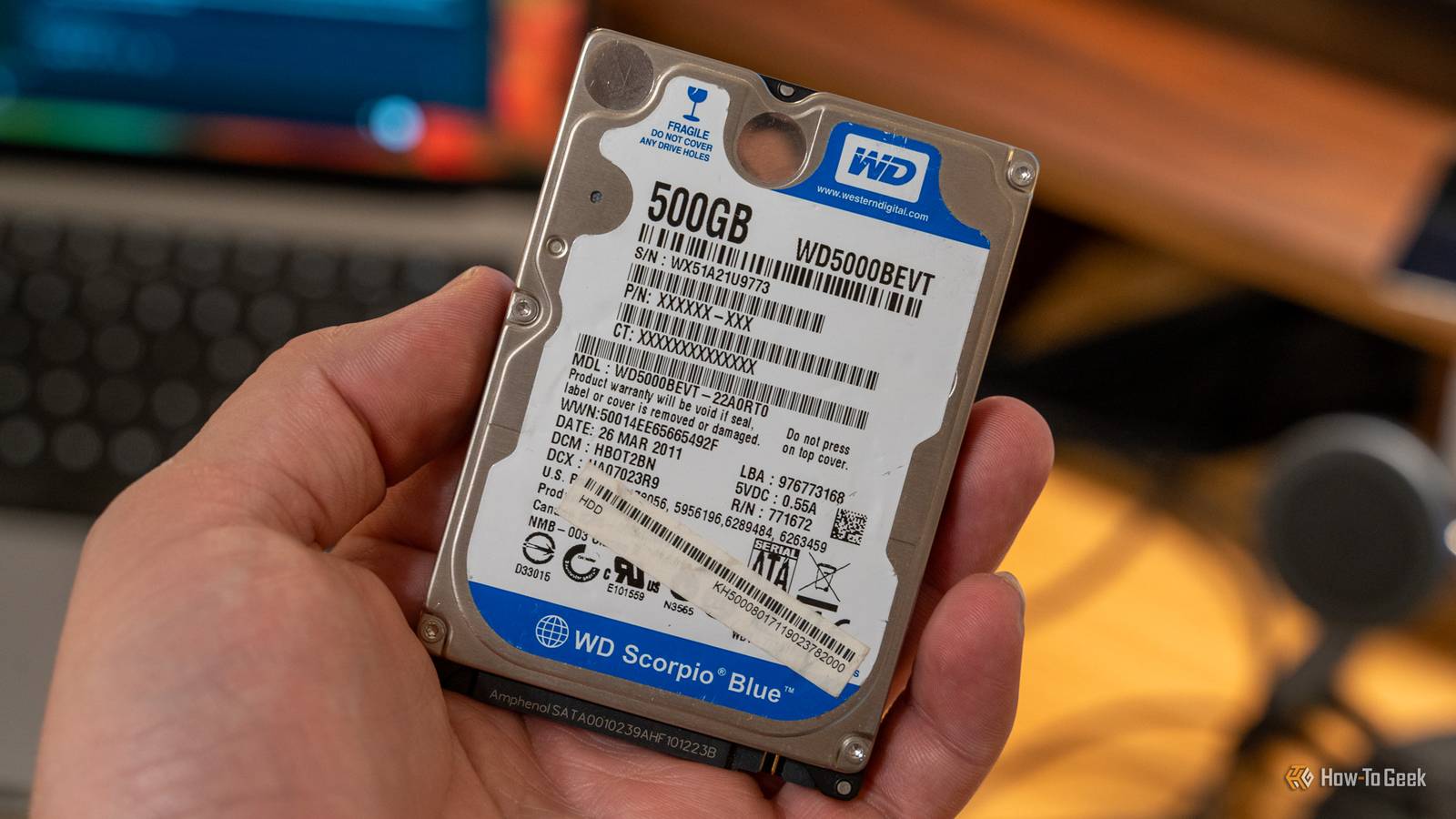
In these times of necessity, that old laptop gathering dust in your drawer isn’t just junk—it’s a goldmine. Those old hard drives might have a lot of life left in them.
And I think you should do it too.
Why your own old hard drives are a good idea

Salvaging storage from old, dead laptops is probably one of the most cost-effective strategies for expanding your digital capacity without spending a dime. Most people have a graveyard of old technology sitting in a drawer somewhere, often containing perfectly functional 2.5-inch hard drives or SSDs.
These components are usually the last things to fail in a laptop, meaning that even if the screen is cracked, the keyboard is broken, or the motherboard has shorted out, the storage drive inside is likely still operational. By extracting these drives, you are essentially reclaiming hardware that you have already paid for, bypassing the inflated retail markup of buying new external storage solutions.
From an environmental and practical standpoint, reusing these drives is a great idea. Instead of letting a functional terabyte of storage sit idle in a landfill or a recycling center, you are actually giving it a second life. The barrier to entry for this project is incredibly low; a simple SATA-to-USB adapter or an inexpensive drive enclosure is all that is required to turn an internal component into a portable external drive.
Furthermore, the utility of these drives often exceeds expectations. An older laptop SSD, even one that is several years old, will still offer read and write speeds that saturate a standard USB 3.0 connection, making it indistinguishable from a brand-new portable drive for general tasks. Even older mechanical HDDs offer significant value for storing large files where speed is not the primary concern. By tearing apart your old machines, you unlock a surplus of storage that saves you the immediate cost of purchasing new hardware while maximizing the lifespan of the electronics you already own.
When should you use them?

The ideal use case for salvaged laptop drives is for secondary storage and data redundancy, where top-tier speed is not a necessity. These drives are perfect for creating a cold storage system, which is data that you need to keep but rarely access, such as old family photos, tax documents from previous years, or completed work projects.
Because you are not constantly reading and writing to the drive, the wear and tear are minimal, making an older mechanical drive a reliable vessel for archival purposes—just remember to give it a spin up every so often. They also serve brilliantly as a secondary backup location. Following the 3-2-1 backup rule—three copies of data, on two different media, with one offsite—a salvaged drive can easily act as that local second copy, costing you nothing but the time it takes to copy the files.
Another excellent application is for media storage attached to a home server, Raspberry Pi, or a smart router. If you have a collection of movies, music, or digital books, an old 500GB or 1TB laptop drive can hold a massive library that is accessible across your home network. Since streaming a movie requires relatively low bandwidth compared to the drive’s maximum capability, even an older 5400 RPM mechanical drive performs flawlessly in this role.
Gamers can also benefit by using these drives to store their game libraries. While you might not want to run the latest AAA title directly off an old mechanical drive due to load times, it serves as a perfect repository to store installed games that you are not currently playing, saving you from having to re-download hundreds of gigabytes of data later. Essentially, any task that requires capacity over raw performance is a candidate for these reclaimed units.
When you should NOT use them

It can also be a bad idea, depending on how you want to use it. You should never use a reclaimed drive as the primary location for your operating system or mission-critical data that is not backed up elsewhere. Hard drives have a finite lifespan, and a drive pulled from a laptop that was used daily for five years has already endured significant mechanical stress. The motor bearings in a mechanical drive or the memory controller in an SSD may be nearing the end of their operational life. Using such a drive for your main Windows or macOS installation is asking for a system crash that could happen at the most inconvenient time.
Speed is another major limiting factor that dictates when you should avoid these drives. If you are a video editor working with 4K footage or a photographer handling high-resolution RAW files, an old 5400 RPM laptop HDD will be a horrible bottleneck. The seek times and transfer rates are simply too slow for modern content creation workflows, leading to dropped frames and lagging timelines. In these professional instances, the time you lose waiting for the drive to buffer costs more than the money you saved by not buying a modern, high-speed NVMe SSD.
Finally, you must strictly avoid using any drive that shows warning signs during a health check. Before trusting a salvaged drive with a single file, you’ll want to run diagnostic software to check the SMART (Self-Monitoring, Analysis, and Reporting Technology) data. If the drive reports bad sectors, read/write errors, or a history of overheating, it should be discarded immediately. Using a drive with even minor diagnostic errors is a recipe for data corruption, turning your cost-saving measure into a data recovery nightmare.
Ultimately, it can still be a good idea depending on your usage. So don’t let that go to waste.
