

I like to use my weekends wisely, and at least once a month, I get out of the city for a short trip to recharge my batteries. A quick getaway can work wonders for one’s mental well-being; however, poor planning can result in hours stuck in traffic, overpacked itineraries, and money wasted on last-minute decisions.
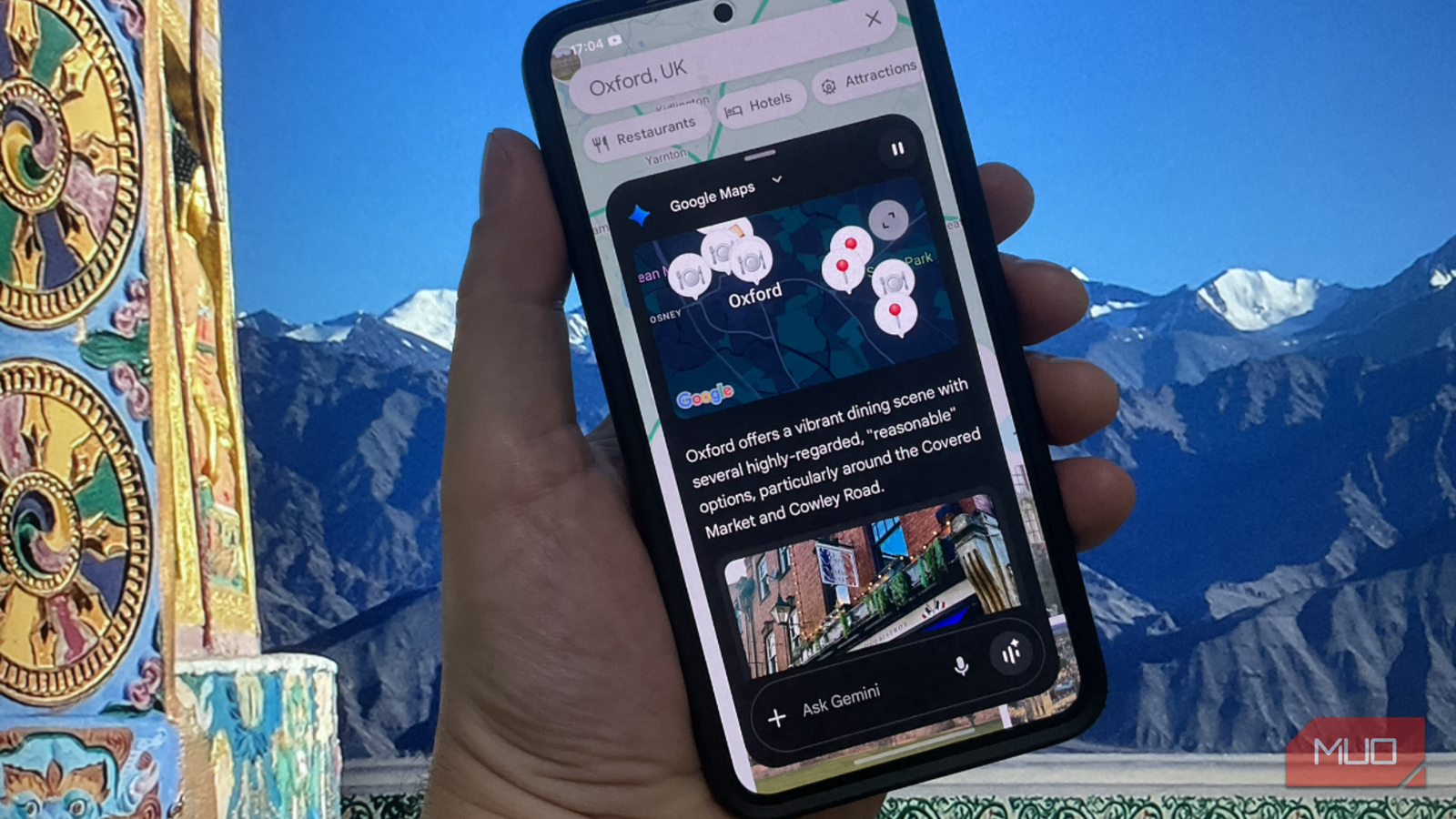
As someone who always travels on a fixed budget, overspending, coupled with the stress of a demanding schedule, can turn what should be a fun experience into the exact opposite. So, for a New Year’s trip to Oxford, UK, I relied on the combination of Google Maps and Gemini — Google’s somewhat underrated AI assistant — to assist me at the planning stage. The former’s real-world data, like travel times, reviews, and routes, coupled with the latter’s assistance with timing, cost, and trade-offs, worked well together, and I found them to make my trip calmer, cheaper, and far more enjoyable, overall.

- OS
-
Android
- Developer
-
Google
- Price model
-
Subscription
Always shop around for hotels
Use Gemini to choose accommodation that actually makes sense for a weekend
Instead of starting with a specific place, I asked Gemini: “Suggest 5 hotels or B&Bs in or around Oxford that are cheapest and not overcrowded over the New Year.” Gemini shortlisted several accommodations, factoring in seasonal issues, crowds, and typical costs, then I typed the shortlisted places into Google Maps to compare travel times, tolls, and fuel/transit costs. This combo kept me from picking a place that looked fun on the outside, but, in reality, was expensive or too much of a hassle to navigate to or stay at.
Choosing accommodation carefully makes a real difference, especially after several hours of travel. In this instance, I selected a spot outside the city center to avoid the crowds on New Year’s Eve. As a result, parking was also easier, and I was still well within walking distance of restaurants and amenities.
Let Google tell you when to leave
Use Google Maps’ traffic predictions to avoid expensive, stressful travel times

I’d rather leave well before dawn on a Saturday than be held up in traffic on a Friday night, so once I have a destination, I use Google Maps’ “Depart at” and traffic prediction features to test different departure times. Gemini can also help here by suggesting off-peak windows or by asking it, “What’s the least stressful time to leave on a Friday?”
Avoiding peak traffic doesn’t just save time, but often saves money on fuel, parking, and unplanned food and coffee stops caused by delays. All this also translates into lower stress levels along the way. I’ve seen instances where leaving 45 minutes earlier cuts the journey time in half, so I never skip this stage when planning a trip and double-check in the hours before leaving.
Location, location, location
Choose accommodation based on its surroundings, not just the nightly price

Gemini is great for listing neighborhood pros and cons, but Google Maps shows them in greater detail. I search for hotels or rentals on Google Maps and look at the walking distance to bars, restaurants, and entertainment spots. I’ll also check public transport access to save money on taxis. It also shows me reviews that help me gauge noise levels and local annoyances.
Staying in accommodation just outside Oxford, in towns like Woodstock or Abingdon, was significantly cheaper, but it can be a false economy. Sometimes a slightly pricier place saves money overall by cutting taxi and Uber fares, which Gemini can help with by asking, “Is staying slightly outside ‘X’ actually cheaper if I want to do ‘Y’ and ‘Z’?”
Plan to go at your own pace
Create a realistic, walkable itinerary instead of over-planning
I am terrible at trying to fit too much into a single weekend trip. So, instead of over-planning, I dropped all my favorite and potential sightseeing spots into a Google Maps list and let it group them in clusters. I then asked Gemini to help trim it down with something like: “Which of these attractions can realistically be fitted into one afternoon?” or “What’s a good half-day plan in Oxford?
The result was fewer zigzag journeys and less backtracking, with no money wasted on unnecessary transport. Perhaps most importantly, this looser itinerary gave me breathing room to stop by pubs or teahouses and snap photos using Gemini and Google Maps along the way, without rushing to my next destination, making the day stress-free.
Do as the locals do
Use Gemini to find free or low-cost experiences that residents enjoy
I found that Gemini excels at sourcing non-touristy ideas, such as riverside walks, historic neighborhoods, seasonal events, free viewpoints, local markets, community events, and seasonal activities.
Before committing to any of these, I verify everything on Google Maps by checking local reviews, opening hours, and photos uploaded in the last few weeks to make sure they are as advertised. This way, I can skip overpriced attractions without missing the best bits of a place and avoid wasted journeys to places that are closed, underwhelming, or temporarily inaccessible.
All the tools for a cheaper, hassle-free trip are at your fingertips
I have found, through trial and error, that planning a cheaper, less stressful weekend trip isn’t so much about squeezing every penny or minute out of the occasion as it is about making smarter decisions upfront. By combining Gemini’s strategic thinking with Google Maps’ real-world data, I’ve learned to choose better destinations, travel at quieter times, and make realistic plans that actually fit into a weekend.
I’ve yet to try this strategy on longer trips, but I am confident it will come in just as helpful when setting larger budgets, traveling by air or sea, and navigating foreign lands. What I do know is that with the right tools, even a weekend break can feel genuinely refreshing without blowing my budget or my patience.
