

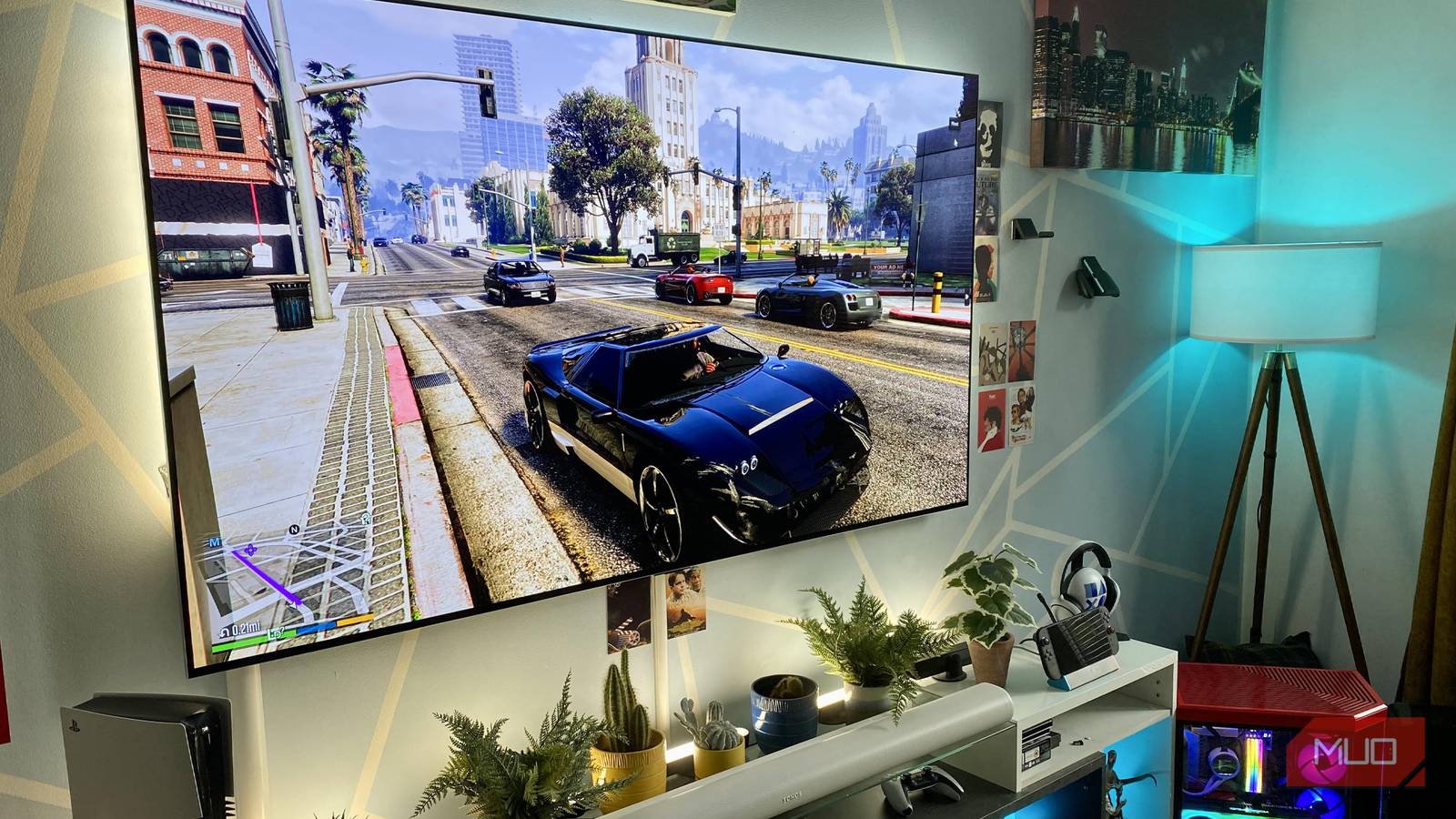
Let me get this out of the way as early as possible: I’m a sucker for Ultra settings in PC games. Then again, I do have the luxury of leaning on a PC that costs more than my car. That doesn’t mean I wholeheartedly recommend using max settings in your favorite Steam titles. Far from it. As the proud owner of a Steam Deck OLED, I also know the benefits of compromising when it comes to graphical presets.
The hard and fast truth is this: unless you own the most bleeding-edge PC hardware, ultra settings are rarely worth the fidelity vs performance trade-off. Heck, even as someone who owns an Nvidia GeForce RTX 5090, I find max settings hard to justify in all but a select few games.
If you’re on a capable but not quite best-of-the-best system, here are five reasons you should absolutely ignore Ultra settings.

I own 3 PC gaming handhelds, and this is the one I barely use
Until Linux gets serious about multiplayer gaming, my Steam Deck will collect dust while I play on my Windows gaming handhelds instead.
Big FPS drops for minimum visual benefits
Performance can take an almighty hit at ultra

I was messing around with various Cyberpunk 2077 settings not so long ago, and I was absolutely shocked at how little I could tell the difference between ultra and medium, let alone ultra and high. And you know what continues to make me want to rub my eyes in disbelief? That shot above is Cyberpunk with every setting turned down to its lowest level.
The point is, if you’re gaming at 4K or 1440p, most modern games look really good, regardless of the settings you’re deploying. More often than not, it can be tough to fully appreciate certain graphical sliders when you crank them up.
In fast-paced games, shadow detail, decal levels, and the quality of textures can be seriously hard to appreciate. Unless a game is slow-paced and encourages glacial camera pans, you’re almost always better off lowering presets from Ultra to claw back frames.
FPS matters more than ultra settings
Frames before graphical bells and whistles

There are so few games where you should prioritize Ultra settings over the best frame rate your hardware can deliver. First-person shooters, racers, and high-octane action games are always more satisfying to experience when you’re at 60 FPS or above.
By contrast, I’d argue that only story-intensive AAA games that are pushing the envelope tech-wise can justify the use of Ultra settings. When you max out shadow detail or 16x anisotropic settings, you’ll only see the benefits when in-game action slows to a crawl.
Unless you have the most obsessive eye, always on the lookout for small visual defects, I’d suggest lowering graphical sliders to hit a stable frame rate that your hardware can lock down 90% of the time. There really is very little point in worrying about visual settings you might be missing out on that you’re unlikely to appreciate in the first place.
You don’t really need ray tracing
Amazingly rendered reflections are incredible, but oh-so expensive

Full disclosure: I really like ray tracing. And to go one further, I’m absolutely obsessed with path tracing in modern games. Make no mistake, though, ray tracing is essentially the ultimate form of ultra settings. It can have a transformative effect on games, but unless you’re leaning on frame generation and super-expensive hardware, it’s the performance killer.
Not for a second would I hop atop my 5090 propped-up soapbox and tell you to enable ray tracing if you’re gaming in 4K with anything less than an RTX 5070. I adore ray-traced reflections, yet unless you’re preening over screenshots that you’ve taken or are stopping to smell the visually appealing roses in photo mode, appreciating RT features in motion can be challenging.
If you’re struggling to hit 60FPS on your hardware in a game like Resident Evil Requiem (one of the best adverts I’ve seen for high-end ray tracing), disabling RT should be your first port of call.
Some ultra settings make games look worse
The case against motion blur

I recently wrote a piece on why I hate motion blur in modern video games. Funnily enough, blur is a setting that can be prohibitively costly to frame rate performance. I loathe the way it can ruin in-game screenshots, so if you’re on a mid-tier system, you should most definitely turn this setting off.
On a similar note, chromatic aberration can also negatively impact performance. To my eye, this visual feature (which is supposed to replicate camera lens distortion) often makes games look a little smudgy, especially at the edges of your display. It’s a classic example of a graphical setting draining too much performance for not enough visual benefit.
If you want to squeeze more out of your rig, motion blur and chromatic aberration would be the first two sliders. I recommend cranking all the way down.
Ultra settings can punish your hardware
Want to lower fan noise? Turn down graphical settings

If you’re concerned about the longevity of your hardware and don’t want to be forced into an upgrade during an era when GPU and RAM prices have spiked like never before, definitely usher out Ultra settings.
Not only do max presets tank frame rates, but they can also have an adverse effect on hardware. Pushing your GPU and CPU too hard by enabling Ultra settings won’t just lead to increased input lag; it can also make your PC’s fans noisier due to added load on your graphics card. Higher temps will also put more strain on your power supply, potentially leading to serious issues that, in the worst-case scenarios, could fry your entire rig.
Ultra settings really aren’t worth it

I’m privileged enough to be breathing the rarefied air that comes from owning a custom-built desktop that houses an RTX 5090. At the time of writing, said card can cost up to as much as $3,500. Unless you’re gaming on the most powerful consumer GPU on the planet, you should absolutely not use Ultra settings in modern titles. Most of the time, medium settings in PC games will match what a PS5 Pro is capable of. For relatively small visual returns, in the majority of cases, Ultra settings simply aren’t worth the performance hit.

- Brand
-
Gigabyte
- GPU Speed
-
2.73 GHz
- Memory
-
16GB
- Power
-
360W TDP
- CUDA Cores
-
10,752
The Gigabyte GeForce RTX 5080 delivers next-generation performance for gaming and creative workloads, featuring advanced ray tracing, AI-enhanced graphics, and high-speed GDDR7 memory. Its robust cooling system ensures stable operation under load, while factory overclocking and modern connectivity make it ideal for high-resolution gaming, streaming, and demanding GPU-intensive tasks.
