

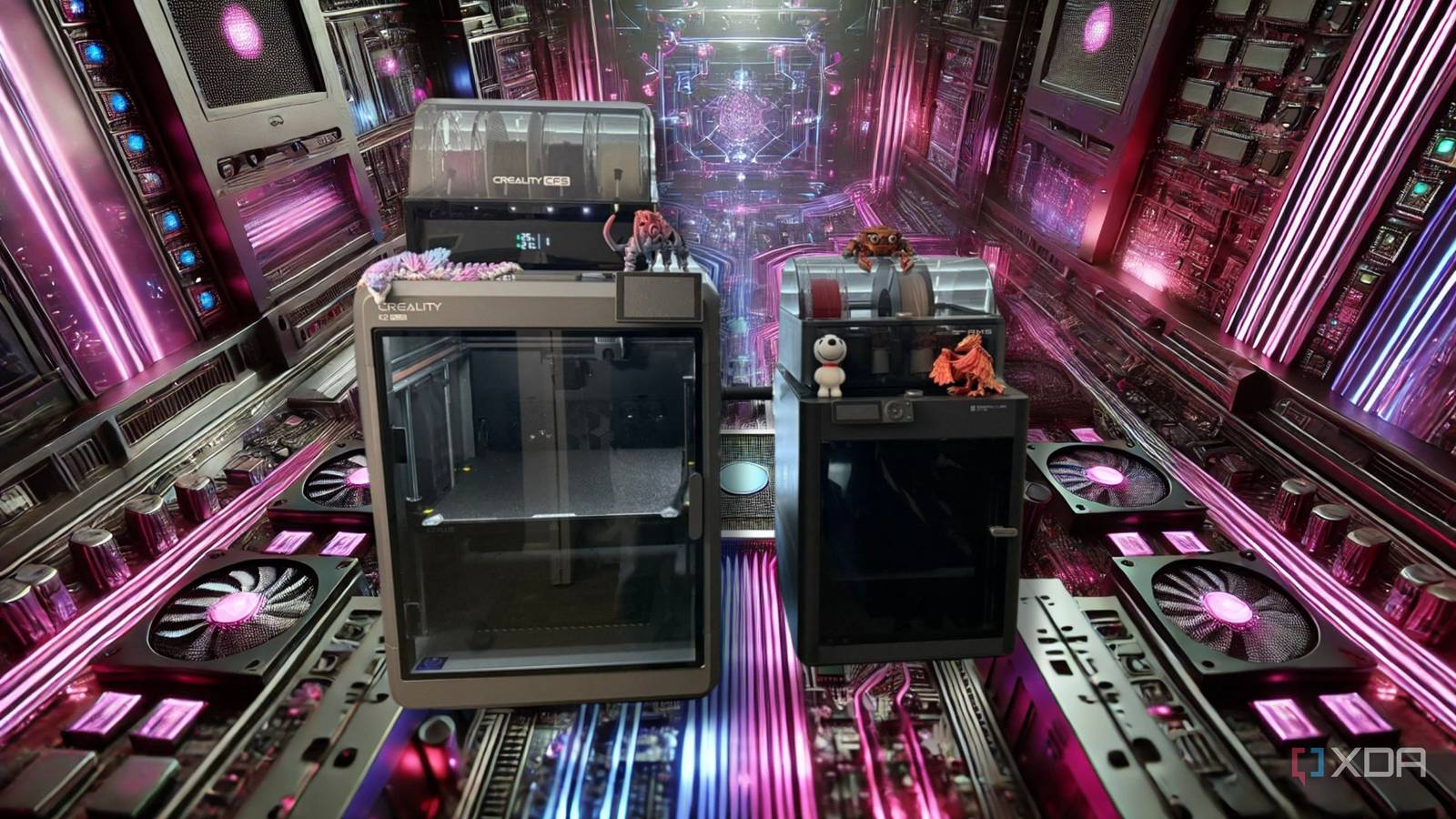
3D printing can do wonders for your computer. Many PC fans don’t realize how many computer parts you can customize or make yourself with a 3D printer. These printed parts can make your system look and work better. They can also help you build your PC in a way that’s easier to manage and keeps it cool. Plus, they can make your PC look unique and special, something regular accessories can’t do. And the best part? 3D printing these parts can also make it easier to route your cables, improve airflow, and protect your sensitive hardware.

9 reasons every PC enthusiast needs a 3D printer
If you love modding your PC, you should seriously consider investing in a 3D printer
Durable solutions that keep your wiring organized at all times
3D-printed cable clips and combs can be tailored to fit the unique shapes and lengths of your wiring. Many premade options never feel quite right, especially if you have custom cables or an unconventional arrangement of ports. With a 3D printer, you can design clips to hold the exact number of wires you have and even color-match them to your overall theme. They can also be printed in flexible materials, which helps reduce wear on your cables by letting them rest more naturally.

The 5 most difficult parts of building a gaming PC (and how to make them easier)
These PC building tasks are laborious, but unavoidable.
You might also consider 3D-printed cable channels that fasten to your PC case or desk. These channels help route wires away from cooling vents or fan blades, preventing accidental snags and damage. By carefully measuring the space inside your rig, you can create channels of different lengths or shapes for each wiring segment. This level of personalization keeps your setup tidy and simplifies ongoing maintenance.
Another helpful option is a specialized bracket that holds thick or particularly long cables in place. These brackets are often more robust than generic ties or clamps. A bracket that matches your system’s style makes your build look polished, even if you frequently adjust or rearrange cables. Whether you use custom designs or online models, you can make your entire PC interior feel more organized.
Custom fan grills for better airflow
Stylish panels that protect your fans from debris intrusion
3D-printed fan grills offer customizable airflow control and styling options for your case. Modify the grill’s shape, spacing, and thickness to guide air effectively toward critical components. A well-designed grill minimizes turbulence while keeping dust and debris away from the fan blades, resulting in quieter performance and extended fan lifespan.
Cosmetic features like logos, geometric patterns, or shapes can match your build’s color scheme. Numerous online 3D models can be adapted to fit different fan sizes, enhancing your PC’s appearance without compromising ventilation.
You can print replacement grills anytime, swapping them out when you redesign or upgrade system parts. Change fan size or add cooling solutions without seeking a perfectly fitted grill from a store. Edit the design and print a new one on your schedule, giving you complete control over your setup’s evolution.
Component brackets that fit perfectly into place
Secure mounts that provide steady support for every part
Many stock brackets and mounts are built for standard motherboard layouts but may not suit custom arrangements or modifications. With a 3D printer, you can produce brackets that match your component dimensions exactly. This approach ensures everything stays firmly in place, from small daughterboards to extra PCIe extensions. Printing these brackets with stronger filaments, such as PETG or ABS, can also give them the durability needed for daily use.
Custom brackets help reduce the potential for rattling or misalignment when introducing new parts. A well-fitted 3D-printed bracket can precisely cradle each piece of hardware, preventing unwanted stress on sensitive connectors. You can also integrate cable routing channels or extra points of attachment into the bracket’s design. This thoughtful process minimizes clutter and makes future upgrades or repairs less complicated.
These specialized supports can be replaced and refined as your hardware changes. You can simply adjust the 3D model and print a new version if you need a slightly different shape or size. This adaptability is especially beneficial if you often experiment with your PC’s layout or swap out components. Over time, you will have a collection of brackets suited to every configuration you can dream up.
Storage drive trays to optimize your setup
Convenient holders that encourage better cable routing and cooling
3D-printed storage drive trays can be tailored for specific hard drives or SSDs, featuring snap-in locks, handles, or extra cable space. This design freedom allows unconventional drive placements and improves airflow in main drive cages.

PC builders need to stop using these 6 overused components
We’ve seen enough RGB fans for a lifetime
Plan your cable flow around drives by printing trays with built-in slots or cutouts to secure the SATA and power cables. This reduces tangling, makes drive additions and removals easier, and maintains a neat interior for better cooling.
Labeling options include raised lettering or symbols to track multiple operating systems or file types. Easy reprinting allows quick upgrades to larger storage or changes in drive arrangement, unmatched by typical plastic trays.
Sleek bezels for ports and expansion slots
Eye-catching frames that transform your case’s overall appearance
Port bezels and expansion slot covers can be 3D printed to frame and secure open areas neatly. This keeps dust from collecting inside your PC case while lending a smooth, professional finish. You can design bezels that follow the exact curves of your build, creating a seamless border around USB, audio, or other commonly accessed ports. This refined approach often creates a cleaner aesthetic than some stock covers offer.
Experimenting with bezel designs lets you showcase your personal preferences. For example, you can create subtle engravings or patterned surfaces that match your motherboard’s color scheme. If you want a minimalist style, a simple, clean bezel outline can blend into the rest of your case. Meanwhile, printing with slightly translucent filaments can make your expansion slots stand out with a gentle glow when internal lighting is used.
Like other 3D-printed components, these bezels are easy to replace or rework if you change your setup. You can print covers for any open slot or port you are not using. This prevents dust buildup and allows you to adapt your case’s look as your preferences evolve. It is a convenient way to keep your PC’s exterior tidy while still allowing easy access to essential connectors.
Reimagine your PC upgrades with limitless 3D printing possibilities
3D printing your PC parts saves you from off-the-shelf accessories that feel off. It offers freedom to control functionality and style. You can reduce clutter, enhance airflow, and support specialized hardware. Whether a beginner or experienced, there are creative ways to build and customize your dream system. Combining printed parts with existing hardware makes your PC genuinely unique.
