

Matter smart home devices are becoming increasingly popular. If your device offers Matter over Thread, you may assume that you need to buy a special hub before you can use it. However, you may already have some devices in your home that can do the job.

Matter Is the Reason I’m Finally Comfortable With Smart Homes
Seeing “Matter” matters more than “Works With SmartThings.”
Smart speakers
Not every smart speaker supports Thread, but many do
Justin Duino / How-To Geek
Many of us have smart speakers in our homes; they’re often fairly cheap, are simple to use, and they can be reasonably useful under the right circumstances. Even if you only use your smart speaker for playing music or finding out how many more days there are until Christmas while it’s the middle of February (my kids’ usage of choice), your smart speaker may be hiding more under the hood than you suspect.
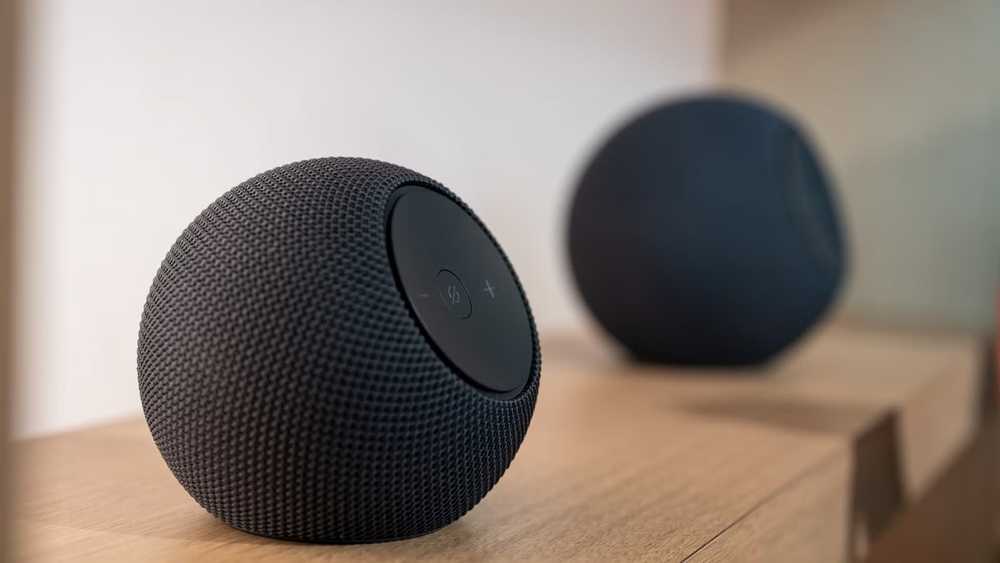
Several popular smart speakers support Thread. This means that you can use them as Thread Border Routers for your smart home, which allows them to communicate with your Matter over Thread devices. You can hook up a Matter smart plug, ask Alexa to turn it on, and on it comes.
Not every smart speaker supports Thread, but there are several that do. If you have Amazon smart speakers, the fourth-generation Echo, second-generation Echo Plus, Echo Dot Max, and the Echo Studio can all be used as Thread Border Routers. For Apple, both the HomePod (second-generation) and the HomePod mini can be used to communicate over Thread.
While several of Google’s smart speakers support Matter, such as the Nest Audio, Nest Mini, and Google Home, these can’t act as Thread Border Routers and can only control Matter devices over Wi-Fi.

- Display
-
None
- Dimensions
-
4.27″W x 4.27″D x 3.9″H
The 2025 Echo Dot Max has a powerful AZ3 chip, Alexa+ access, and more.
Smart displays
Your kitchen screen may be able to control your smart home
Smart displays take the concept of a smart speaker and slap a screen on the front. It makes them even more versatile, for everything from following recipes while you’re cooking to making video calls. Many smart displays can work as Thread Border Routers for your smart home.
Several of Amazon’s smart displays support Thread. These include:
- Echo Show 8 (3rd Gen)
- Echo Show 10 (3rd Gen)
- Echo Show 15 (2nd Gen)
- Echo Show 11
- Echo Show 21
- Echo Hub
While Apple doesn’t (yet) sell any smart displays, Google’s Nest Hub (2nd Gen) and Nest Hub Max will both work as Thread Border Routers.
TV streamers
It’s a solid reason to keep your streamer connected to power

It makes sense for a smart speaker or smart display to offer Thread support. After all, these are often the devices that we use to control our smart home devices, using the screens or via voice commands. It’s not that surprising that they might offer Thread connectivity.
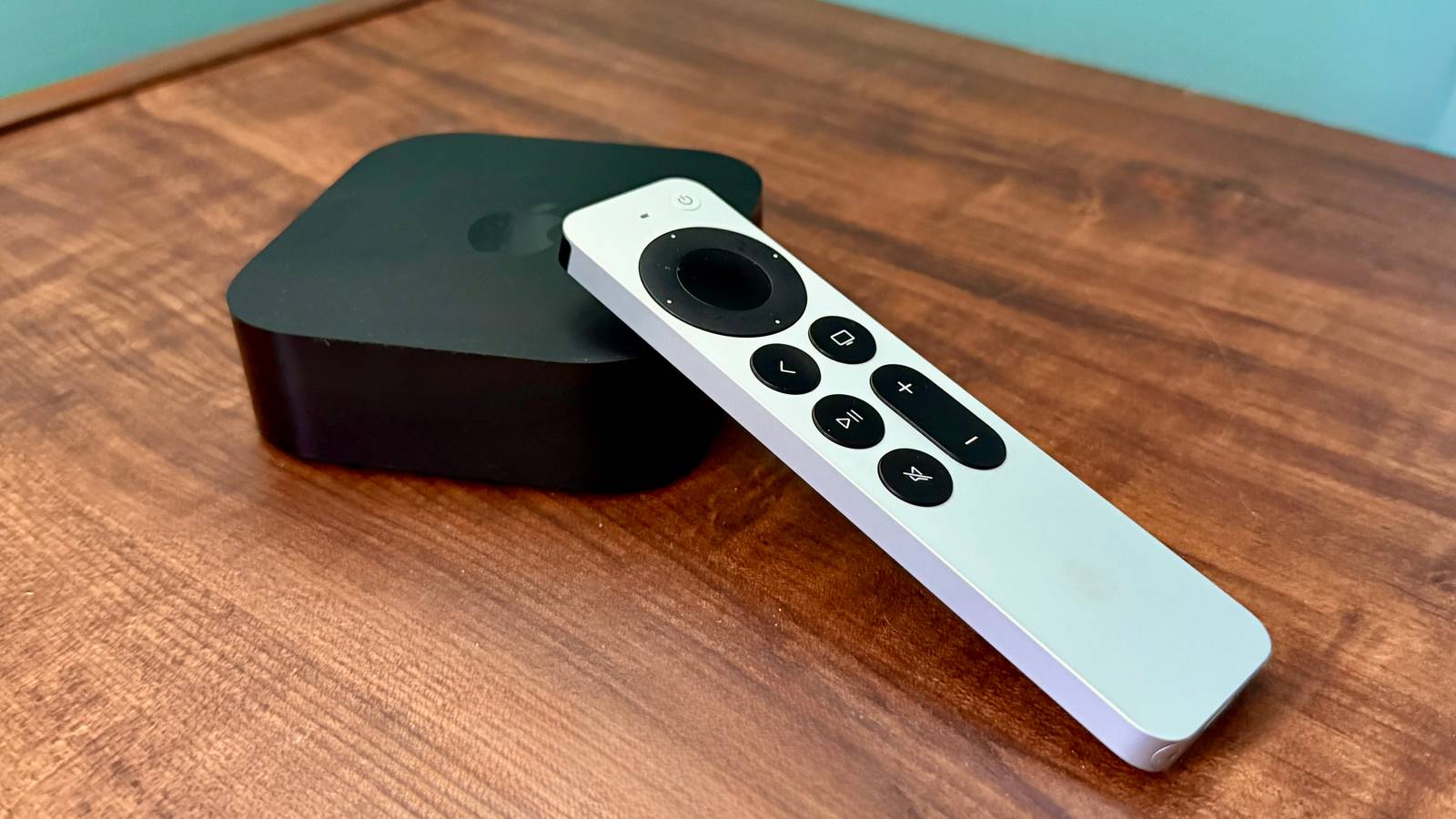
The same isn’t true of TV streamers. You wouldn’t necessarily suspect that your Apple TV could communicate with your smart home devices using Matter over Thread, but that’s exactly what some models of Apple TV 4K can do. It’s not true of every model; only the Apple TV 4K (3rd Gen) Wi-Fi + Ethernet and the Apple TV 4K (2nd Gen) offer Thread support.
The Google TV Streamer (4K) can also act as a Thread Border Router, but if you own a Roku device or an Amazon Fire TV Stick, these devices don’t support Thread. If you’re using your TV streamer to control your smart home, it’s important to leave it connected to power, as otherwise your Matter devices may become unreachable.

- Connectivity
-
Wi-Fi 5
- Weight
-
2.91 pounds
The Google Nest Hub Max is the brains of your smart home, providing you a centralized location to man and oversee your Google Nest and other Matter-enabled devices. Equipped with Google suite apps, including Google Maps and YouTube, the Nest Hub Max is the new focal point of your home.
Mesh Wi-Fi systems
Some routers can offer more than just Wi-Fi

Mesh Wi-Fi systems are a great way to ensure that you can get decent Wi-Fi to every corner of your home. Instead of having to hover around the router if you want a strong connection, mesh systems let you spread Wi-Fi more evenly around your home so that devices on the other side of the house aren’t struggling to connect.
Some mesh Wi-Fi systems can do more than just improve your Wi-Fi coverage, however. If you have an eero mesh Wi-Fi system, it’s highly likely that it supports Thread. The following devices all offer Thread support:
- eero 6
- eero 6+
- eero Pro 6
- eero Pro 6E
- eero 7
- eero Pro 7
- eero Max 7
- eero Outdoor 7
- eero PoE 6
- eero PoE Gateway
- eero Pro
- eero Beacon
If you use Google Nest Wi-Fi, both the original Nest Wi-Fi and the Nest Wi-Fi Pro both support Thread.

- Brand
-
eero
- Wi-Fi Bands
-
Dual-band Wi-Fi 7
Amazon’s Eero 7 router offers high-speed Wi-Fi 7 connectivity with up to 1.8 Gb wireless throughput and a 2,000 square foot range. It also features two 2.5 GbE ports, though it notably lacks 6GHz connectivity, which is unusual for a Wi-Fi 7 router.
Smart home hubs
Your hub might offer more connectivity than you think

Many people assume that if they want to use Thread, they’ll need to buy a special smart home hub for that purpose. In fact, many smart home hubs already have Thread support built in. You may already own a smart home hub that can work as a Thread Border Router.
Popular smart home hubs such as the Aqara Hub M3, the Aeotec Smart Home Hub, the SmartThings Station, and IKEA’s DIRIGERA hub all support Thread.
If you use Home Assistant, the Home Assistant Green doesn’t offer Thread support out of the box, although you can configure the discontinued Home Assistant Yellow to act as a Thread Border Router. Otherwise, you’ll need to connect a suitable adapter to be able to control devices over Thread using Home Assistant. Nabu Casa sells its own Zigbee/Thread adapter that can do the job.
You may not need yet another hub
If you’ve been holding off on using Matter over Thread devices because you didn’t want to have to buy yet another smart home hub device, you may be pleasantly surprised. There are a lot more devices that can be used as Thread Border Routers than you might imagine. Support will depend on the exact model and generation that you’re using, but it’s worth checking before you splash out on a separate Thread hub.
