

No matter how cheap your filament may be, that’s no excuse to waste any of it when you don’t have to. 3D printers are machines with infinite tunability and many different ways to print a skinless cat. So it stands to reason that some practices are more wasteful than others.
Using 100% infill when you don’t need it
Less really is more
If you’re new to the whole 3D printing thing, you might be tempted to crank the infill all the way up and print solid models. The logic here is that if your model isn’t mostly filled with air, then it should be stronger, right?
Well, that’s not always the case. Firstly, while a solid print might be stronger, what really matters is whether your print is strong enough. Printing something that’s just decorative or that’s not load-bearing with 100% infill is just a waste of time and filament.
Secondly, the strength of the part is influenced by the infill pattern. Some infill patterns, such as cubic, gyroid, or triangles, will give you the most bang for your buck when it comes to model strength. Most of the time, 15–30% infill is just fine.
Printing supports where they could be avoided
Too much support can be a bad thing
Except for print-in-place models, most models end up needing some sort of support to allow for overhangs beyond what your printer can bridge. There’s nothing wrong with supports, but in my experience, the default supports that are generated by most slicers are too conservative.
You can usually dial back the settings by changing at which angle supports are generated. You’ll want to print an overhang test model first to see at what overhang angle your printer actually fails, and then tune your settings accordingly.
The type of support also affects how much material you waste. Remember all of your supports are going in the bin, so any reduction in material is a win. Personally, I favor hollow tree supports. Not only are they easier to remove without damaging the model, they don’t use much material.
Here’s a large model from Mechwarrior I printed on my Elegoo Centauri Carbon using tree supports.

Although the supports look like a lot of material, it was only a small fraction of the total weight of the model.


9/10
- Build Volume
-
10.4in x 10.4in x 10.4in
- Printing Speed
-
500mm/s
Printing failed parts from scratch instead of salvaging them
Don’t give up too soon
Most people who encounter a failed print will just throw it away and start over again, but you don’t always have to do that. Depending on the type of failure, there’s a good chance you can resume from where the print failed. In particular, we’ve all had the experience where you come to check on your print, only to find the machine has been printing nothing but air for hours.
If there’s a clog, or your filament breaks after passing through the filament sensor, this is exactly what happens. It’s a longer process than I can cover here, but watch this amazing video by CNC Kitchen.
He shows you exactly how to save these prints, and even if that doesn’t work, it’s often possible to print the missing part of a model separately, and then carefully glue the parts together. That’s not always a solution, but in many cases this can save you a ton of filament and time.
Throwing away short filament leftovers
We can rebuild it, we have the technology
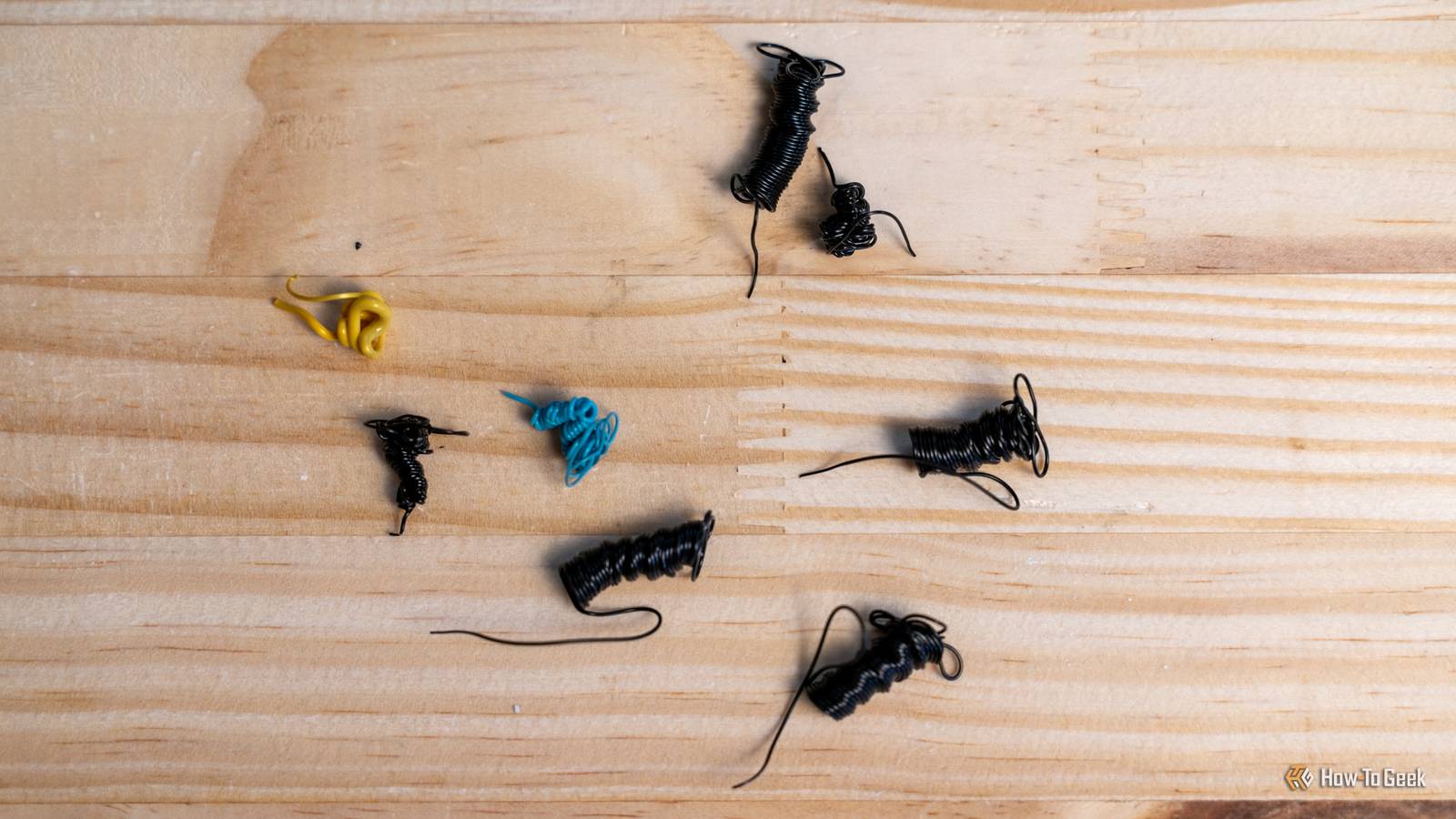
Filament doesn’t come in spools of infinite length, so at some point at the start of a print you’ve probably pulled a roll that was nearly finished and threw it in the trash. However, if you save those lengths of filament, you can eventually save enough to be useful.
All you need is a relatively inexpensive filament joiner. This lets you align the two ends of different filament pieces, and then fuse them precisely so they can be used in a 3D printer. You can then wind that reconstituted filament around an empty spool.

- Brand
-
Sunlu
- Max Print Temperature
-
240C
This handy-dandy device lets you make long strands of filament from short pieces. It’s easy to use and works with a wide variety of materials.
Just be mindful that the filament has to be of the same type. You don’t want to switch from PLA to ABS halfway through a print, after all!
