

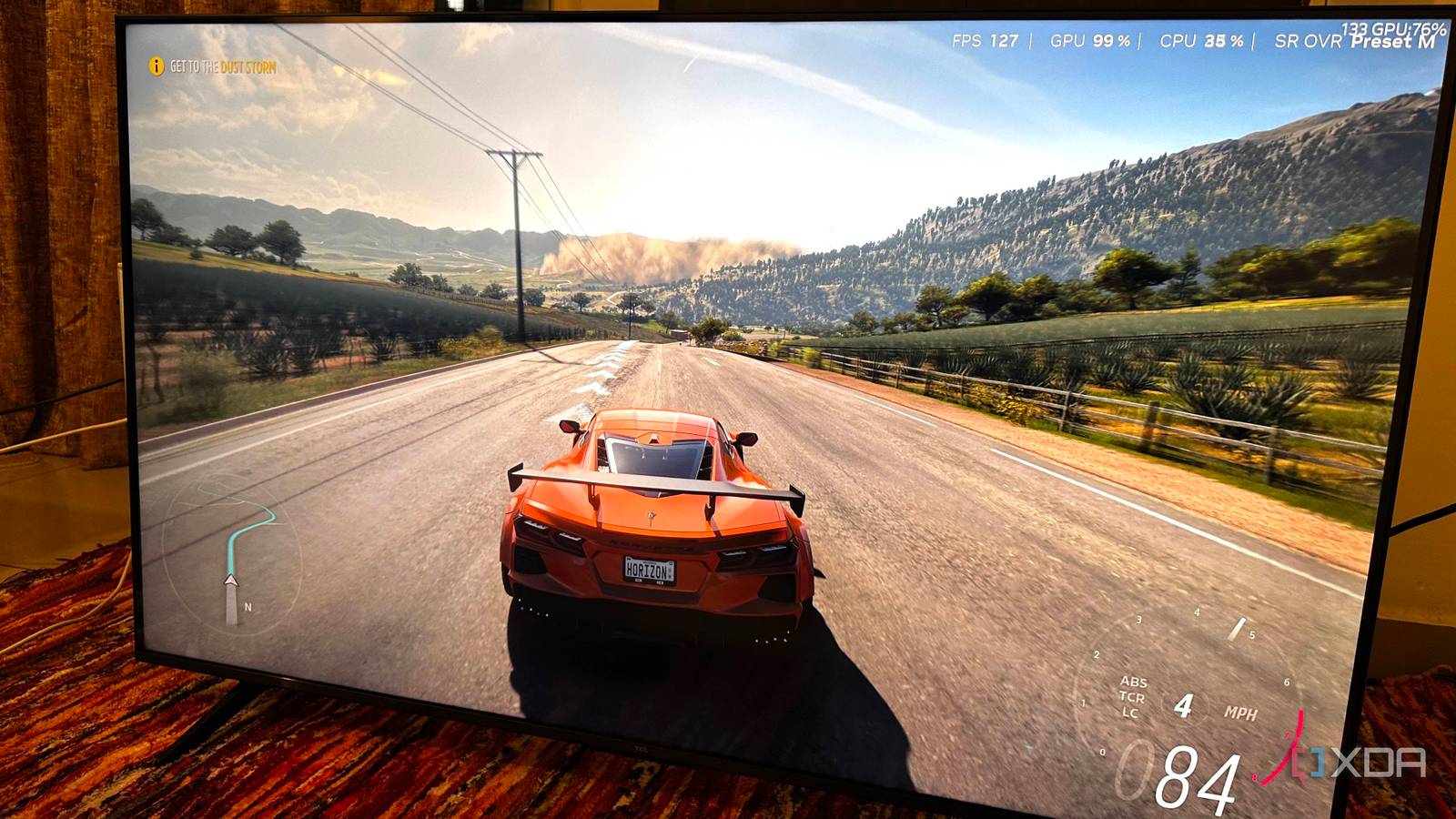
If you’ve been reading headlines and taken a peek at the prices for PC components right now, you know things aren’t ideal. RAM is unaffordable, storage costs are creeping higher, and, perhaps worst of all for PC gamers, GPU prices are back to being ridiculous. The surge of interest in AI from the market at large has dictated a shift in memory manufacturing, and unfortunately, gamers are the ones at the bottom of that totem pole. GPUs specifically are being impacted hard because of their use of GDDR memory, with a lot of current-gen cards surging up to or above their release-craze prices.
While you can certainly point the finger at a certain type of AI for this price surge, gamers also have to give a lot of credit to another type of AI; the kind that gives them a significant performance uplift in their favorite games. DLSS from Nvidia, FSR from AMD, and XeSS from Intel are all different implementations of performance-boosting reconstruction technology, increasingly powered by machine learning, that delivers higher framerates with minimal image degradation. Without it, a lot of gamers wouldn’t be able to play their favorite games with the fidelity they expect.

DLSS 4.5 is expensive, but it’s the best thing to happen to my aging RTX PC
The upside is remarkable, but the cost isn’t equal for all.
What upscalers are actually doing
DLSS, FSR, and XeSS are all different implementations of supersampling
DLSS, FSR, and XeSS all do the same fundamental thing: they render a game internally at a lower resolution and then reconstruct it to a higher-resolution output, dramatically improving performance while aiming to preserve image quality. Instead of using “brute force rendering” for every pixel at native resolution, these technologies rely on motion vectors, depth data, and information from previous frames to intelligently rebuild detail that wasn’t rendered in the current one.
Nvidia’s DLSS uses a trained neural network running on the Tensor cores of the GPU to infer missing detail and stabilize the image over time. FSR traditionally relies on advanced algorithmic reconstruction, and with FSR 4, they’ve introduced a machine learning element to help supplement that reconstruction. XeSS from Intel sits between the two, using AI on supported hardware and a fallback path elsewhere. The end goal is the same across all three: higher framerates, lower GPU load, and visuals that are close enough to native resolution that most players won’t notice the trade-off while playing.
This is especially true at higher resolutions. If you have a 4K monitor, for example, using an upscaler will have a much less noticeable impact on image quality than if you used it on a 1080p monitor, since the “base” resolution that the upscaler is using will be higher.

3 reasons I’d rather lower graphics settings than upgrade my GPU
Why spend thousands for modest gains?
The GPU market is in shambles again
Many users are choosing not to upgrade, and upscalers play a part
One of the biggest reasons PC gamers are holding off on upgrades right now is simple sticker shock. GPU prices have drifted back into territory that feels unjustifiable for what are often incremental gains, especially when mid-range cards now cost what flagships used to. At the same time, many players don’t actually feel limited by their current hardware, and that’s not because games have become more optimized. It’s actually the opposite.
Games have only become more difficult to run on both the CPU and GPU fronts, and in the case of GPU being limited, technologies like DLSS, FSR, and XeSS are letting older and mid-range cards punch well above their weight, delivering smooth framerates at high resolutions without demanding brute-force rendering power. For a lot of gamers, that experience already feels good enough, and while they’d certainly like an upgrade, they don’t really need one.

5 ways DLSS, FSR, and XeSS are the perfect solution for SFF gaming PCs
Here’s why you won’t need the most powerful GPU for your compact gaming PC.
If it weren’t for upscalers, gamers would be much more desperate for an upgrade
Even if they’re still running at 1080p

Upscalers help poorly optimized games by lowering overall load on the hardware, and if it weren’t for them, I think a lot of modern games would be straight up unplayable on last-gen hardware, especially once you try 1440p and above. The GTX 1080 Ti, for example, still has enough VRAM and memory bandwidth to be somewhat relevant, and while it doesn’t support ray tracing, it can still hold its own at 1080p in modern titles thanks to upscaling. DLSS isn’t supported here, but FSR (3.0 and below) and XeSS, are, and that’s what could keep last-gen cards relevant well into the future, even at 1440p.
The GTX 1080 Ti is a bit of an extreme example, given its age, but the point stands with slightly newer cards. Where newer versions of DLSS are supported, like on the RTX 30-series, we see that these cards have so much left to give. Cards like the RTX 3080 and RX 6800, while still relatively performant without it, stand to benefit a lot from using upscalers.

3 reasons DLSS 4 being good might actually be bad news for gamers
NVIDIA’s continued innovation might actually be a step backwards for gamers
They’re not a substitute for optimization, but gamers can’t control that
A lot of performance woes are often not the fault of one’s setup, but rather it’s the game they’re playing. Games that look great and run well do exist. Games like ARC Raiders and Battlefield 6 proved that high-fidelity gaming shouldn’t require a cutting-edge GPU. Unfortunately, that’s not something gamers can control. They can, however, control their GPU’s behavior under load. A quick undervolt or raising the power limit slightly can give a slight performance boost, along with toggling an upscaler on. It’s no generational uplift, but every little bit helps.
