

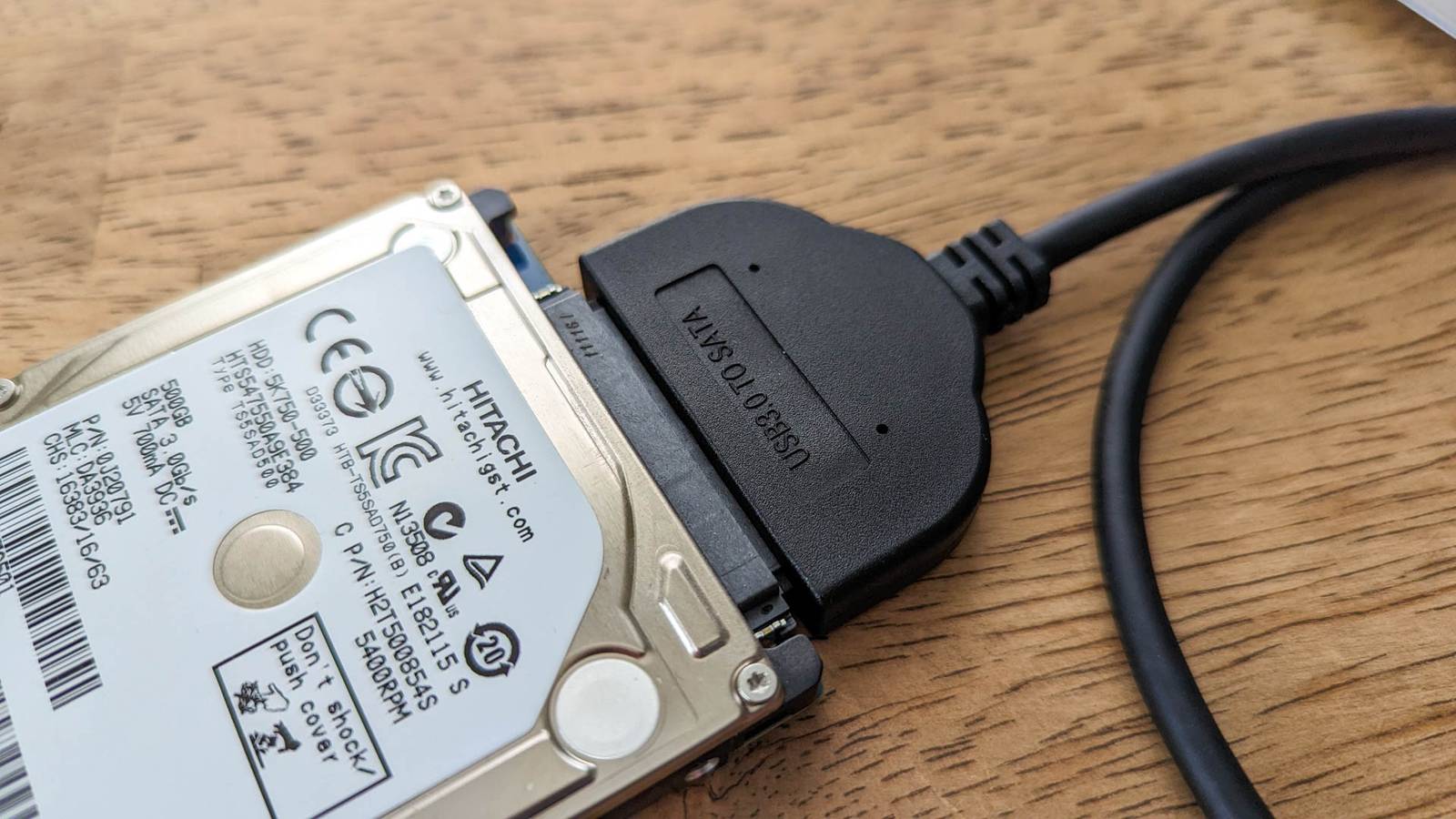
Have you ever installed a new drive or bought a new phone, only to find that you’re missing a few gigabytes from your storage. Granted, it’s only a few gigabytes—you’ll get 476GB out of the 512GB you’re supposed to have. But it’s an important enough difference to just ignore it.
So, what’s up with that?
Decimal vs. Binary

The difference is actually not because whoever made your SSD or hard drive is evil and wants to scam you, but rather, a technicality in how storage is actually calculated vs. how it’s marketed. Humans naturally count in a decimal system, also known as Base 10, which relies on powers of ten. In this system, prefixes like “kilo” strictly represent one thousand. Therefore, to a hard drive manufacturer adhering to the International System of Units (SI), one kilobyte is exactly 1,000 bytes, one megabyte is 1,000,000 bytes, and one terabyte is a whopping 1,000,000,000,000 bytes. When you buy a 2TB drive, the manufacturer has physically provided you with two trillion bytes of storage space, which makes their labeling technically correct from a physics and engineering standpoint.
However, computers do not operate in Base 10. They function using binary code, or Base 2, where data is processed in powers of two. In the early days of computing, it was convenient to map the binary 2 to the power of 10 (which equals 1,024) to the metric prefix “kilo” because 1,024 is relatively close to 1,000. This convention stuck, meaning that to your computer’s operating system—particularly Windows—one kilobyte is actually 1,024 bytes.
This seemingly small difference of 24 bytes compounds exponentially as you move up the scale to gigabytes and terabytes. By the time you reach the terabyte tier, the operating system calculates a terabyte not as one trillion bytes, but as 1,099,511,627,776 bytes (1024 to the power of 4). Because the computer uses this larger divisor to calculate the total count, the final number appears smaller. When the two trillion bytes provided by the manufacturer are divided by the computer’s definition of a gigabyte, the result is approximately 1,862 gigabytes, or roughly 1.81 terabytes, creating the illusion of missing space.
Why does it matter?
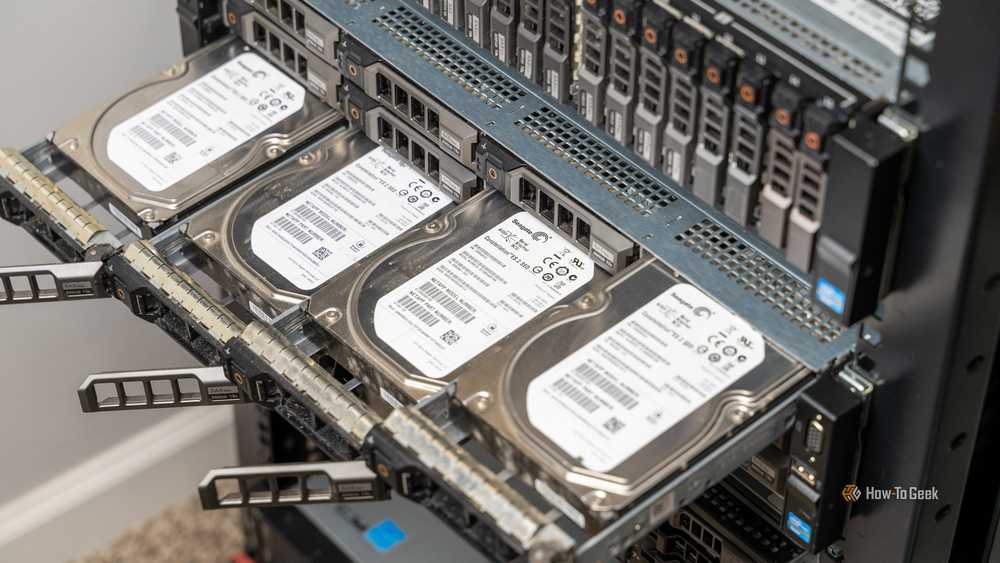
While the math behind the conversion is straightforward, the implications for the consumer are significant and often frustrating. Granted, the fact that for many, this is pretty confusing. Because it is. In almost every other industry, standardized units are absolute; a kilogram of flour is the same weight regardless of who weighs it. In the storage industry, however, the same terminology describes two distinctly different values depending on the context. This ambiguity allows manufacturers to market their products using the decimal system, which produces larger, more attractive numbers, while the software that utilizes the hardware reports a lower capacity. As storage needs have grown from megabytes to petabytes, this gap has widened from a negligible margin of error to a substantial deficit.
On a 2TB drive, the “missing” space amounts to roughly 186 gigabytes—enough capacity to hold several modern high-definition video games, tens of thousands of photos, or a complete backup of a standard laptop. This discrepancy becomes a practical logistical problem for IT professionals and data archivists who must plan for storage capacity. If a system administrator calculates backup requirements based on the decimal 2TB figure but the server operating system reads the volume as 1.8TB, the resulting overflow can cause backup failures or data corruption. Furthermore, this naming convention creates a legal and ethical gray area. While manufacturers often include disclaimers on packaging stating that “actual formatted capacity may be less,” the average consumer rarely understands that this is due to a mathematical definition rather than the drive’s software overhead.
How do we fix this?

The solution here lies in trying to explain to users properly that Base 2 is not the same as Base 10. The most scientifically accurate solution is the wider adoption of the International Electrotechnical Commission (IEC) standards, which were introduced to eliminate this ambiguity. The IEC created binary-specific prefixes to distinguish Base 2 calculations from Base 10. Under this system, the familiar “kilobyte” (KB) remains 1,000 bytes, while 1,024 bytes is renamed a “kibibyte” (KiB). Similarly, a “megabyte” (MB) differs from a “mebibyte” (MiB), and a “terabyte” (TB) is distinct from a “tebibyte” (TiB).
If operating systems like Windows adopted these units, your screen would correctly show that you have roughly 1.81 TiB of space, matching the mathematical reality without contradicting the manufacturer’s claim of 2 TB.
Alternatively, software developers can choose to align their reporting with the decimal system used by manufacturers. Apple made this change starting with macOS Snow Leopard (version 10.6). On a modern Mac, a file that is 1,000 bytes is reported as 1 KB, and a 2TB drive is displayed as having a full 2TB of capacity. This approach prioritizes user-friendliness and consistency with physical labeling over the traditional binary calculation favored by computer scientists.
Finally, if you’re stuck in the middle of these warring standards, the immediate fix is awareness and buffer planning. When purchasing storage, one must instinctively calculate that the usable binary capacity will be approximately 93% of the advertised decimal capacity. Until the industry unifies under a single standard—either by universally adopting binary prefixes or switching software reporting to decimal—consumers must treat drive labels as estimates rather than absolutes.
