

If you’ve ever worked with vector graphics, you’ve probably considered getting an Illustrator subscription at some point, or already have one. It’s one of the industry standards and has been the go-to for hobbyists and professionals alike for any vector-related work for years now. I used to have a subscription myself, but then I eventually cut ties with Adobe, and started building a new editing stack comprising free and open-source graphics apps.
Inkscape was the direct replacement for Illustrator, and you honestly can’t go wrong with it. It has most of the things Illustrator has, but it’s completely free and more privacy-forward to boot. Like most Adobe alternatives, it’s not a perfect match, and ultimately, Adobe will always overpower free alternatives. But if you’re a hobbyist or a solo creator like me, Inkscape is incredibly impressive…
A little bit about Inkscape
Where Inkscape fits in the design world

Inkscape is a free and open-source vector graphics editor that runs on Windows, Mac, and Linux. It’s primarily used for creating things like logos, illustrations, diagrams, and other graphics that rely on scalable vectors rather than pixels. Instead of working with fixed-resolution images, vector graphics are built from paths, curves, and mathematical shapes, so they can be infinitely resized without losing quality.
The Inkscape project started in 2003 as a fork of another vector editor called Sodipodi. The group of devs split from that project because they wanted a stronger focus on open standards and broader community involvement. So from the beginning, the goal was a powerful illustration tool centered around the SVG format, which is the open web standard for vectors maintained by the W3C.
Inkscape has evolved quite a bit over the years. The codebase eventually moved from C to C++ which enabled Inkscape to become easier to maintain and extend. It works natively with SVG – the format is basically XML documents describing shapes, paths, colors, and effects. This open format is a big part of the philosophy behind the project, since the files remain editable and compatible with other tools, making your designs portable and future-proof.
Because of this approach, Inkscape attracts a mix of hobbyists, pro designers, developers, and open-source enthusiasts. Everyone loves it for their own reasons, but these are the ones that matter to me…
I can run it on my Chromebook
It’s a very accessible design tool
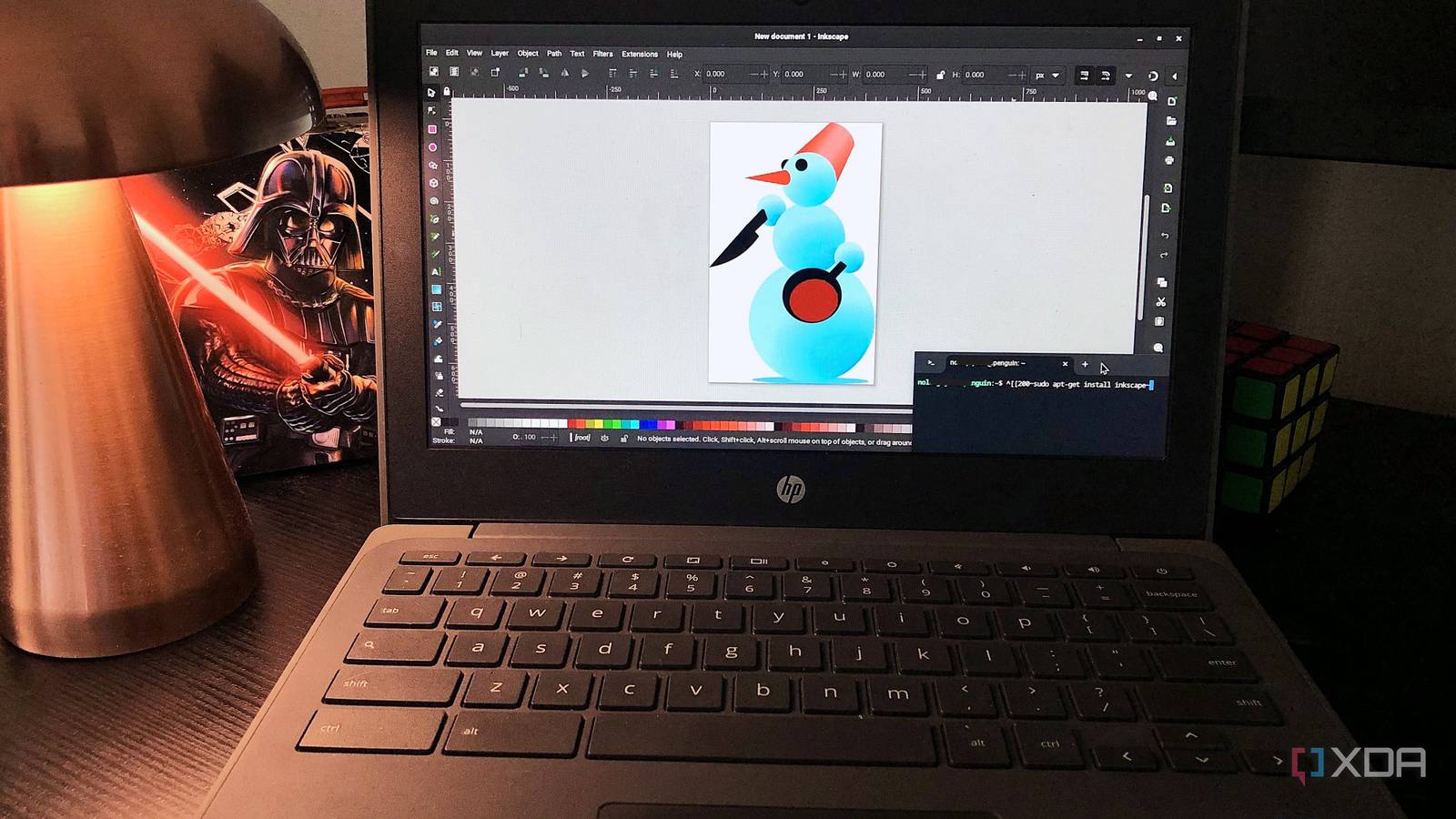
I love my flimsy little Chromebook. It doesn’t do much other than letting me browse and stream, so I primarily use it for checking emails on the porch or typing notes while travelling; things of that nature. I don’t expect it to run any heavy software – but it can run Inkscape through its Linux environment. The reason this works so well is because Inkscape isn’t a very demanding program in the first place.
There are no background processes such as constantly syncing to Creative Cloud, it has a smaller installation size, and much lower system requirements. Because of this, a modest machine like Chromebook can handle real vector design work, and it doesn’t even lag for me.
SVG isn’t just an export format
It’s the entire design experience

Illustrator files are stored in .ai, which is Adobe’s proprietary format. So everything you create in the app gets stored as data in that AI file. If you want an SVG file, you have to export to it – the file is more of a finished copy of your work, and you can’t interact with it the same way you would an .ai file.
In Inkscape, the entire process is centered around the SVG format. The file gets saved in .svg from the start, and everything you create remains human-readable, editable, and portable at any point of the design process. You can open it in a code editor, tweak a path directly, and drop it straight into a website without conversion.
This makes Inkscape a solid option for designers and developers who work side by side on the same projects. If something looks off in the design, you don’t have to re-export, you can fix it directly in the SVG markup.
Inkscape feels more experimental
It’s just a little more quirky than Illustrator

Where Illustrator leans on more structured and production-oriented workflows, Inkscape can sometimes feel like more of a sandbox for trying out odd and playful experiments. Take the Tile Clones feature, for example. You generate repeating patterns automatically with rotations, color shifts, grids, spirals, and distortions. Or the Spray Tool, which lets you scatter duplicates or colors across the canvas as if you were using a paintbrush. There’s also the Paint Bucket Fill, which can fill enclosed regions in one click.
Other small touches also reinforce that experimental feel. Such as the ability to edit the SVG source directly, nudge and scale objects precisely with the keyboard, and manipulate gradient handles on the canvas. Illustrator might have similar functions through different features, but it still feels more commercial compared to Inkscape’s unique approach.
Sometimes, flexibility beats polish
Inkscape is the perfect vector tool for anyone getting started in vector editing, who just canceled an Illustrator subscription, who loves open-source creative projects, or just wants a capable, multi-platform software for vectors. Illustrator isn’t bad by any means, but Inkscape’s SVG-first approach and unique features keep the editing experience novel and future-proof.
