

Summary
- The Frixos is an ESP32 daylight projector that connects to Home Assistant for ceiling displays.
- It can read and display Home Assistant entities to show time, weather, alarms, and more.
- You can either buy a full kit, 3D-print an enclosure and purchase the hardware, or build it from scratch.
Sometimes you stumble upon the trifecta of a perfect DIY project: it uses popular hardware, you can hook it up to Home Assistant, and it’s really impressive. They’re rare, but when they do happen, they get me thinking about all the ways I could use it in my own home. That’s a sign of an excellent project, if you ask me.
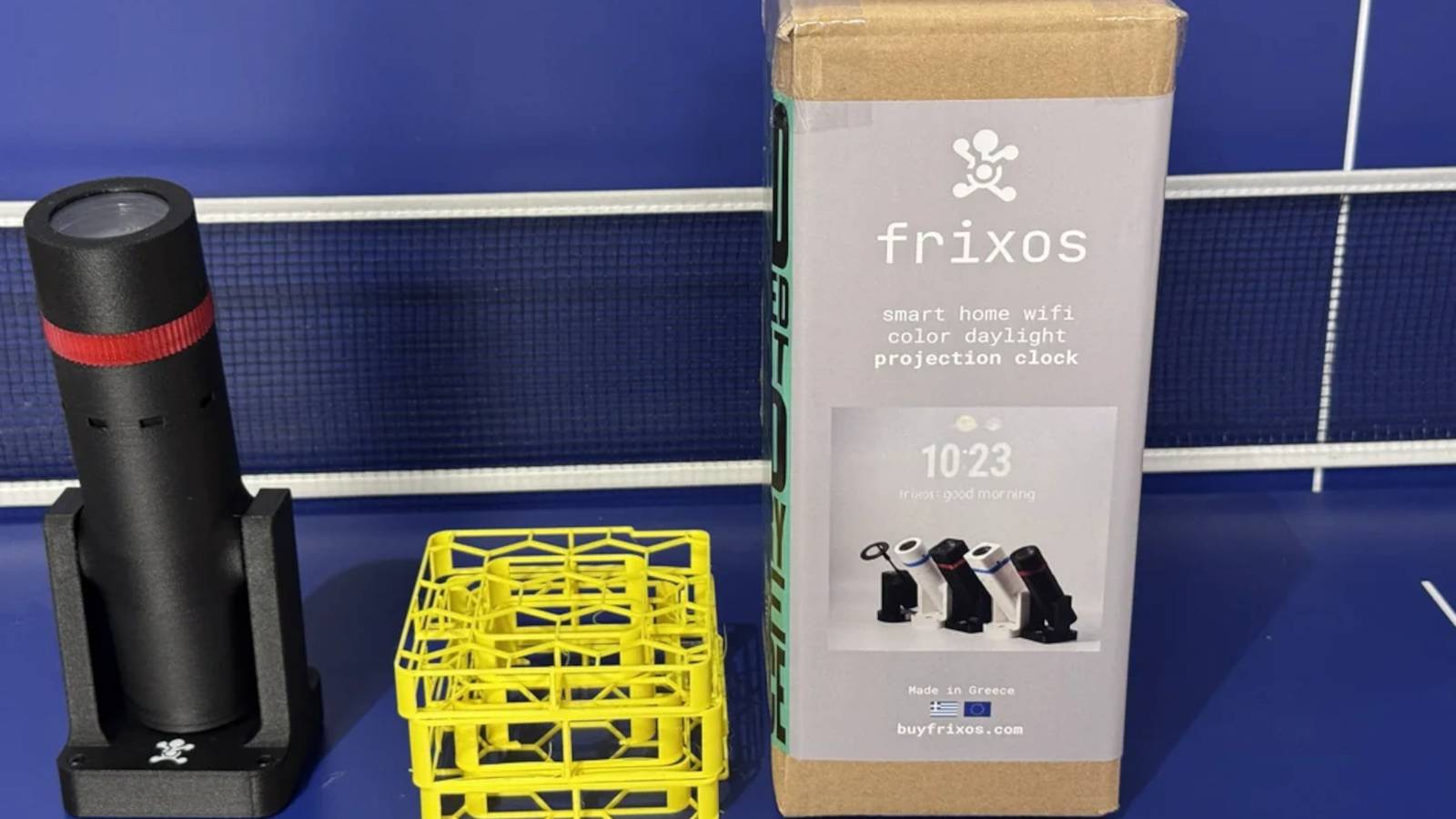
Well, if you have an ESP32 sitting around and you’re itching to hook it up to Home Assistant somehow, then I have the project for you. It’s called the Frixos, and it’s an ESP32-powered daylight projector that you can either purchase or make yourself.

6 projects you can complete in a weekend with the $5 ESP32
The ESP32 is affordable and powerful, and there’s a lot you can do with one.
The Frixos is a Home Assistant lover’s best friend
Other than Home Assistant, of course
Over on the ESP32 subreddit, user msdiorin revealed what they’ve been working on for a few years now. Frixos is an ESP32-based projector that you can attach to your Home Assistant setup. It comes with Frixos Home Assistant Integration, which allows Home Assistant to detect your projector with minimal tinkering.
Once it’s on your network, you can then start doing some cool things with it. You can grab a Home Assistant entity’s state and display it via the projector, and you can combine several elements—the time, the weather, and when your next alarm will sound, for instance—into one scrolling message for brevity. You can also tell the projector to perform specific tasks, such as “dim the projection at sunset, show a welcome message when someone arrives home, [and] change fonts based on time of day.”
If you want one for yourself (and why wouldn’t you?), then you have three options. The first is to head over to the Frixos store, grab a projector, then flash the build on it. The second is to make your own enclosure (such as with a 3D printer) and then purchase the specific components you need from Frixos. The final option is to roll up your sleeves, pull up the GitHub repo, and begin making it from scratch. Everything you need to make your own is on the GitHub page, so if you want a projector that’s truly ‘yours’, this is the best way to make it.
In fact, with a little bit of tinkering, I believe you could make the Frixos do things beyond what the original maker planned. For instance, you could attach these ESPHome projects that make your smart home actually feel smart to Home Assistant, then use the projector to display statuses for your processes.
