

If you look at the Play Store, you will find dozens of note-taking apps that boast bells and whistles.
From complex markdown editors to AI-powered database hybrids, the competition is fierce. Yet, I keep coming back to OneNote.
Here’s the reality: OneNote is the best note-taking app on Android right now, and it has nothing to do with its formatting and drawing tools.
Instead, it’s about the things most reviewers overlook — the problems it tackles in your daily life.

The free note-taking app that helped me straighten out what Evernote could not
Notion’s modern tools and flexibility offer an improved note-taking experience
The OneNote floatie is awesome


The real magic of OneNote on Android is the floating badge. For my workflow, it’s the ultimate friction-killer.
When I’m in the middle of a deep-dive research session on Chrome or scrolling through a thread on X, I don’t want to break my flow.
In any other app, I would have to exit what I’m doing, hunt for an app icon, wait for it to load, and then finally create a new note.
By that time, the specific phrasing of the thought I wanted to capture is usually gone.
With the OneNote floatie, it’s just sitting there on the edge of my screen. When an idea strikes, I give it a single tap, type a note, tap save, and it vanishes.
I haven’t left my browser, I haven’t switched apps, and I haven’t even lost my place in the article I’m reading.
For a tech writer, the ability to grab a quote or a fleeting thought from any screen with zero overhead is worth more than other fancy features.
OneNote is cross-platform


One of the biggest reasons I have stuck with OneNote is the sheer peace of mind that comes from its cross-platform footprint.
My workday is a constant shuffle between my HP Spectre, MacBook, and Google Pixel 8. OneNote is one constant thread that ties all these operating systems together.
When I’m at my desk on the Spectre, I’m usually in the full desktop app, taking advantage of that flawless Windows integration.
But the moment I grab my MacBook to head to a coffee shop, I know my data is already there waiting for me.
Even the Sticky Notes I jot down on my Windows taskbar automatically populate in the OneNote home tab on my Android. I use them a lot since they are lightweight and help me take some quick thoughts.
OneNote is available on the web as well. When I’m dealing with my home lab on a Linux machine, I can access all my Docker-related notes from the web.
I don’t have to think about exporting files or manually triggering a save; it just lives in the cloud.
Logical hierarchy


I have always found the infinite folder or tag-heavy systems of modern apps to be a bit exhausting. On a small screen, digging through nested sub-folders feels like a chore.
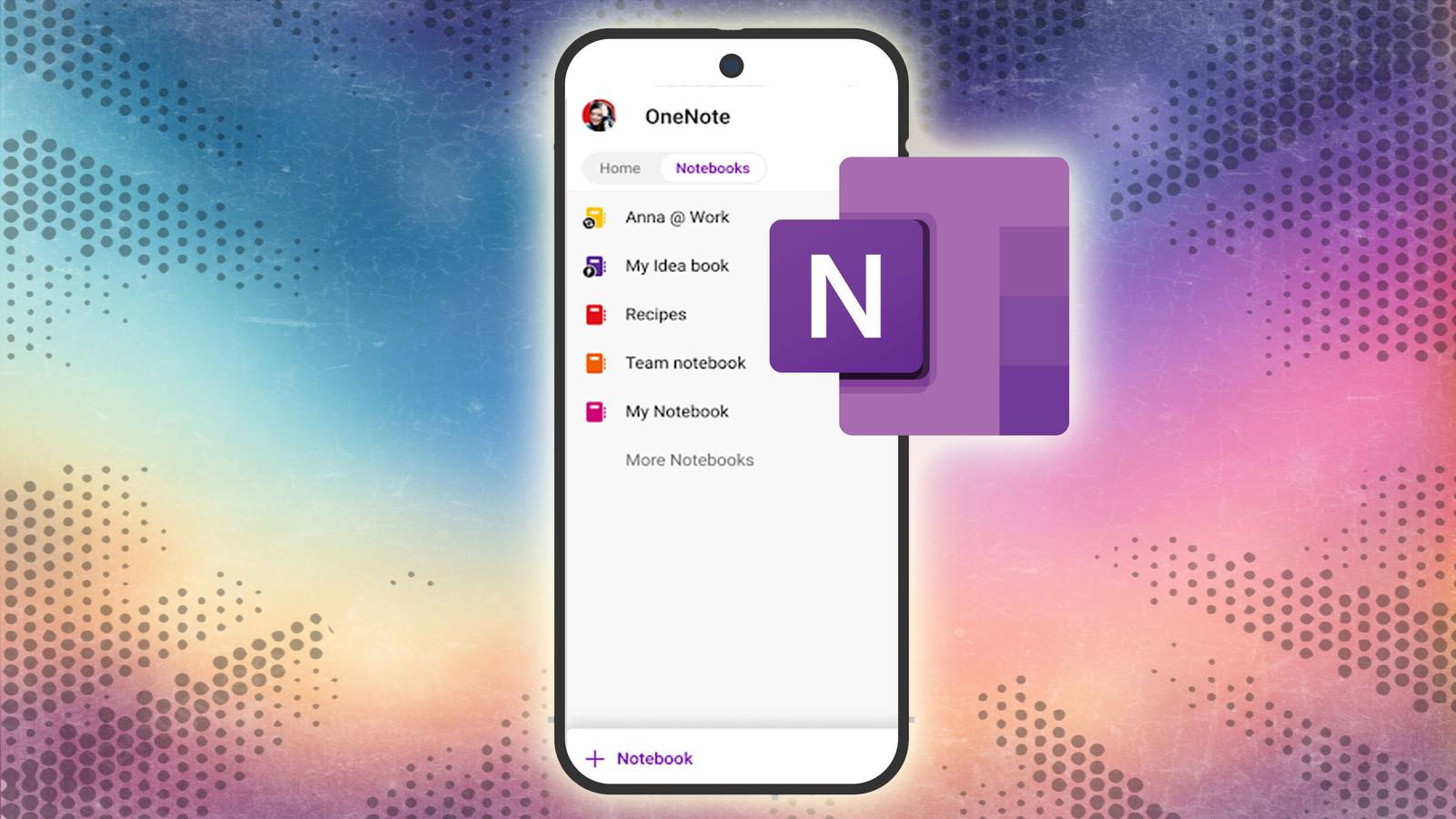
OneNote treats my information exactly like the three-ring binders I used in school. You have notebooks, which are divided into color-coded sections, and then individual pages within them.
On my Android, this layout is perfect. I don’t have to guess where a note is or rely on a search bar to find my own thoughts; I can visually navigate to the Blog Ideas section and see my list of titles.
OneNote also supports an infinite canvas. Most Android note apps force you into a rigid, top-down linear list. OneNote treats the screen like a blank sheet of paper.
I can drop a screenshot of a new Docker container UI in the middle of the page, scribble a few handwritten thoughts next to it, and type a detailed note.

I tried this encrypted all-in-one productivity app on Android and it blew my mind
Notesnook streamlined my workflow in no time
Longevity


When it comes to picking up a digital brain, I always value longevity, and it’s a massive reason why OneNote remains my anchor.
When I put a note into OneNote, I’m not worried about whether the company will exist in five years. Microsoft has been updating this platform for over two decades.
There is a profound sense of security in knowing that my digital notes are backed by a software giant that isn’t going anywhere.
It allows me to actually invest in the system without the nagging fear that I will eventually be forced to migrate everything to a new platform.
Stop counting features
Overall, the best app isn’t the one that wins a spreadsheet comparison of features. It’s the one that actually gets out of your way and lets you capture your thoughts before they vanish.
OneNote is one rare app that nails the basics without being heavy on your wallet. It doesn’t win by having the most tools in the shed. It wins because it’s the only tool you can reach for, open, and use without a second thought.
If you are new to OneNote, check out these features to get the best out of it.
